How to set up link expiration | Temporary URL
The Short.io Temporary URL feature allows users to be redirected to a new destination URL once the old one expires, all without altering the short link. You can specify a long link including a time limit or a click count for when the URL should refresh. When the original link becomes outdated, visitors will automatically be directed to the new URL. If you do not set an expiration URL, customers will encounter an error page that says, “The short URL you clicked was expired".
Link expiration starts from the Pro plan.
To set up Temporary URL
-
Sign in to your Short.io account.
-
You can either
-
shorten a link and click on Temporary URL and then Close:
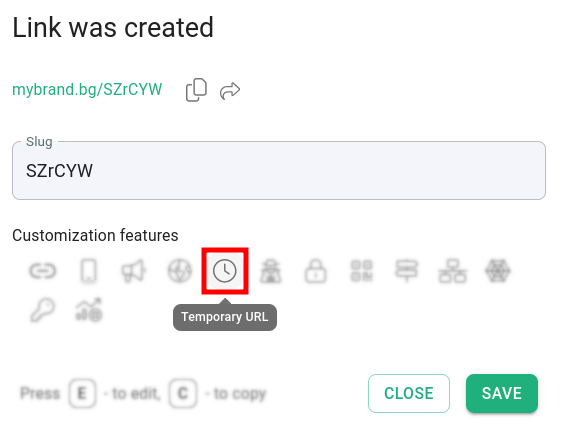
or
-
open a short link for editing and navigate to Temporary URL:
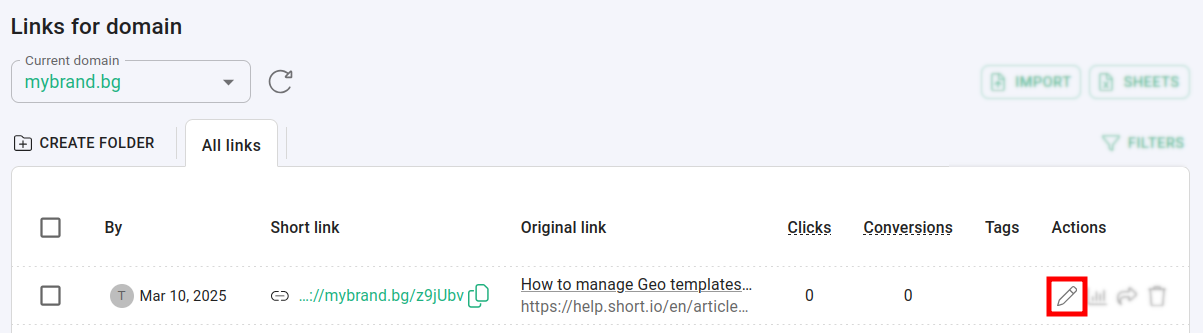
-
-
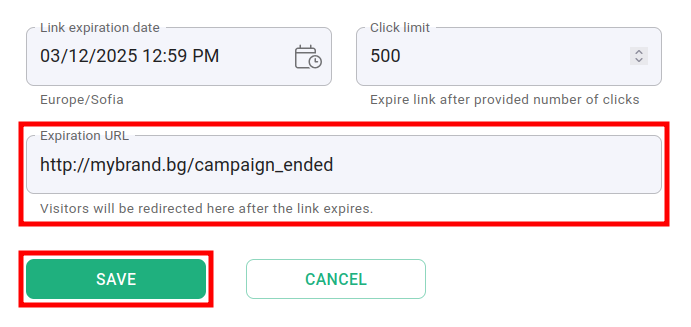
In the Temporary URL panel:
-
you can choose expiration date and time after which the link will no longer be accessible
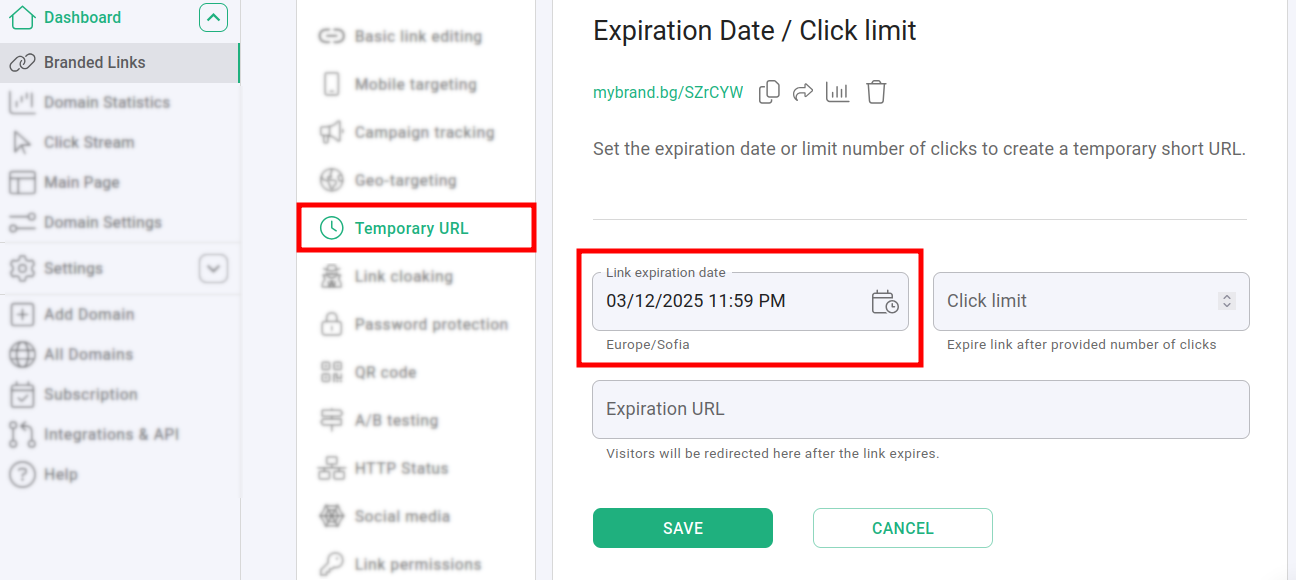
-
you can enter number of clicks after which the link cease to redirect
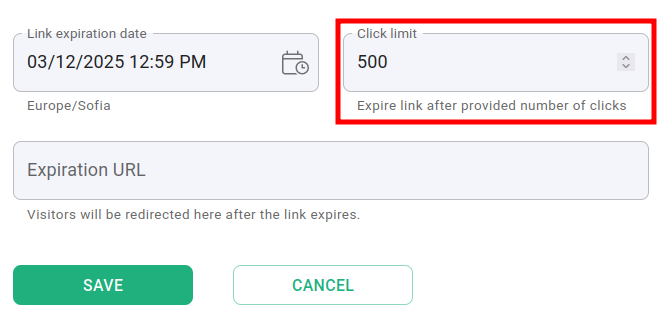
NoteFor link expiration by clicks, we count both human and robot clicks. To avoid bots find your link, you need to update Search Engines Policy to Don't follow short links from the Domain settings -> Redirects menu. Follow this link to learn how.
- you can specify a web address to which visitors will be directed once the link has expired
-
4. Click on Save to implement the changes.