How to manage Organizations
General Organization settings
To access the Organization options, in the left sidebar click your Organization's name/logo and then Organization settings:
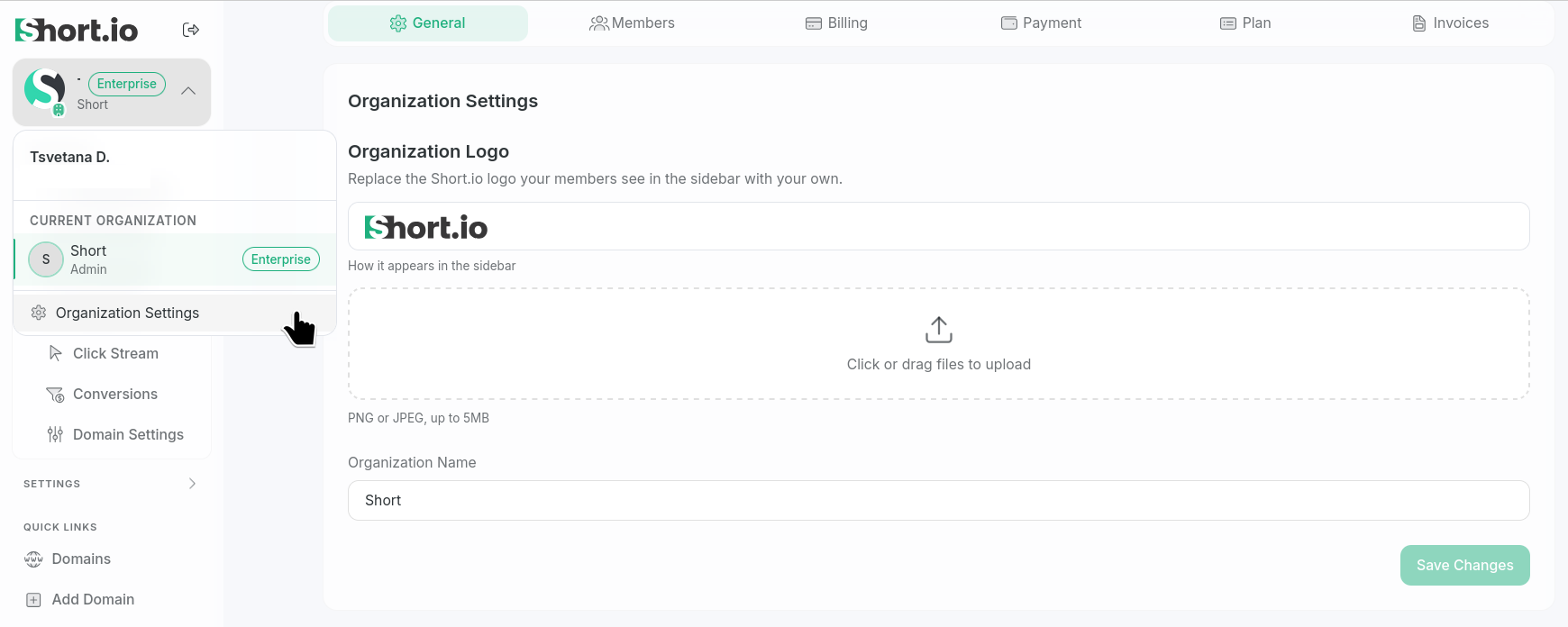
Setting an Organization's logo
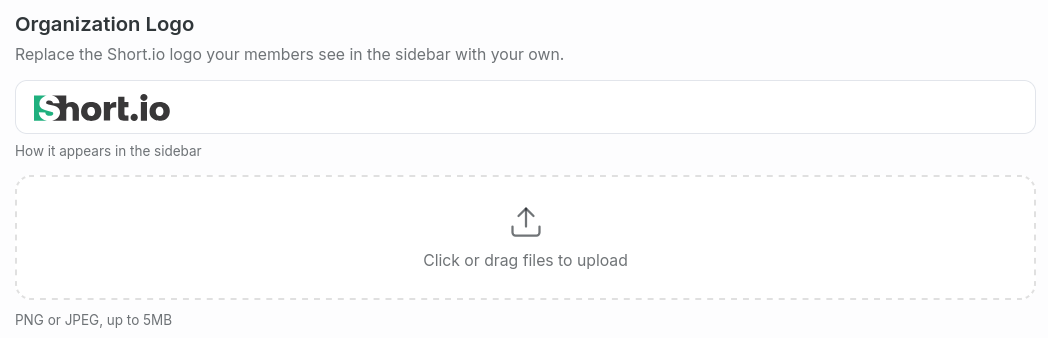
In case you are an Enterprise user and have admin rights, you can change your Organization's logo as follows:
-
From Organization settings, select the General tab and click or drag an image file to upload:
-
Save changes.
The Organization's logo will be updated.
Renaming Organizations
In case you have admin rights, you can change the name of your Organization as follows:
-
From Organization settings, select the General tab and enter a new title in the Name field:

-
Save changes.
The Organization's name will be updated.
Billing phone verification
For each Organization you can set only one billing phone number. In case you have admin rights, to verify it, follow these steps:
-
From Organization settings, select the General tab and click Add phone:

-
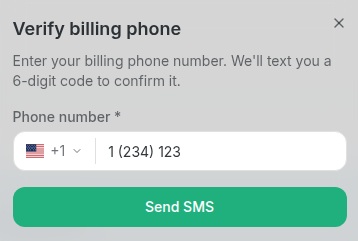
Select your country and enter your phone number in the next dialog:
-
Click Send SMS.
-
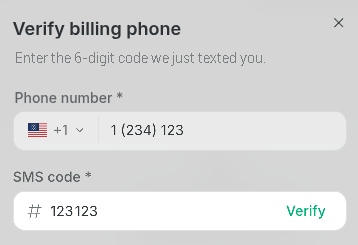
Enter the code you received in the respective field:
-
Click Verify.
Your phone number is verified.

Deleting Organizations
Deleting an organization automatically cancels its subscription. Any domains you have registered within the Short.io app, along with all associated short links, will also be permanently removed.
To delete an organization (in case you have admin rights):
-
From Organization settings, select the General tab and click Delete organization:

-
In the next screen type the name of your Organization in the respective field to confirm deletion:
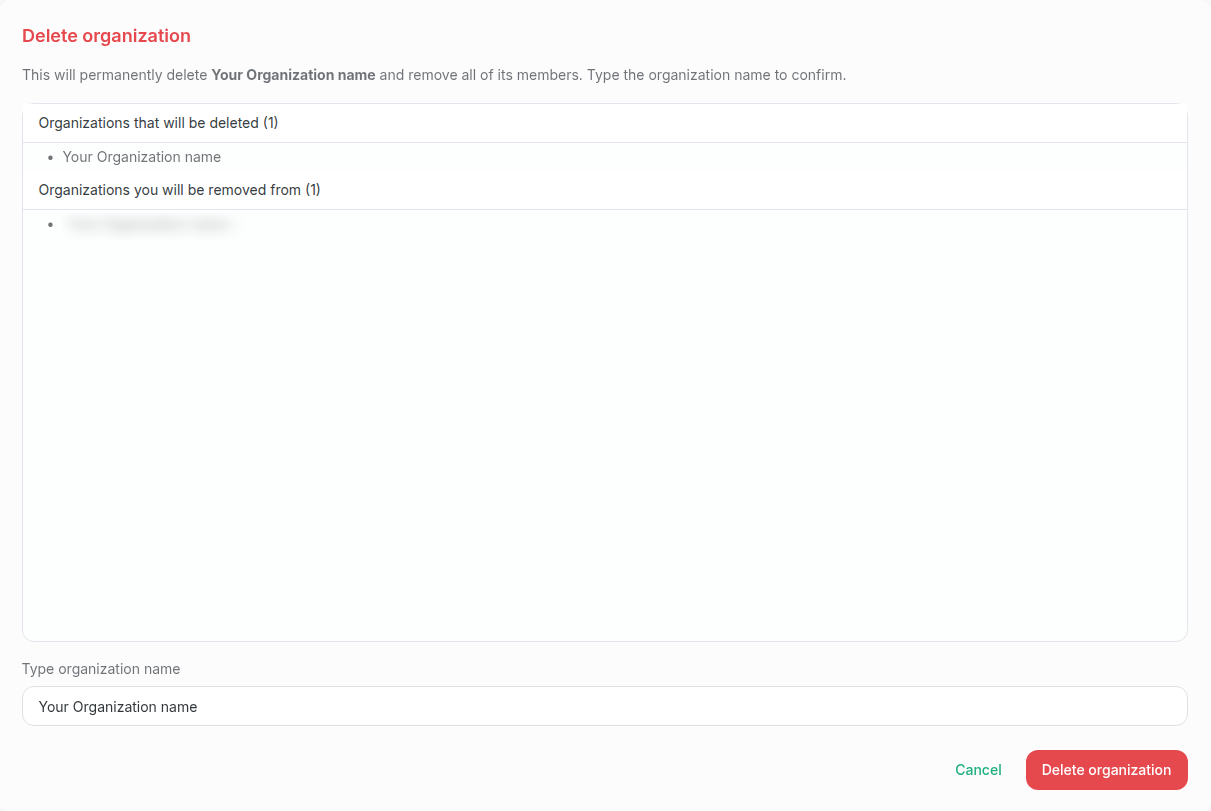
-
Click Delete organization.
Consequently, you will be logged out of the Short.io app.
When you sign in again, a new Organization will be created automatically. Your account will be added as the only member and assigned the admin role.