How to set up Geo-targeting for a short link
Some websites utilize information that is not specifically relevant to individual users, depending on the regions or countries in which they live.
Short.io provides Geo-targeting feature which redirects users to the relevant web pages according to their geographical location.
The advantage of Short.io Geo-targeting is that you can choose countries and regions in bulk instead of adding them one by one.
And you can also use a Geo-template to further streamline your workflow.
Country targeting starts from Hobby plan; Region targeting — from Team plan.
To set up Geo-targeting
-
Sign in to your Short.io account.
-
You can either
-
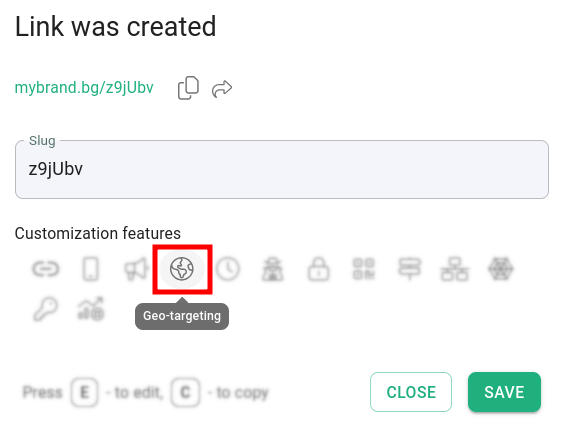
shorten a link and click on Geo-targeting and then Close:
or
-
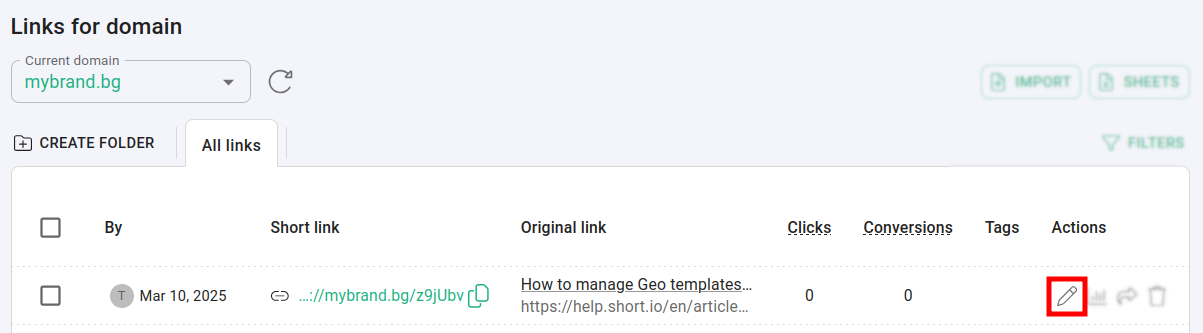
open a short link for editing and navigate to Geo-targeting:
-
-
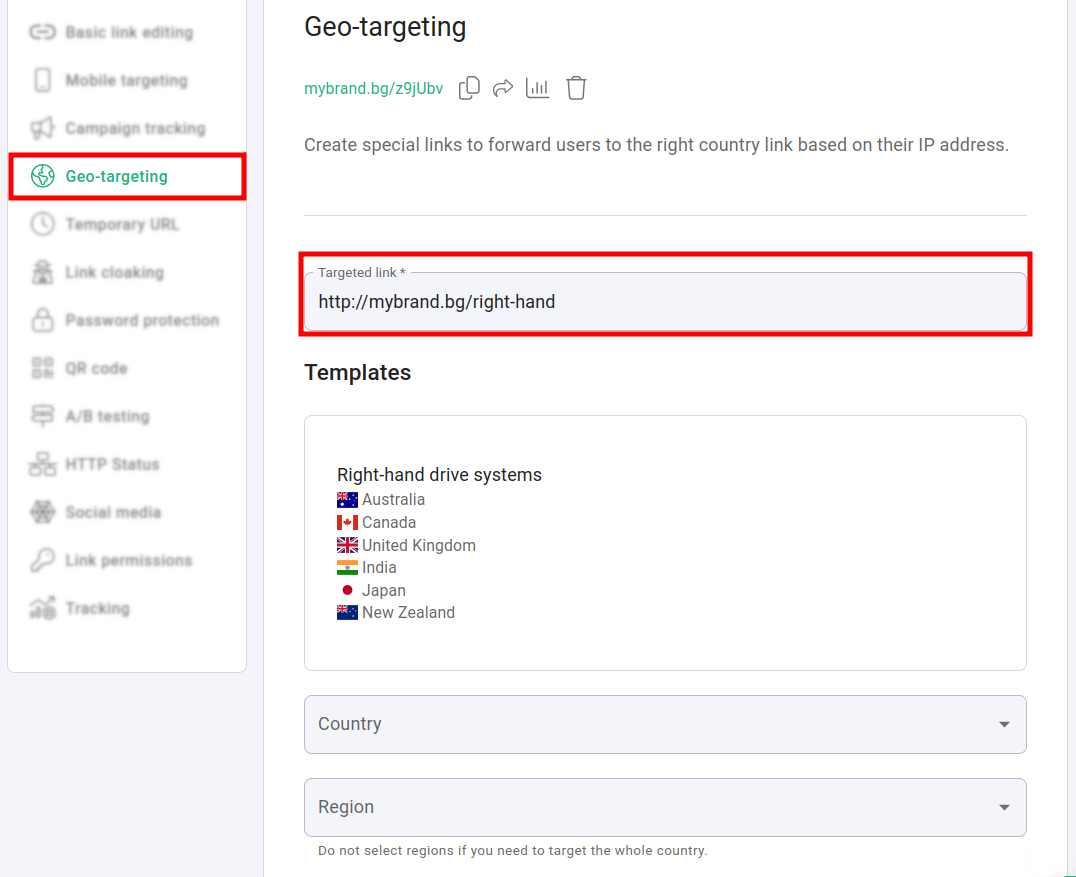
In the Geo-targeting panel:
-
enter the Targeted link (the URL to which users will be redirected according to their IP address)
-
you have the option to choose a Geo-template (if you have previously created one):
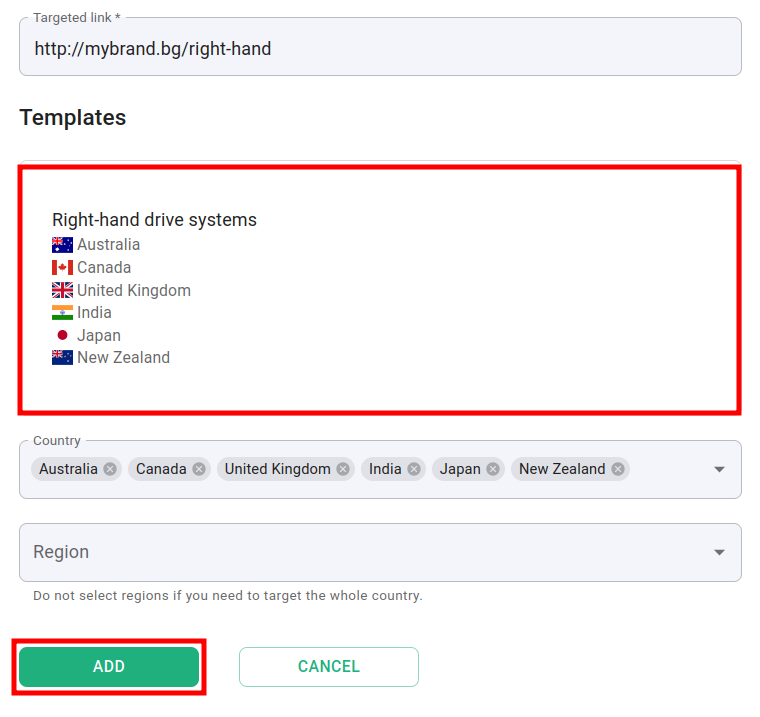
or
-
select whole countries or regions from the lists:
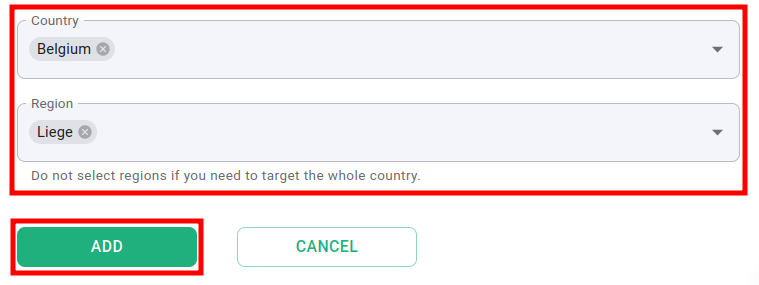
-
-
Click on Add to complete the settings.
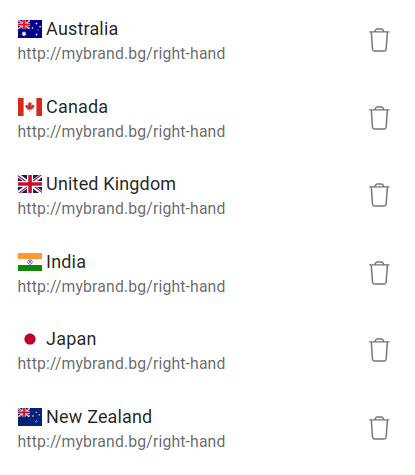
Hereafter, users browsing the short URL from the following countries/regions will be redirected to the Targeted link: