How to tidy up your Branded links by hiding unused columns
There are moments when you might prefer to present just the most important information and/or streamline the view of your Dashboard.
One way to do this is to hide unused columns from your branded links list.
To hide columns
-
Sign in to your Short.io account.
-
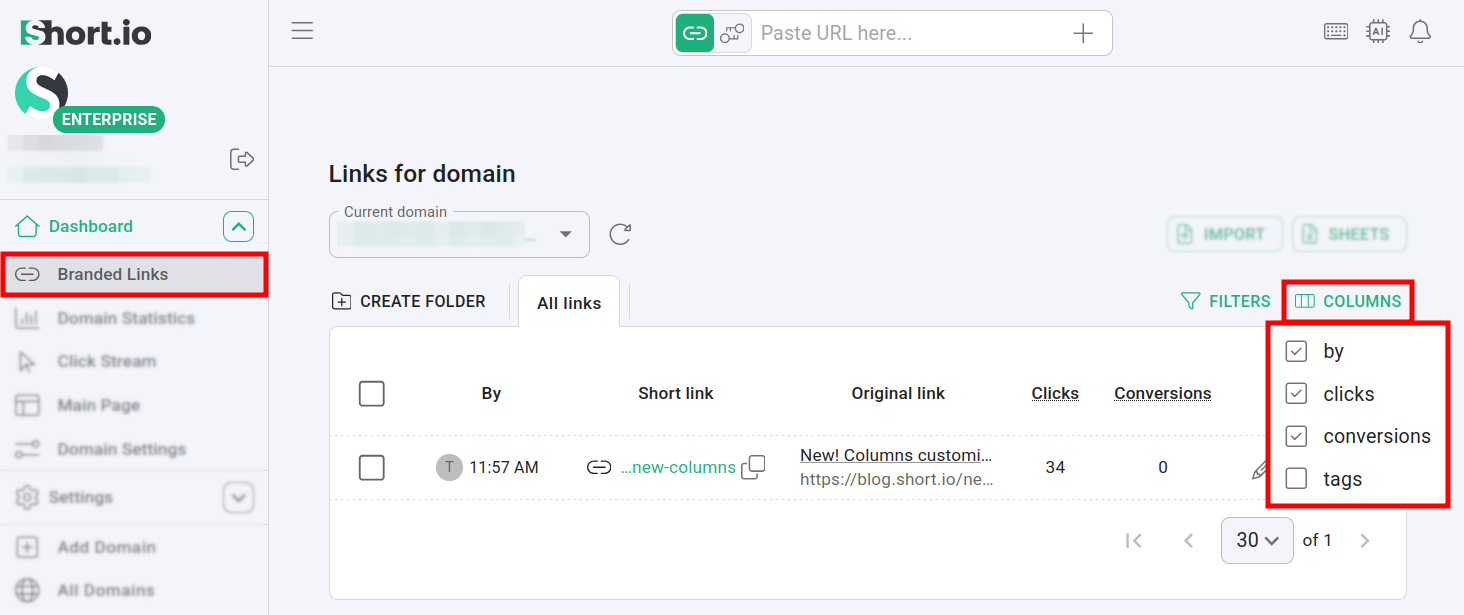
Navigate to your Branded links and click on Columns:
-
You can hide or show information by deselecting/selecting column names.