How to create QR codes for short links
Short links are easy to type into a browser’s address bar, but sharing a URL via a QR code is even more convenient.
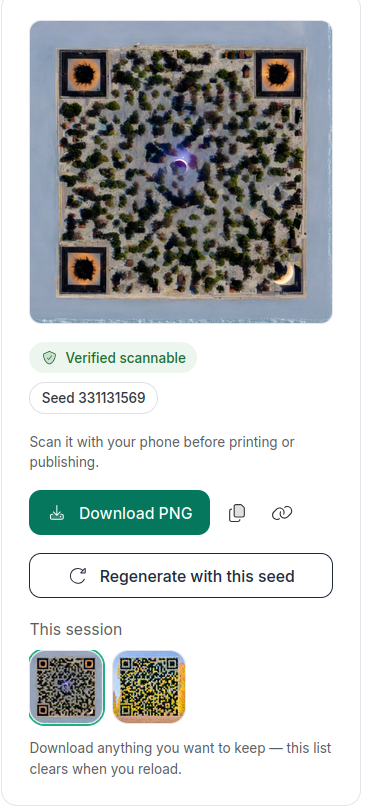
You can create Classic or AI generated QR codes for every shortened link. Then copy the image to your clipboard (or copy the AI image and link). You can download the AI codes as a PNG file, while the classic codes are available in PNG, SVG, or PDF formats.
Classic QR codes generation is available in every price plan.
AI generated codes - starting from the Pro plan.
Creating a QR code
Classic codes
In the Short.io app:
-
You can either:
-
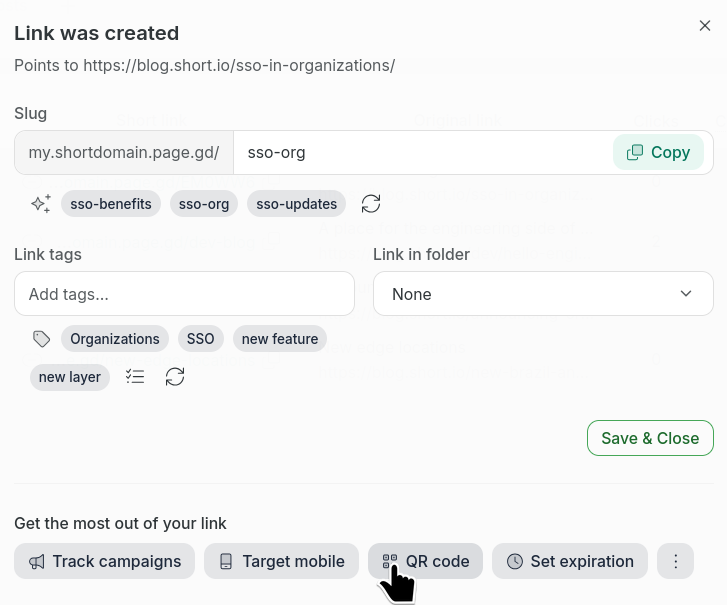
create a new short link and click QR Code :
or
-
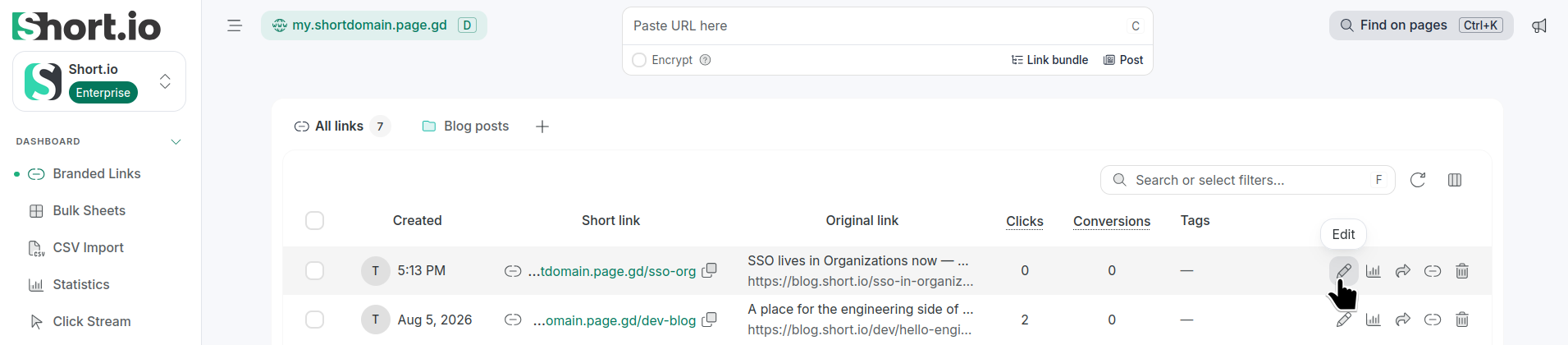
click the icon to open an existing short link for editing
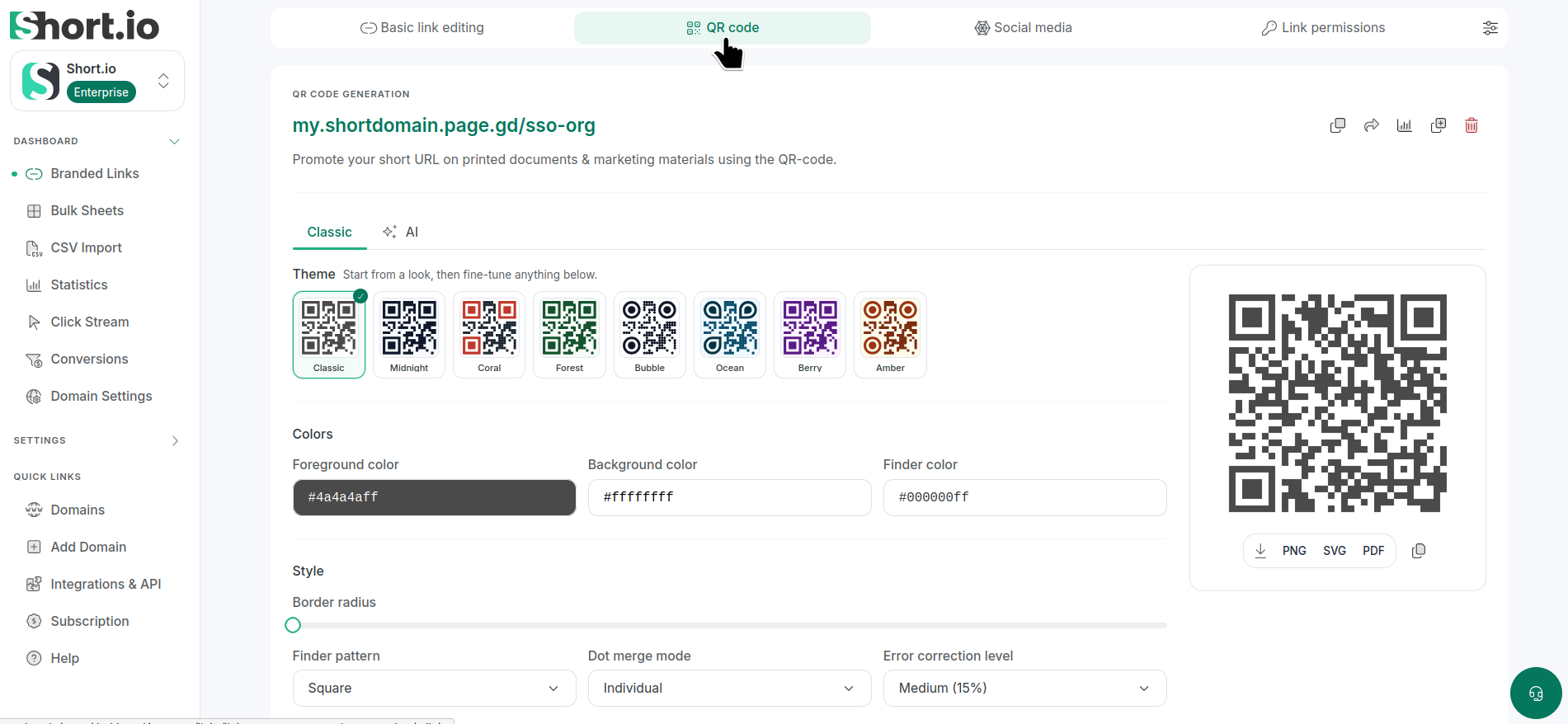
and then select the QR code tab:
-
-
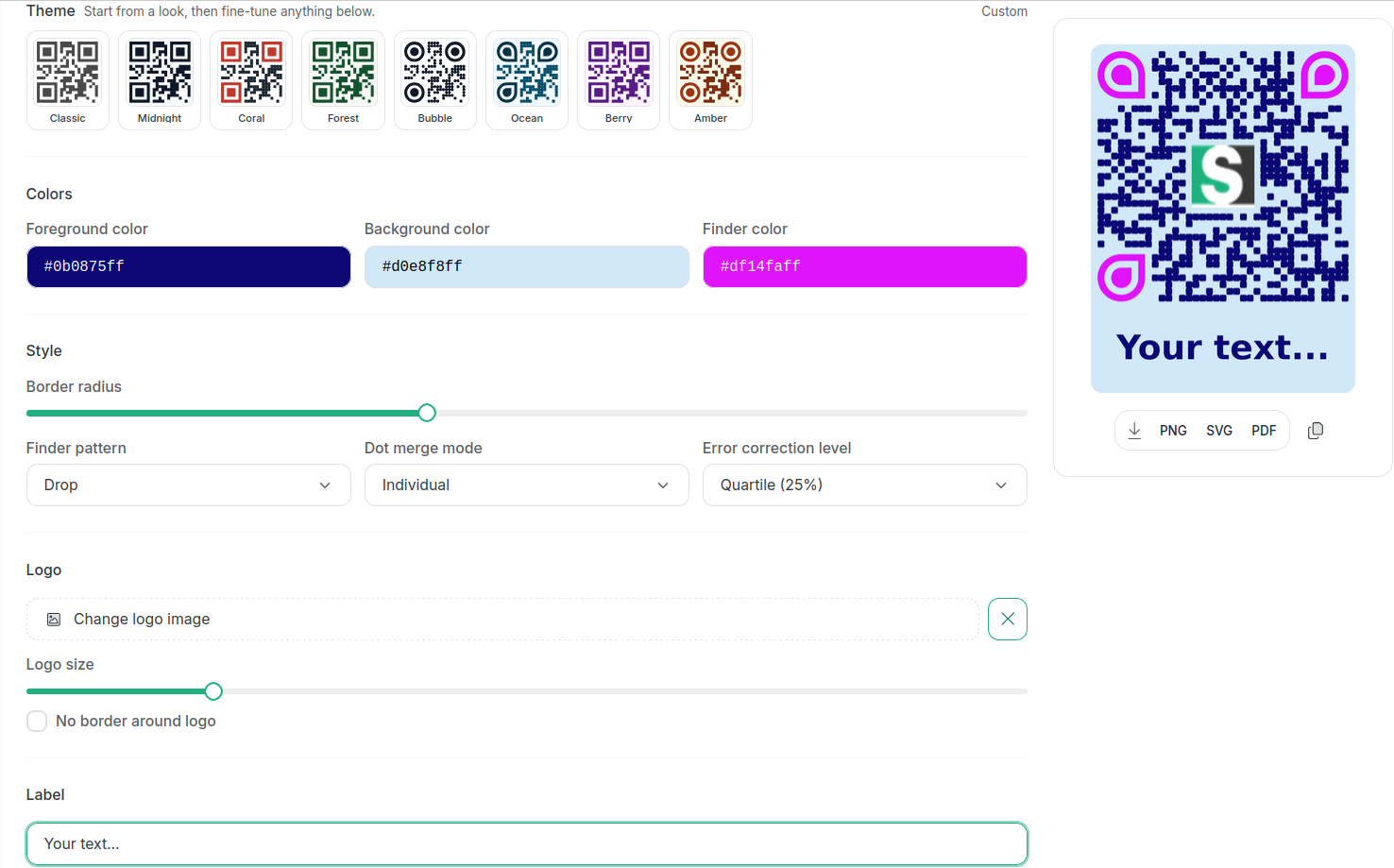
In the QR Code Generation Classic section you can:
-
select a theme (Classic, Midnight, Coral etc.)
-
change colors (Foreground, Background and Finder)
-
set style attributes (Border radius, Finder pattern, Dot merge mode, Error correction level)
-
customize logo (add picture, set size and adjust border)
-
add label (Label style, Label font family, Label text color, Label background color, Label font size)
-
download the QR code in the following file formats: PNG, SVG and PDF or copy the QR code image to your clipboard
For example:
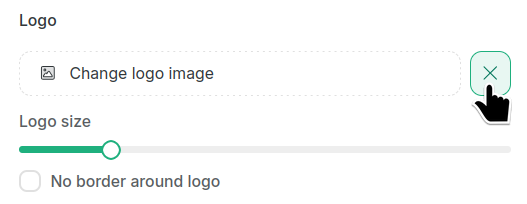
To remove the logo from the QR code, click the X button next to Change logo image:
-
The generated QR code and logo settings will not be stored automatically. To keep the code, copy or download it in one of the available formats.
AI generated codes
In the Short.io app:
-
Shorten a link or open one for editing.
-
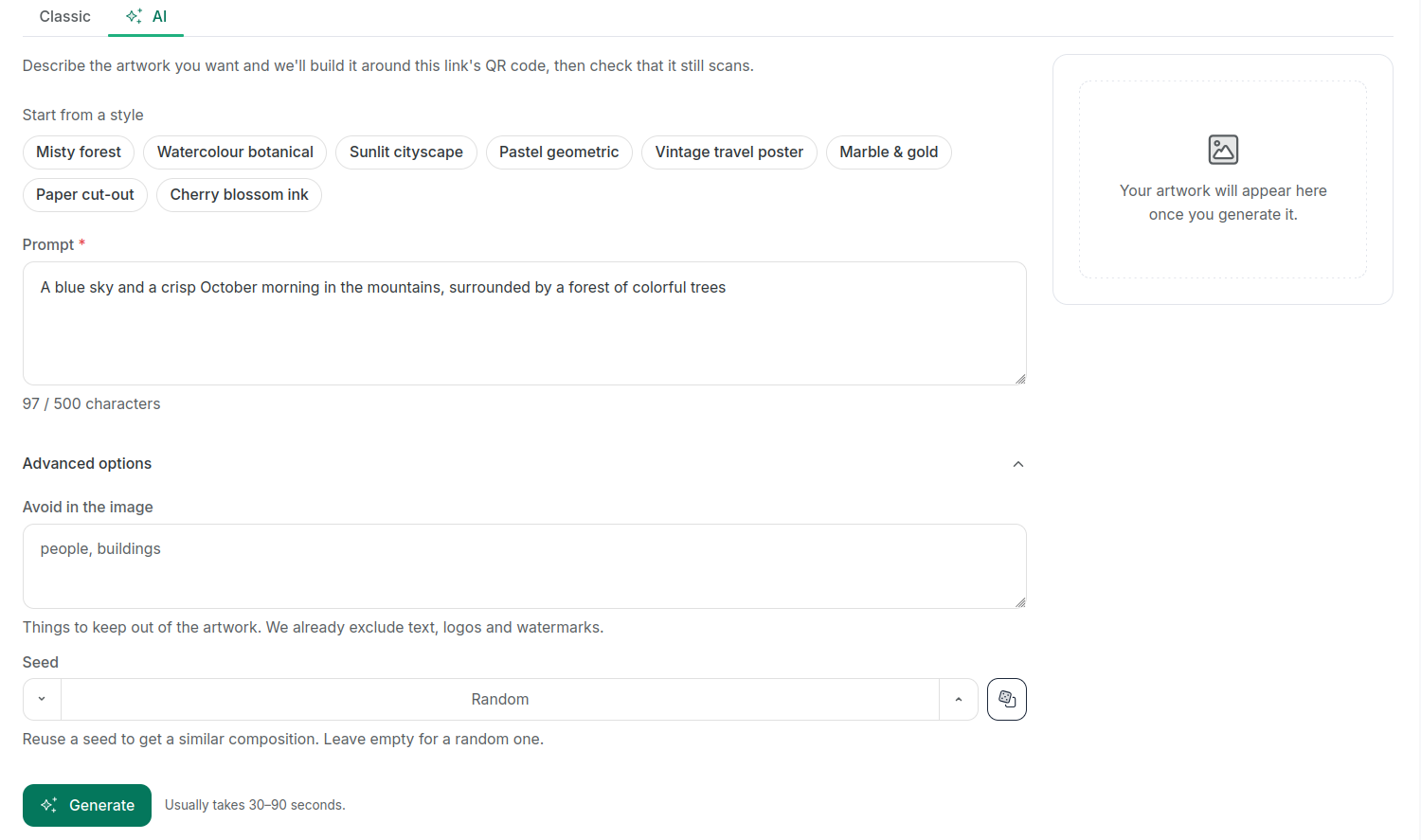
Navigate to the QR code tab and select AI:
-
Select a theme from the predefined options or enter a prompt of your choice (up to 500 characters).
-
In the Advanced options you can:
-
enter what you need to be avoided in the image (Short.io excludes by default text, logos and watermarks)
-
enter seed value (or leave empty for random one)
-
-
Click Generate.
Usually the process takes up to 90 seconds.
Each code generation uses about 0.002% of your monthly budget, which is shared with other AI features.
Upon successful code creation, you can download it as PNG image, and copy the image/link:
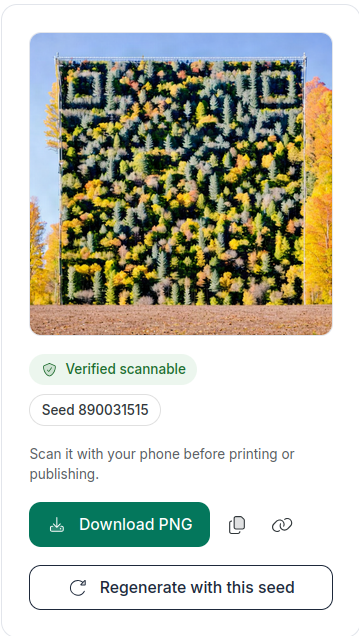
Please, keep in mind that while you can view the generated codes in your current session, reloading the page will clear that list: