How to set HTTPS redirect
Sometimes you may need to change the HTTPS redirect based on the aims of your short URL.
Setting HTTPS redirect
-
Select the domain where you want to change the HTTPS settings.
-
Navigate to Domain settings -> Redirects:
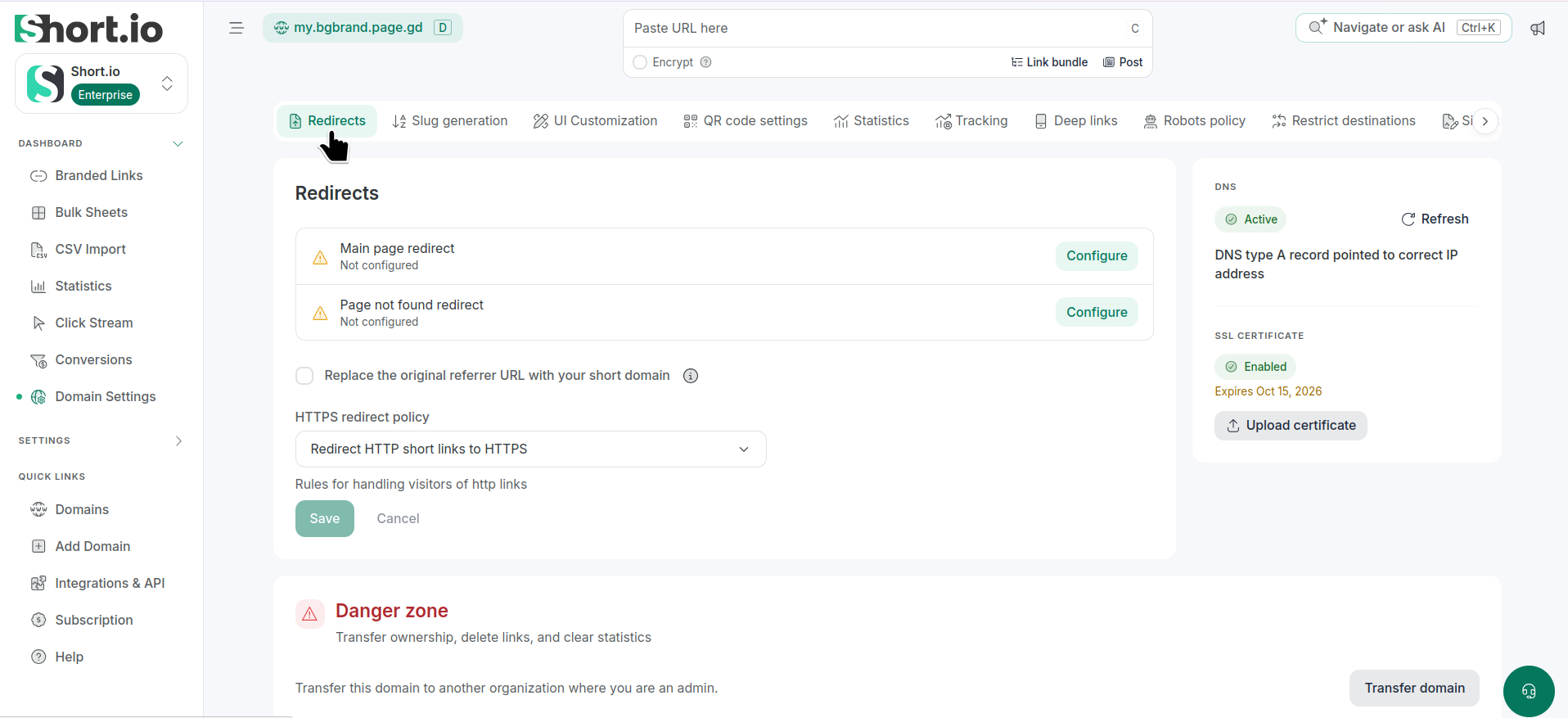
-
Depending on your preferences, you can select one of the following rules for handling visitors of HTTP links from the HTTPS redirect policy:
-
Keep protocol
-
Redirect HTTP short links to HTTPS
-
Redirect HTTP short links to HTTPS and send HSTS header
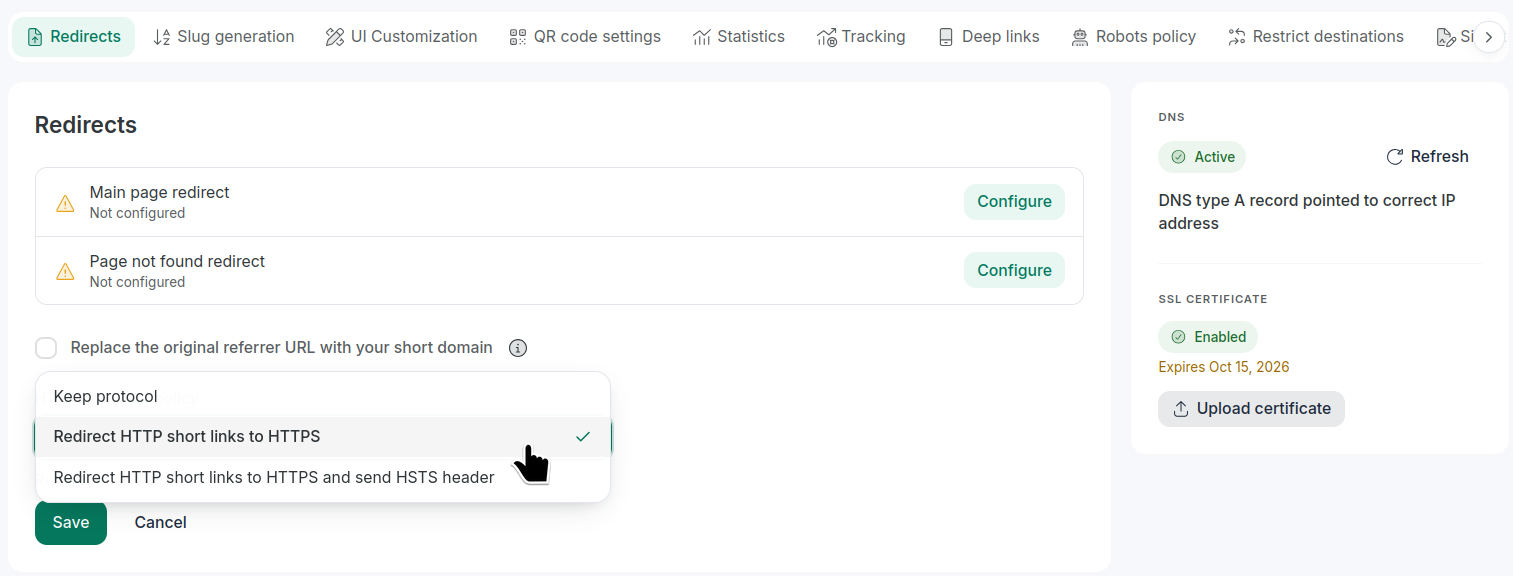
-
-
Save to confirm.