How to give permission to a link
The Link-level permissions feature allows you to grant team members the ability to view not only the short links they have generated as Users but also to access certain other specific links if needed.
The feature is available starting from the Team plan.
How to give permission to a link
Prerequisites
Before granting permission for an individual short link, make sure:
-
the domain to which the link belongs is attached to the Team
-
the member of your Team has been assigned the User role with Link-level permissions activated
Steps to follow
-
Sign in to your Short.io account.
-
You can either
-
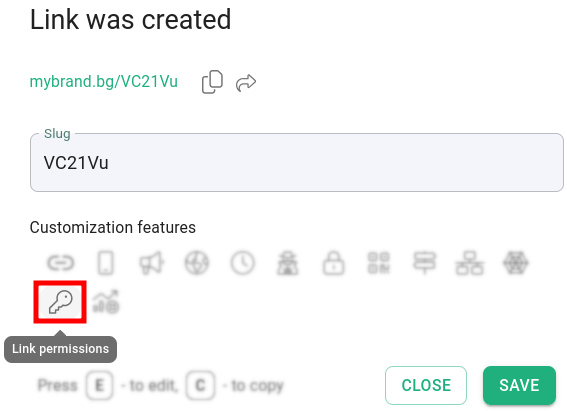
shorten a link and click on Link permissions and then Close:
or
-
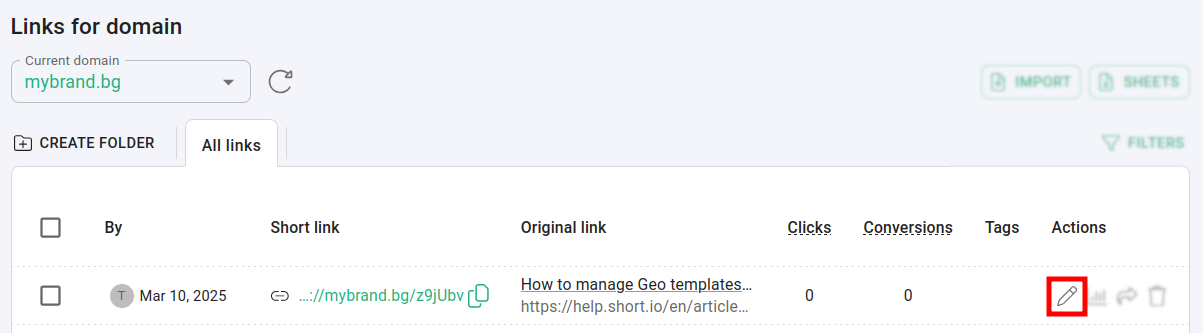
open a short link for editing and navigate to Link permissions:
-
-
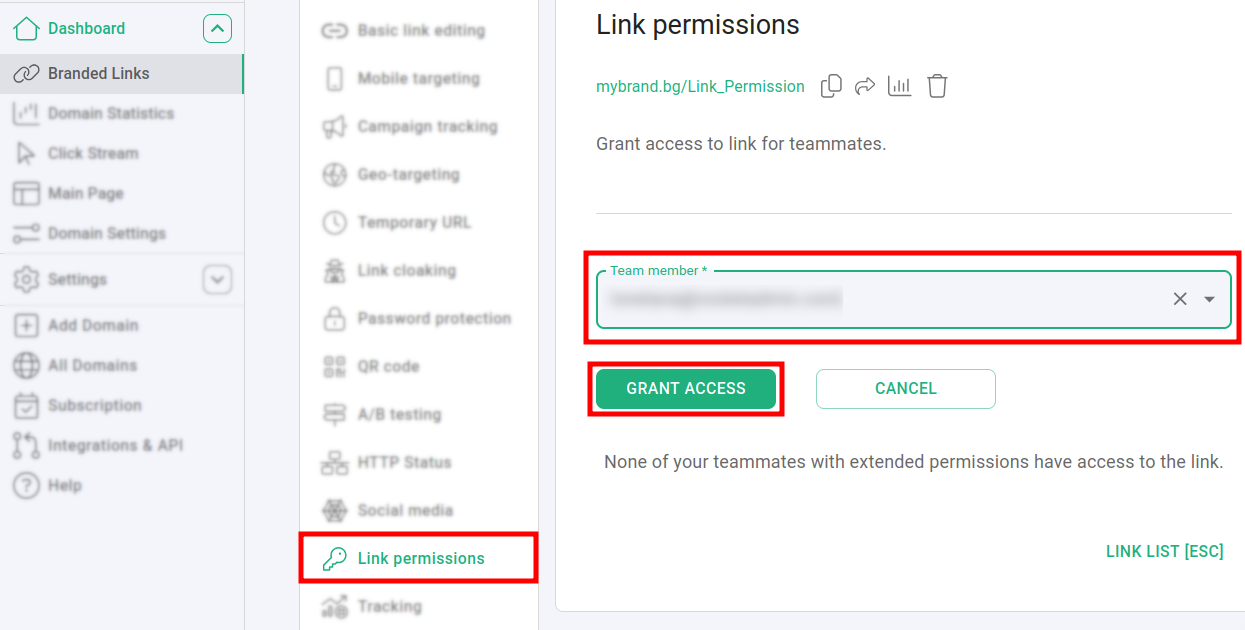
In the Link permissions panel:
-
select a team member from the list
-
click on Grant access
-
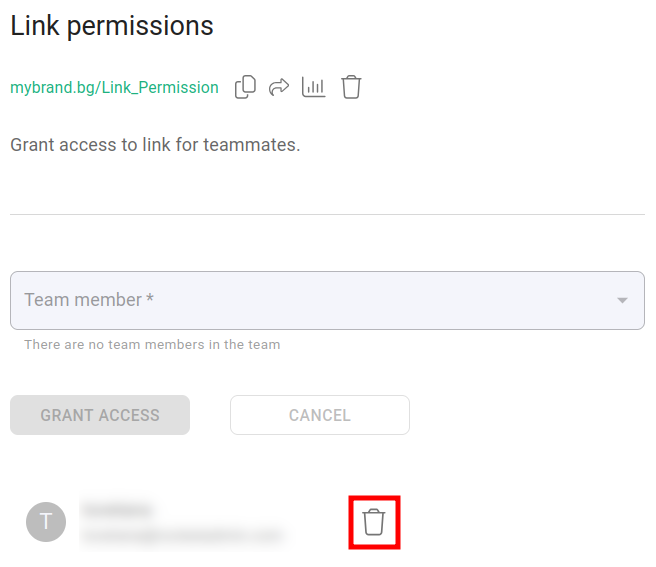
The team member is now allowed to access the link.
You can withdraw the permission at any time by clicking on :