How to manage campaign templates
Short.io provides you with the possibility to create campaign (or UTM ) templates which can save you time and effort when adding UTM tags to short links.
The templates can be customized for each user individually or implemented at once for all members of your team.
Campaign templates are available starting from the Pro pricing plan.
Creating a campaign template
To create a template follow these steps:
-
Sign in to your Short.io account.
-
Navigate to Settings->Profile and click on Campaign templates:
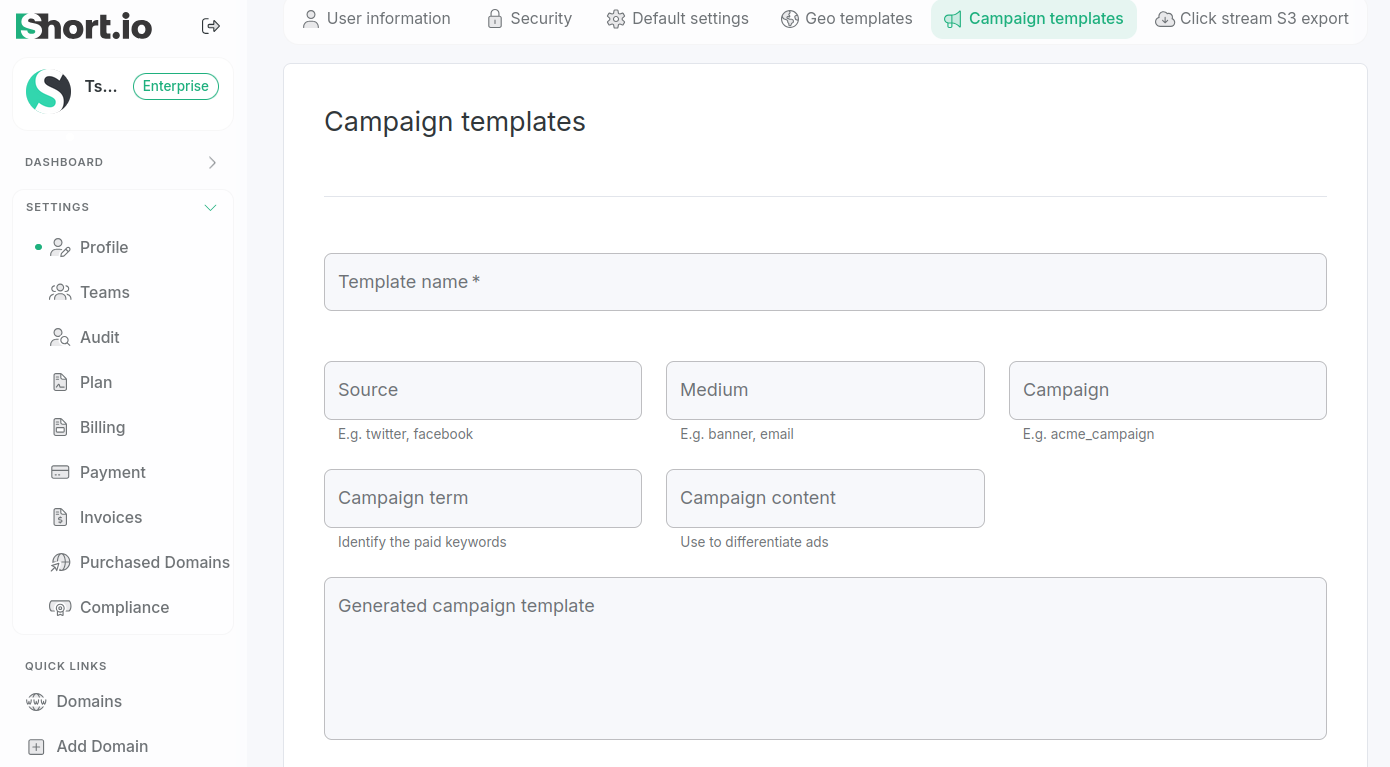
or select a team from Settings->Teams and click on Campaign templates:
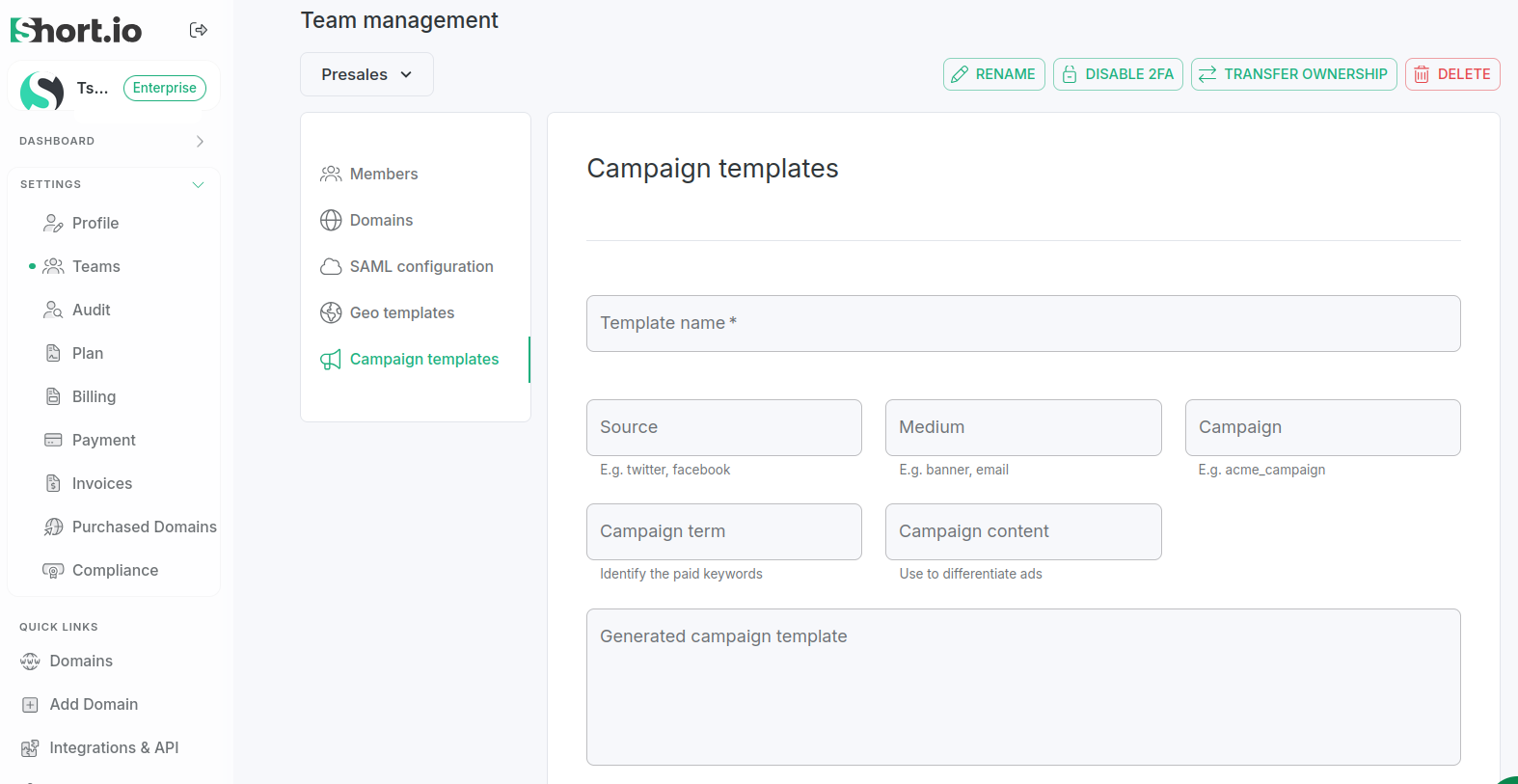
-
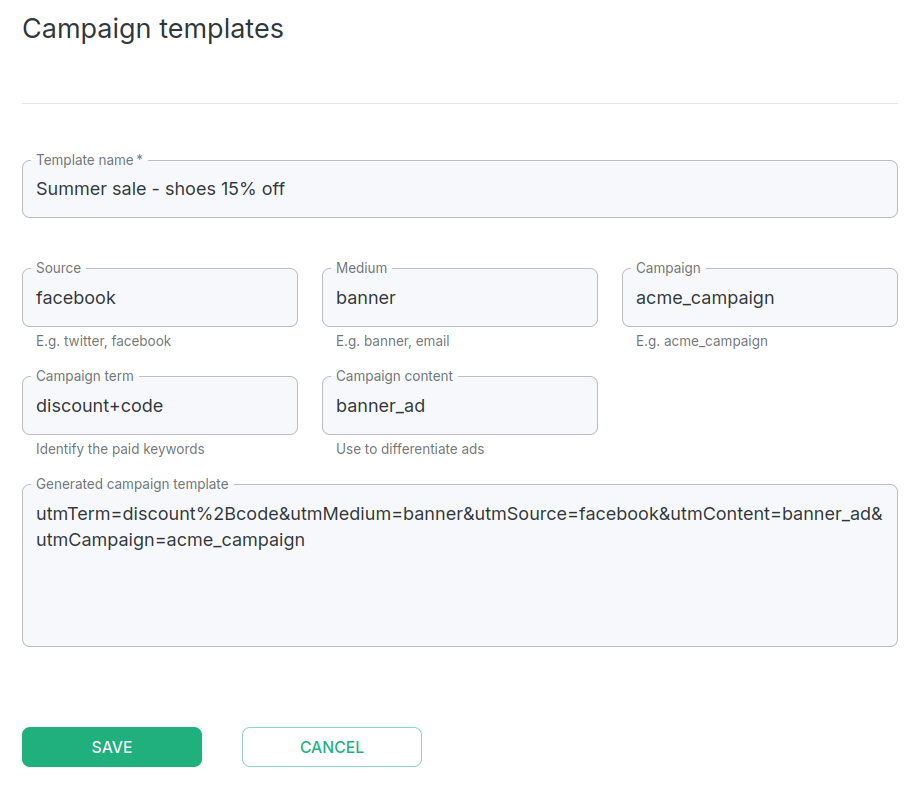
In the Campaign templates panel fill in the template name and the needed UTM tags in the respective fields:
- Template name
- Source
- Medium
- Campaign
- Campaign term
- Campaign content
Short.io automatically generates your template URL:
-
Click Save.
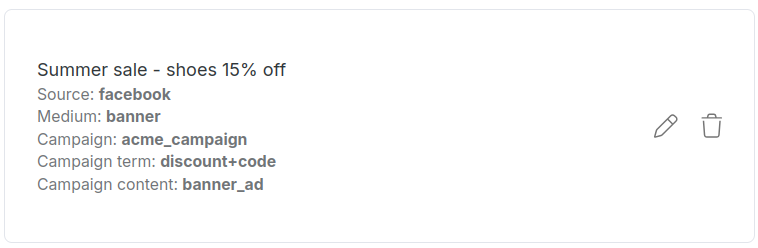
The template is now available and you can use it when adding UTM tags to short links:
Editing a campaign template
То edit a template follow these steps:
-
Navigate to Settings->Profile (or select a team from Settings->Teams) and click on Campaign templates.
-
Click the icon next to the template you want to change:
-
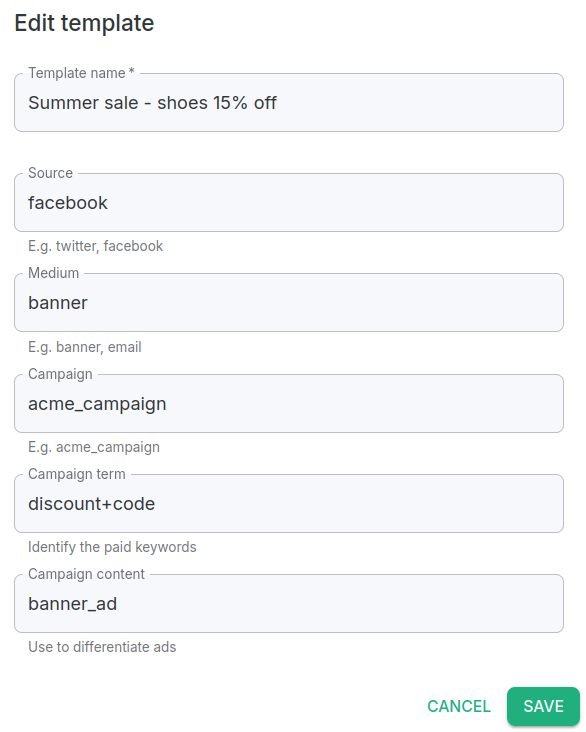
On the screen which appears, you have the option to modify any of the UTM parameters:
-
Click Save.
The new settings will be applied.
Deleting a campaign template
To delete a template follow these steps:
-
Navigate to Settings->Profile (or select a team from Settings->Teams) and click on Campaign templates.
-
Click the icon next to the template you wish to remove:
-
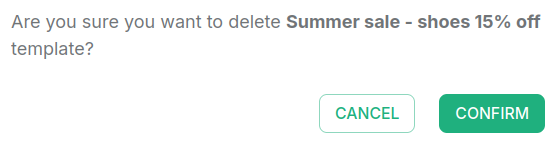
When prompted "Are you sure you want to delete <template-name> template?", click Confirm:
The template is removed and will no longer be available in the Campaign tracking menu of short links.