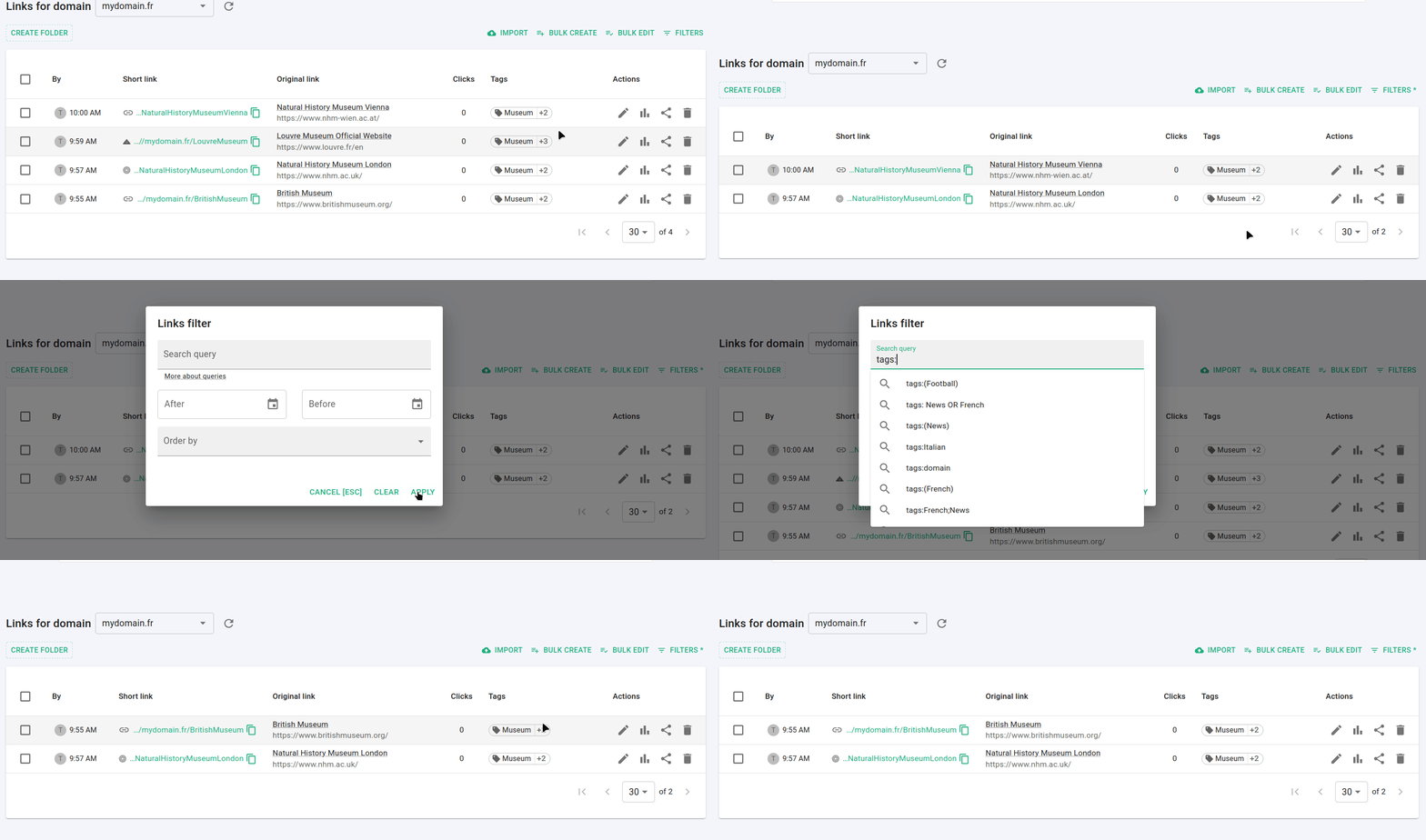
How to filter short links by tags
You can filter and search for URLs depending on the tags you have already assigned to the links.
Video instructions are available at the end of this page.
Before you begin
Sign in to your Short.io account and navigate to the Branded links.
Filtering from the Dashboard
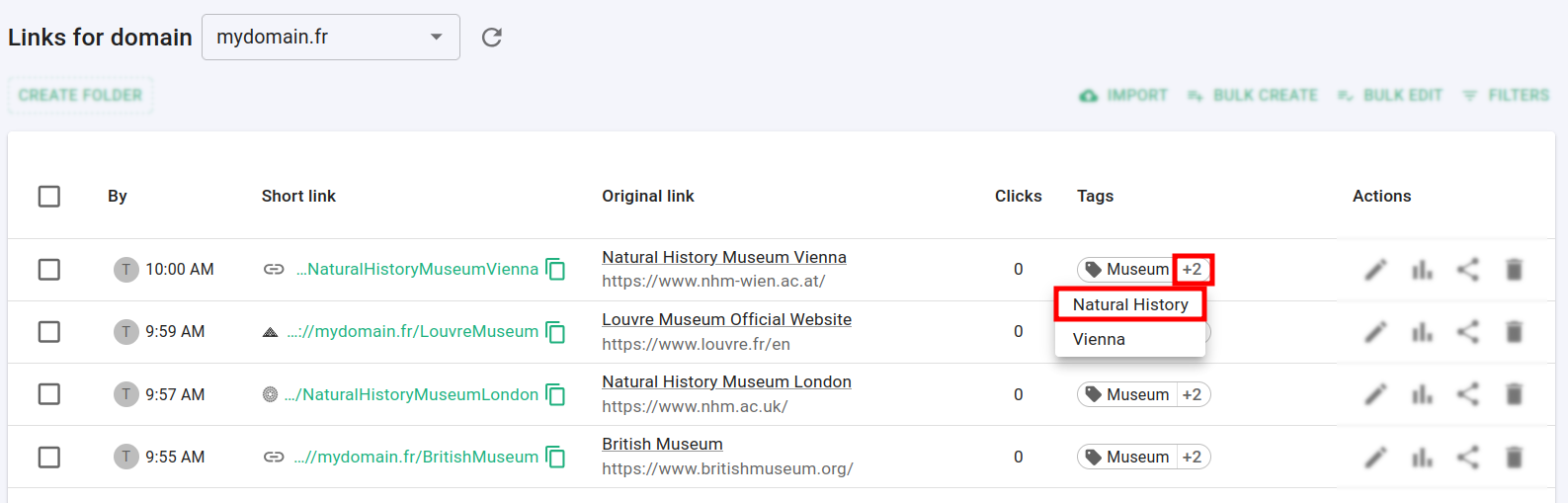
For a given link, click on a tag or, if multiple tags are assigned, click on the counting number and then on a tag, for example:
The links are filtered and only the ones marked with the designated tag are displayed:

Filtering using the links filter
-
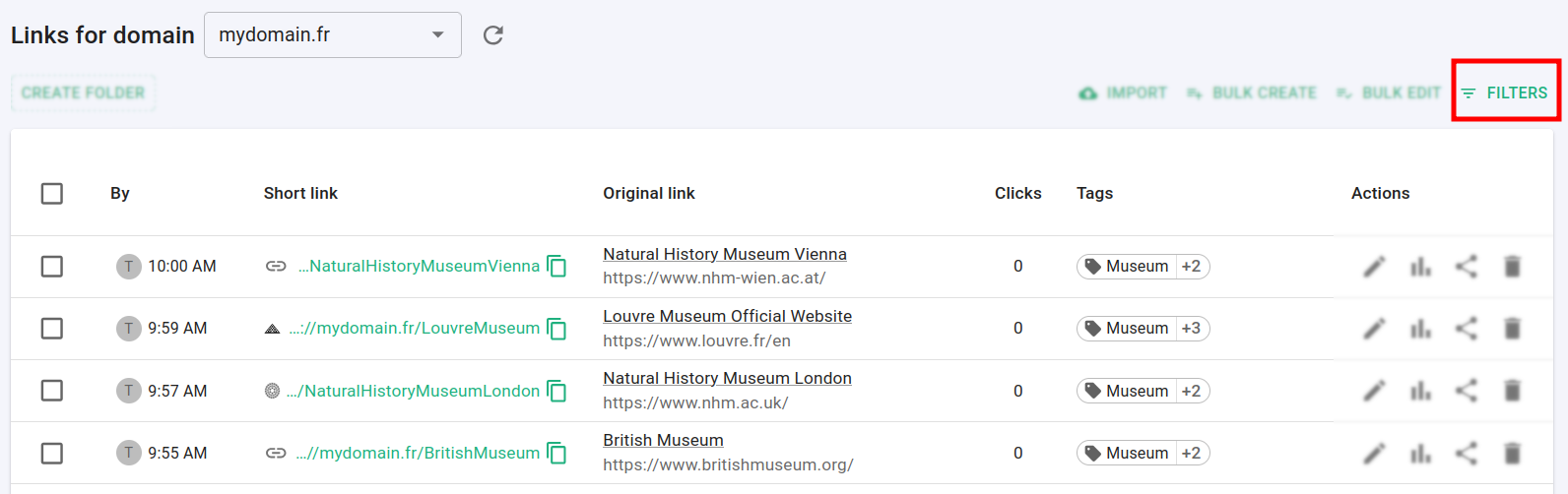
From the Branded links menu click on Filters:
-
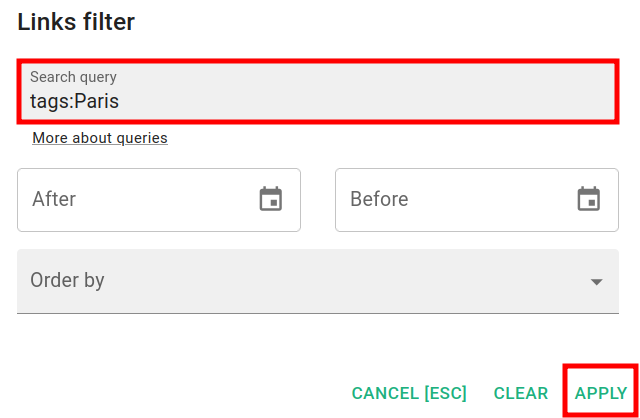
In the Links filters screen enter the keyword tags: followed by the needed value(s), for example:
-
tags: Paris
-
-
Click on Apply.
The links that match your criteria are displayed:

For more information on search queries please visit the following page.
Video instructions