How to run an A/B test (split experiment)
The A/B testing (or split experiment) method evaluates the performance of two or more variations of a web page. Split testing helps you to assess the effectiveness of page changes, for example, after adding new design elements or calls to action.
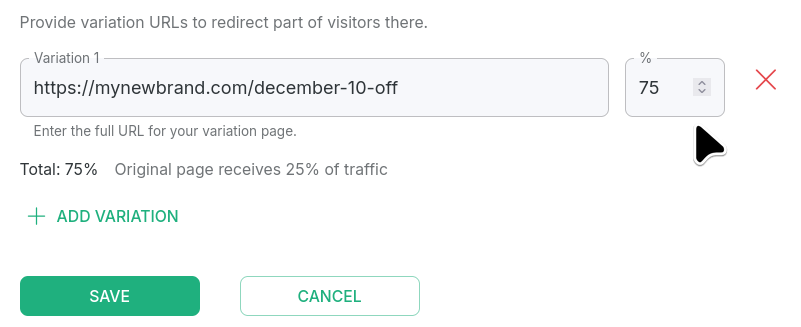
In a typical setup with a control group (A) and a single variant (B), each is usually assigned 50% of the traffic. You can adjust the numbers according to your preferences. The distribution among all variants must add up to 100%.
Creating an A/B test
-
Sign in to your Short.io account.
-
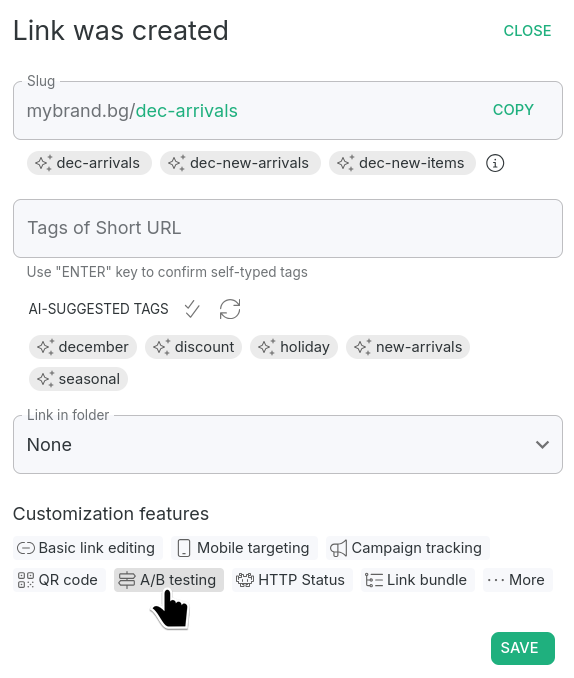
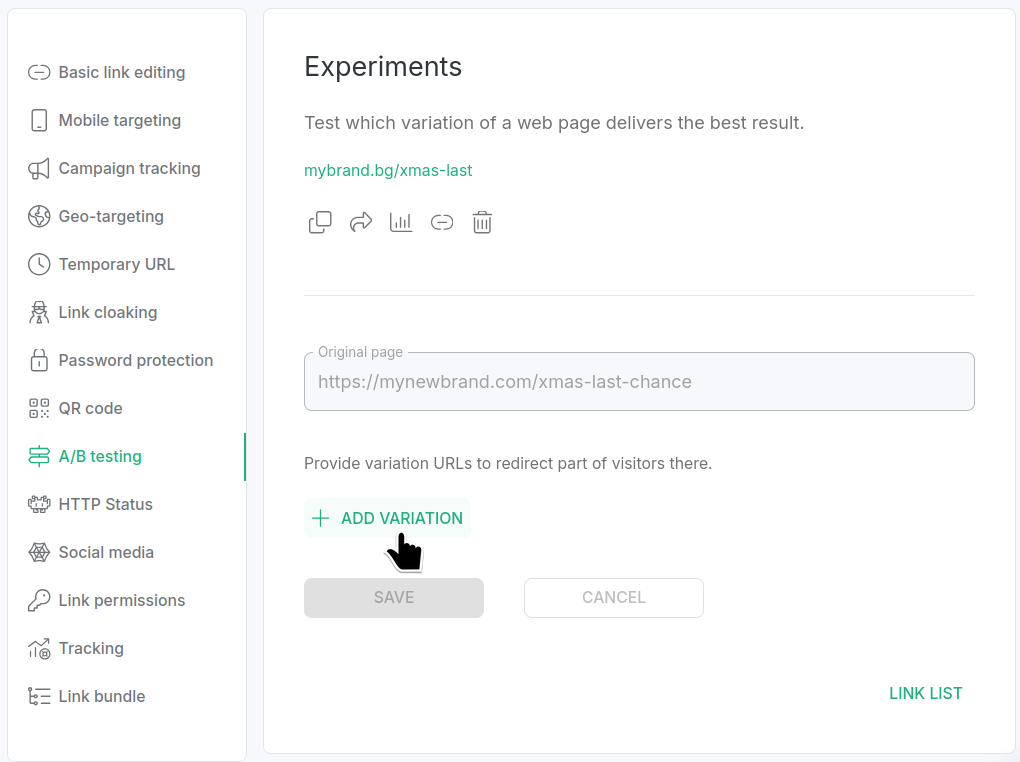
To access A/B testing options, you can either
-
shorten a new link, click A/B testing and then Close:
or
-
open a short link for editing and navigate to A/B testing:
-
-
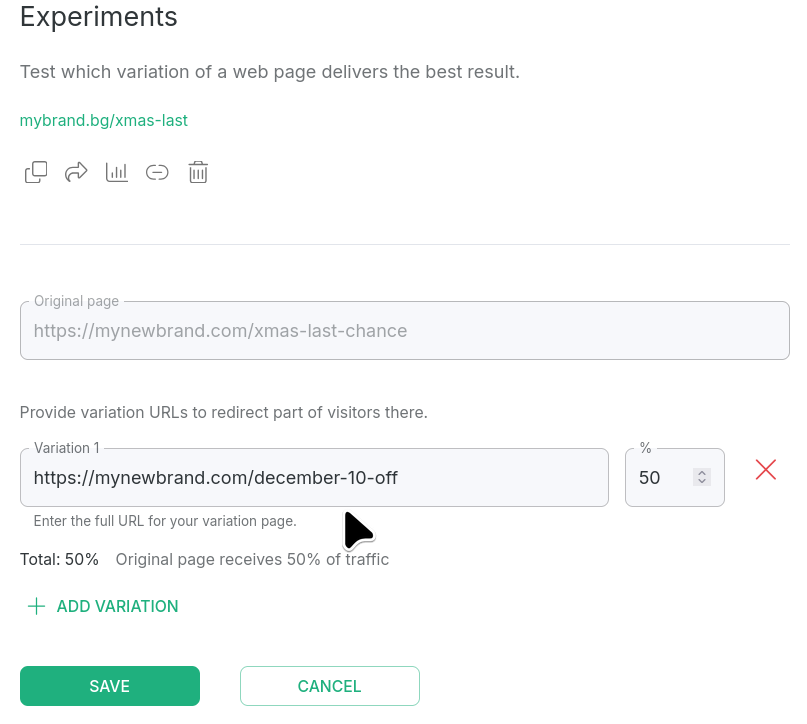
The original URL is set by default in the A/B testing section. You can specify a variation page by clicking + Add variation and entering the long URL of the page you want to test with:
-
If necessary, adjust the percentage of users redirected to an alternative URL. The default setting is 50%:
-
Save to confirm.
Hereafter, when a short link is clicked, the given percentage of users will be directed to the original page, while the remaining percentage will be sent to the variation page(s).
You can add up to 10 variations.
Deleting a variation
-
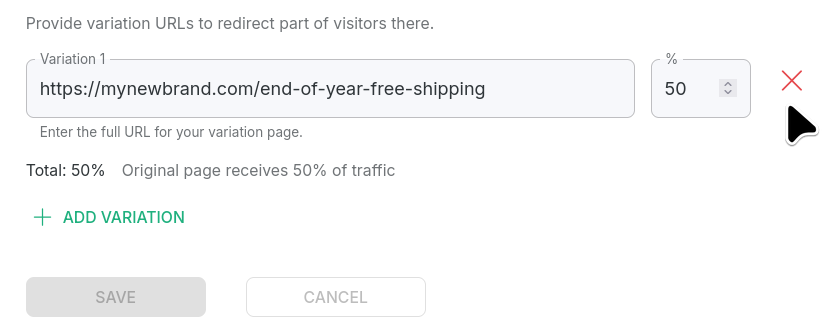
From the A/B testing section, click X next to the variation you want to remove:
-
Save to confirm.