How to view audit log for domain and user
Audit logs are a collection of records of internal activity relating to the Short.io application. These records contain the following useful information:
-
What type of action was executed
-
When was the action executed
-
Who performed the action
-
Which features were affected by the action
How to review the audit
-
Sign in to your Short.io account.
-
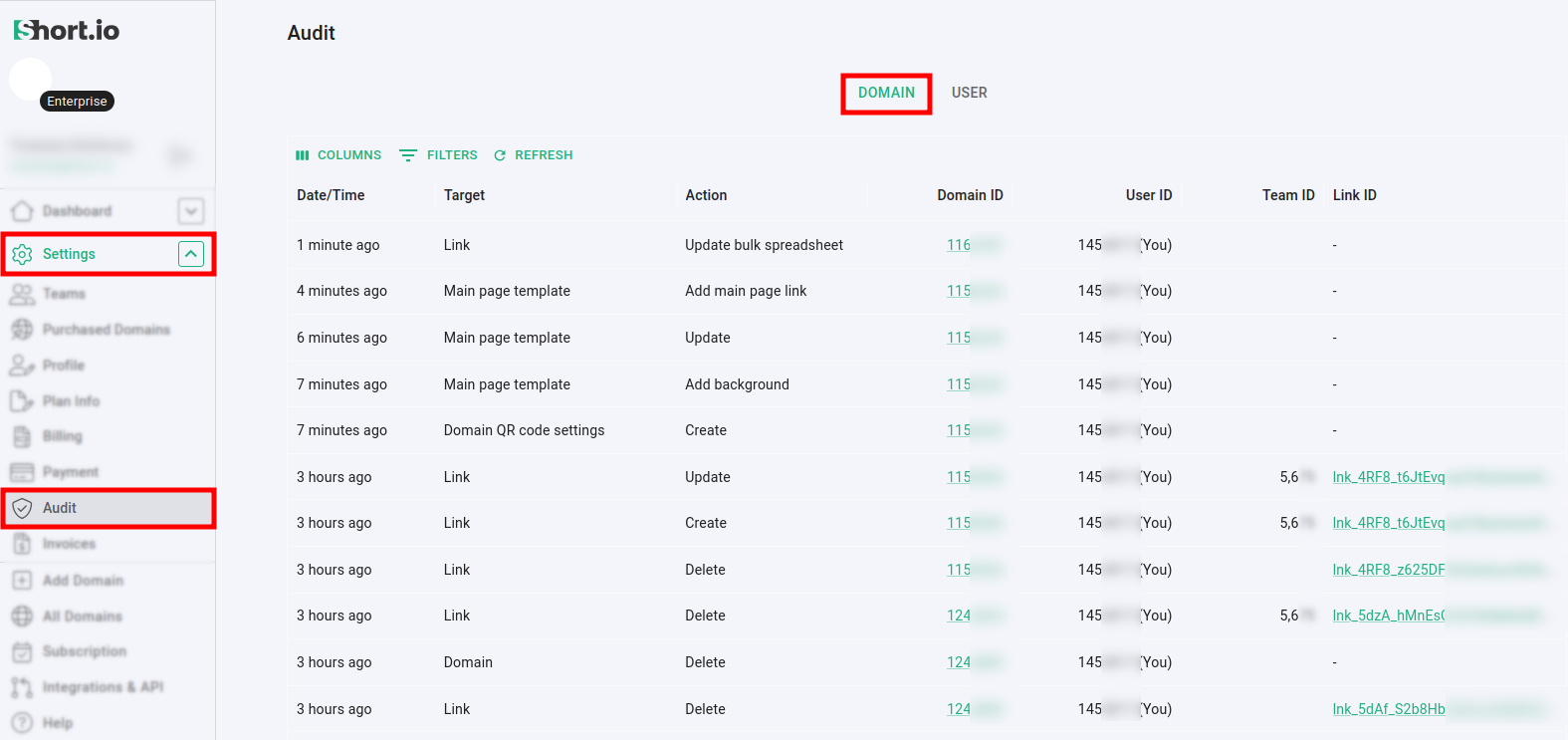
Expand the Settings menu and click on Audit:
-
In the Domain panel the following information is presented as a table:
-
Date/Time - when was the action executed
-
Target - the feature or settings related to the action, for example: Main page template
-
Action - the name of action that was executed, for example: Add main page link
-
Domain ID - the unique identifier of the affected domain
-
User ID - the unique identifier of the user who performed the action
-
Team ID - the unique identifier of the Team to which belongs the user who performed the action
-
Link ID - the unique identifier of the link affected by the action
-
-
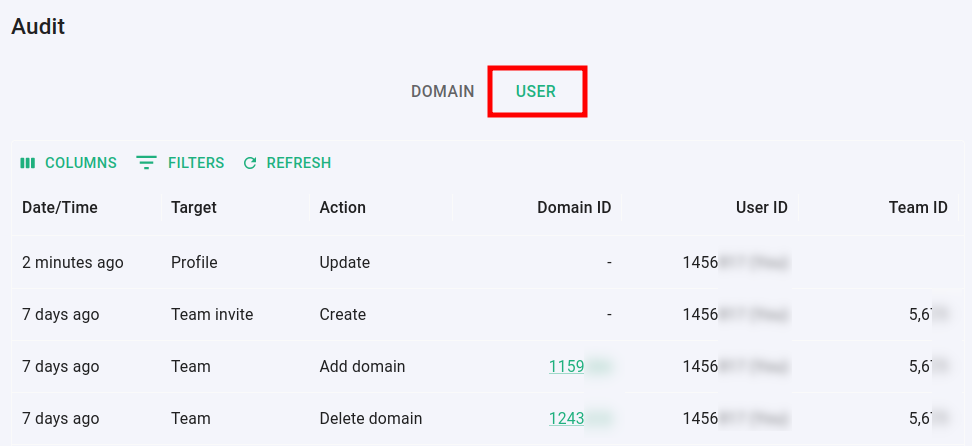
Click on User to display the panel related to the actions performed by the users:
How to organize the audit data
Based on your preferences, you can organize and refine the displayed data by:
-
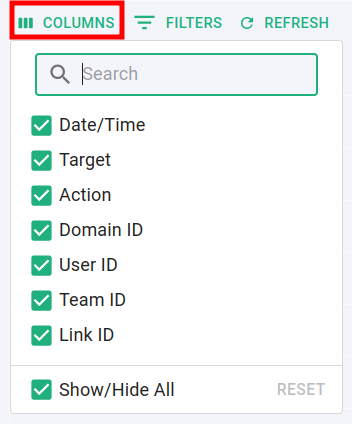
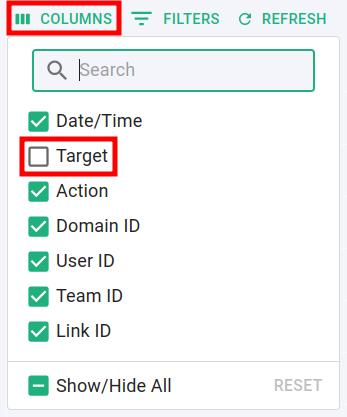
showing/hiding columns - click on Columns to expand the list and mark or deselect options:
-
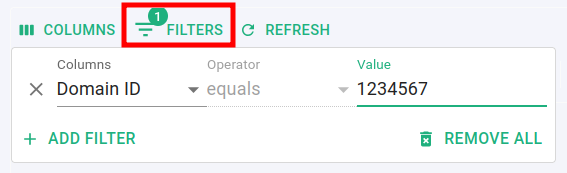
filtering columns - click on Filters and enter your criteria:
-
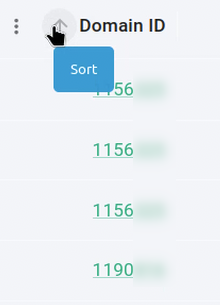
sorting columns - for a given column click on the arrows
 and
and  to sort the
values in descending or ascending order:
-
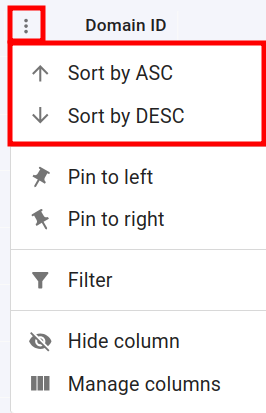
you can also sort values from the column's context menu:
-
-
reordering columns - you can click on a column's name and drag the column to change its position
-
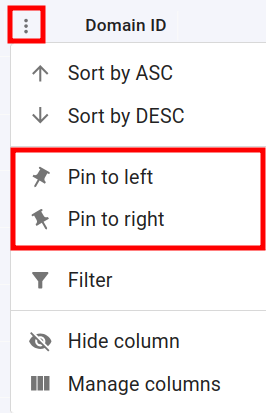
pinning columns to the left/right - from the context menu you can position a column to the far left or far right sides of the table. If you pin another column in the same direction, it will be arranged next to the previous one:
-
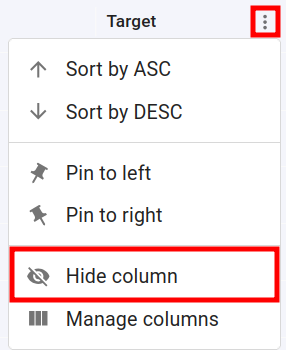
hiding a column - from the context menu you can temporarily make a column invisible by clicking on Hide column:
-
to make the column visible again mark its checkbox from the Columns menu:
-