How to set up social media preview
Open Graph is a protocol that allows you to customize a generated preview data when you share a link on social networks.
Social Media Preview is available starting from the Pro plan.
Basic Tags
The core Open Graph tags include:
-
og:title: The title of your page, similar to the HTML title tag
-
og:type: The type of content (e.g., website, article, video)
-
og:image: The URL of an image to be displayed with the shared link
-
og:url: The canonical URL of the page
-
og:description: A brief description of the page's content
How to setup social media preview
-
Sign in to your Short.io account.
-
You can either
-
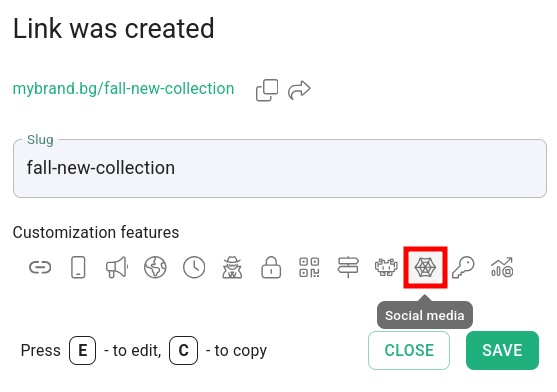
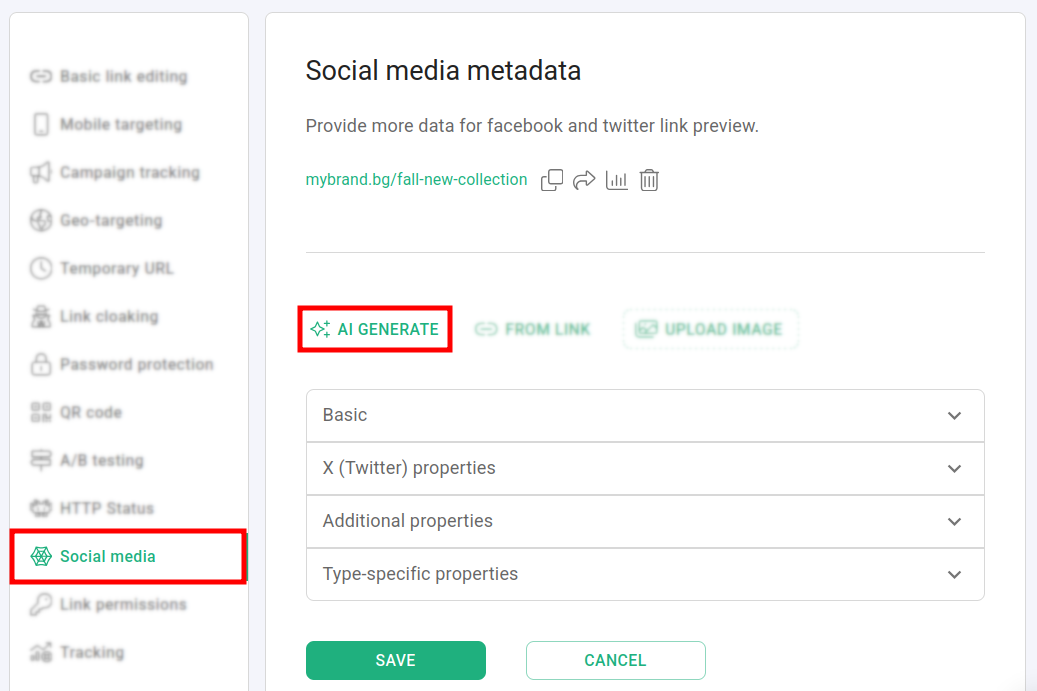
shorten a link and click on Social media:
or
-
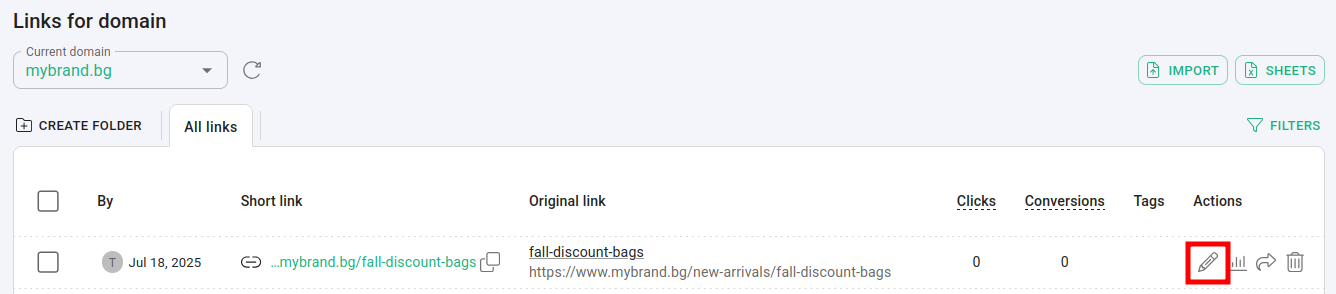
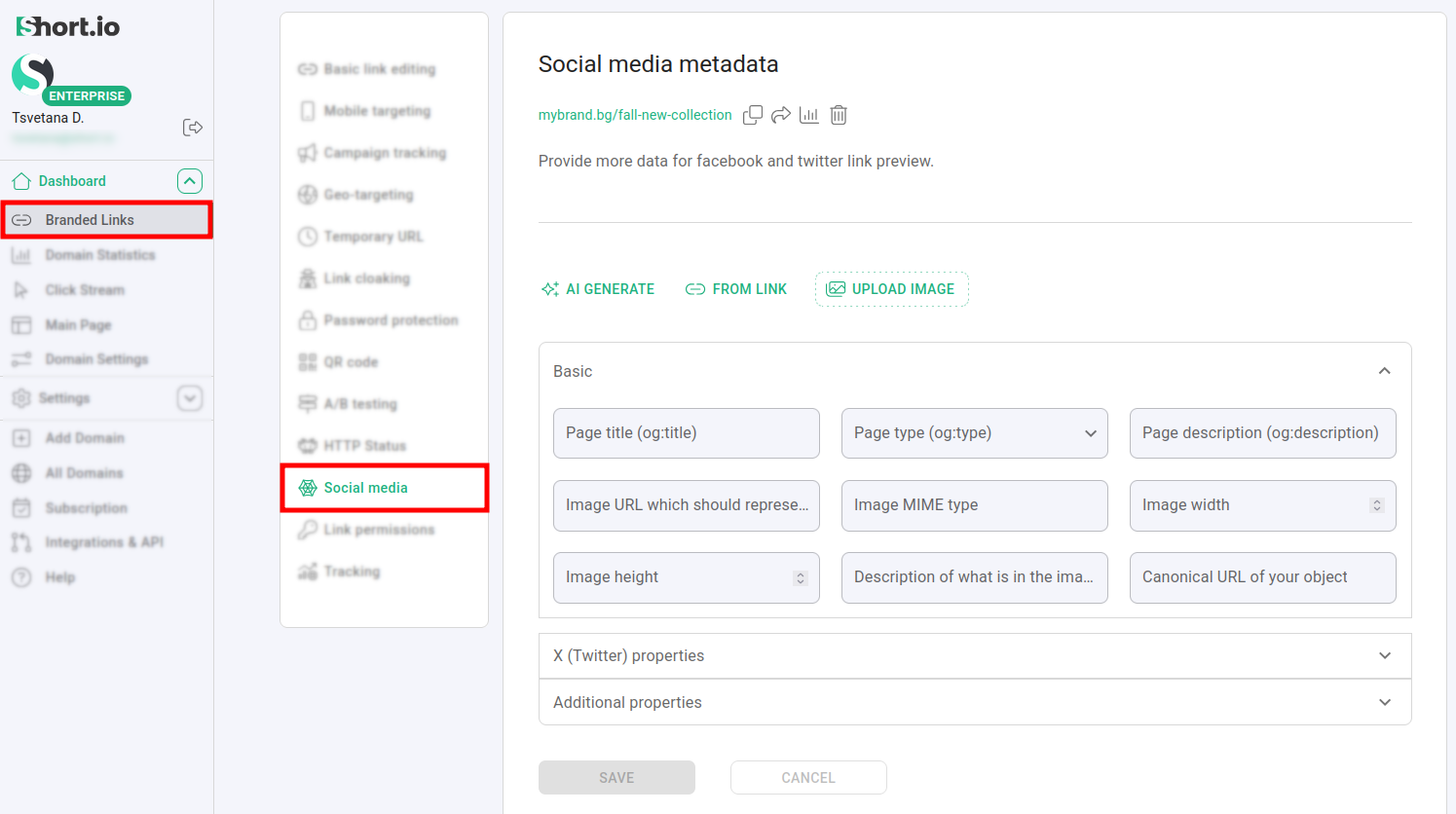
open a short link for editing and navigate to Social media:
-
-
In the Social media metadata panel you can:
-
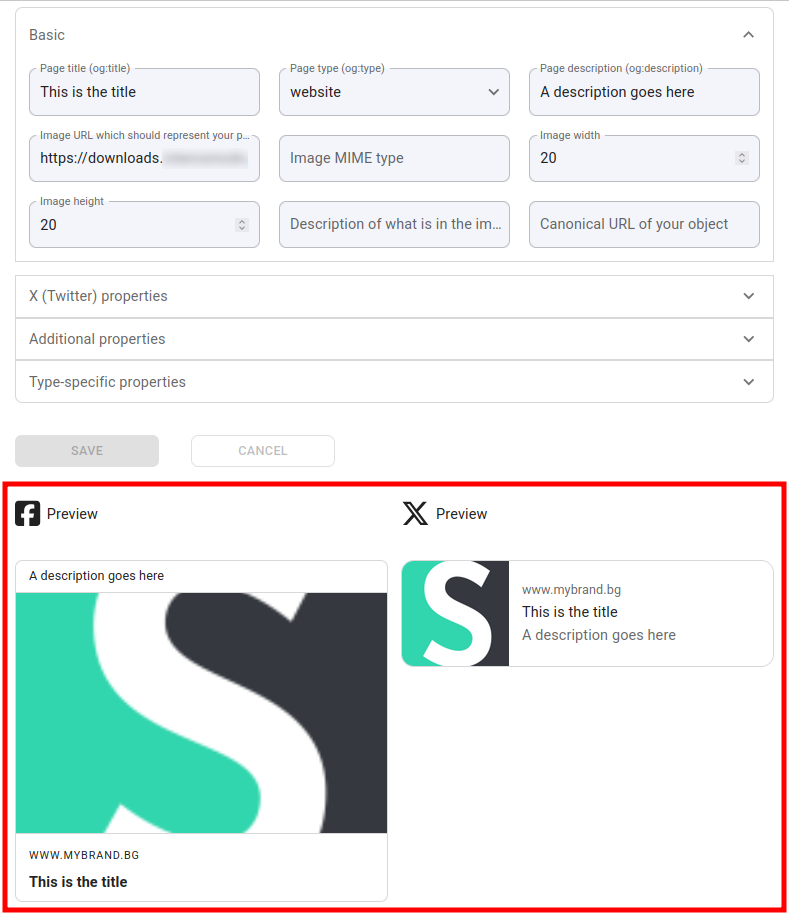
manually provide detailed information in order to generate Facebook and X (Twitter) link previews:
-
Basic tags - including Page title, type, description; Image tags etc.
-
X (Twitter) properties - containing Card type, @username of website, User's Twitter ID and more
-
Additional properties - here you can set URL to an audio file to accompany your objects, Locale and alternative locales of the page etc.
For example,
-
or
-
click on AI Generate and wait a few seconds. The data will be pulled automatically:
-
-
Click on Save to complete the action.
How to check if Open Graph Works
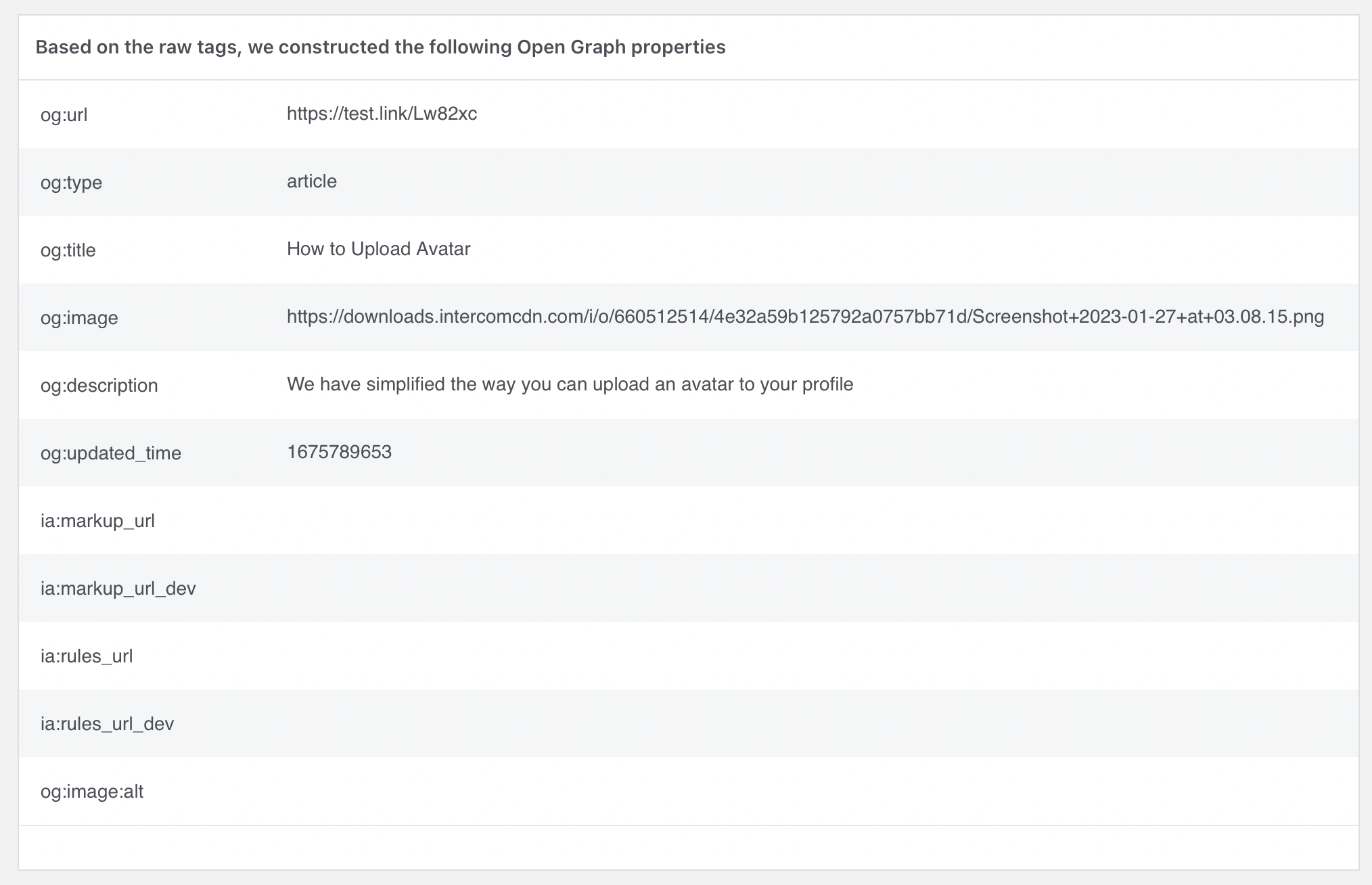
Facebook provides a mini service Sharing Debugger to check how the link's preview looks after you have added Open Graph settings.
By pasting the link to the address bar and clicking on Debug, you will see all the information that Open Graph has pulled to display the link in social networks, for example:
How to force link preview refresh
In case it is not possible to refresh the link preview using the social media platforms native debuggers, you can trigger it manually in one of the two following ways:
-
by changing the short link slug
-
by adding any query to a short link, for example:
?a=b
short.link/test**?a=b**