How to attach/detach domains to/from a team
Short.io provides the option to attach domains for each team, enabling the team members to only engage in activities within those specific domains.
Before you begin
-
Sign in to your Short.io account.
-
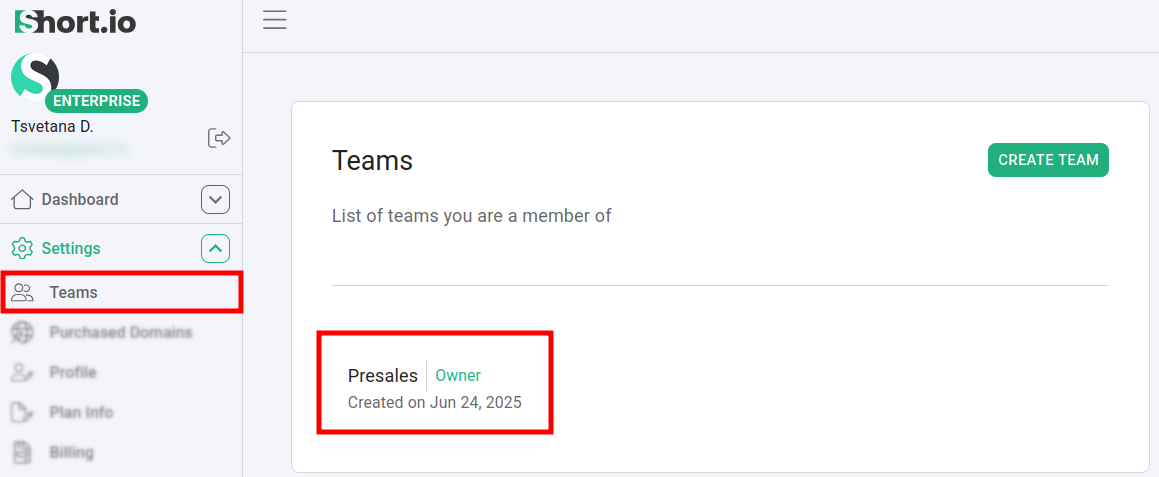
Navigate to the Settings -> Teams menu and select a team:
To attach a domain
-
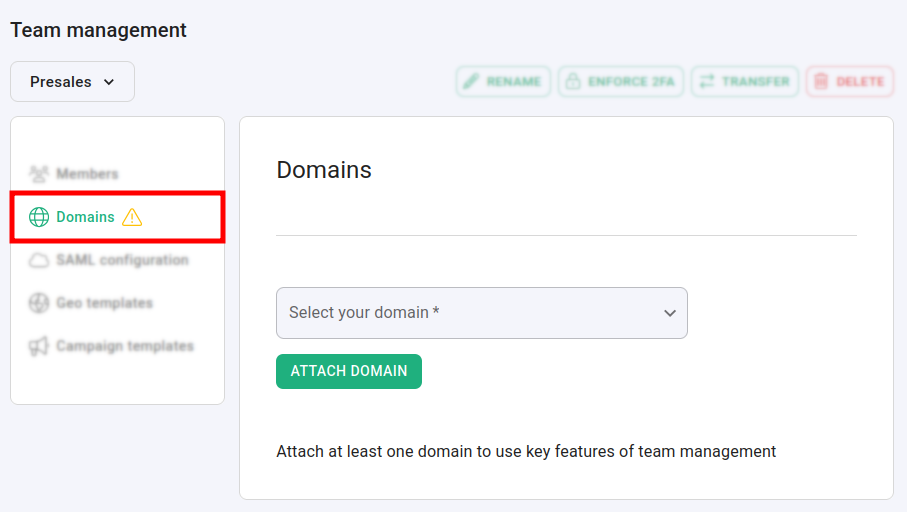
From the Teams menu navigate to the Domains section:
-
Specify a domain and click on Attach domain:
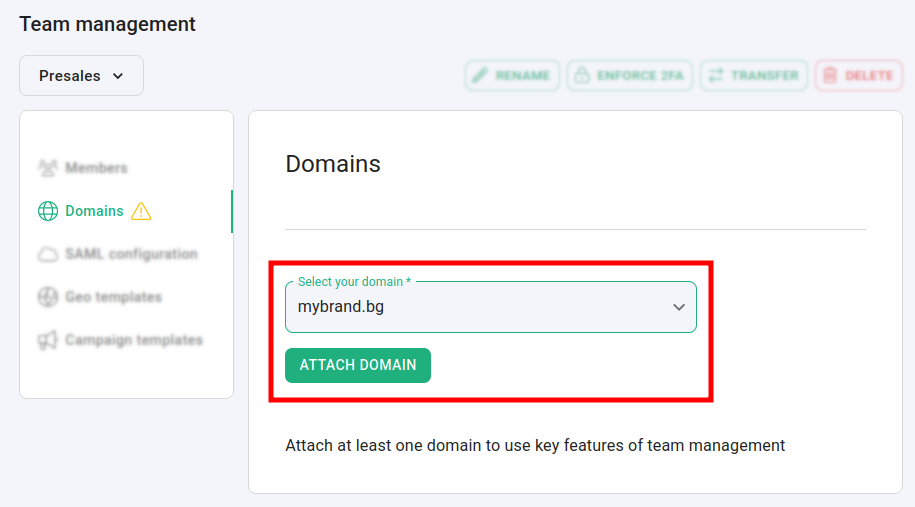
The domain is attached to your team.
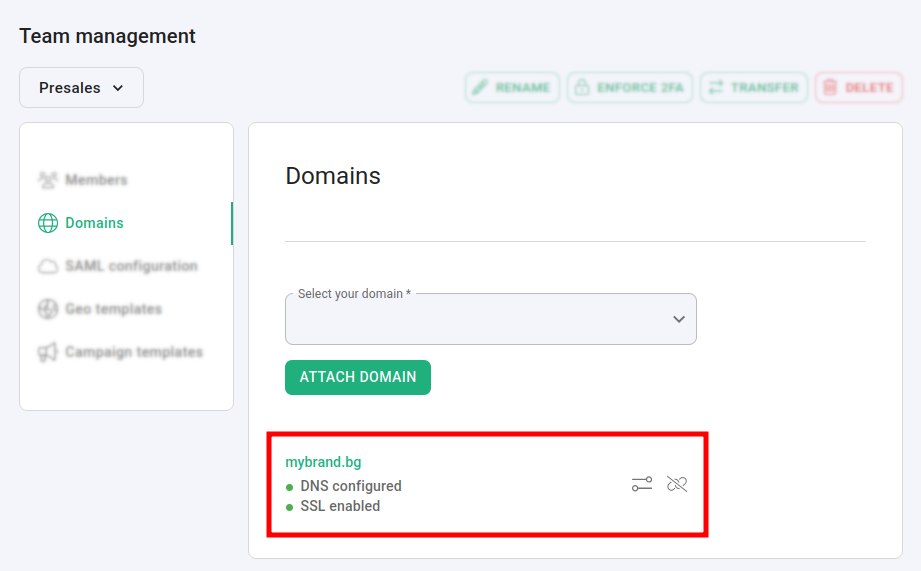
Hereafter, the team members will only be able to operate within the given domain.
To detach a domain
-
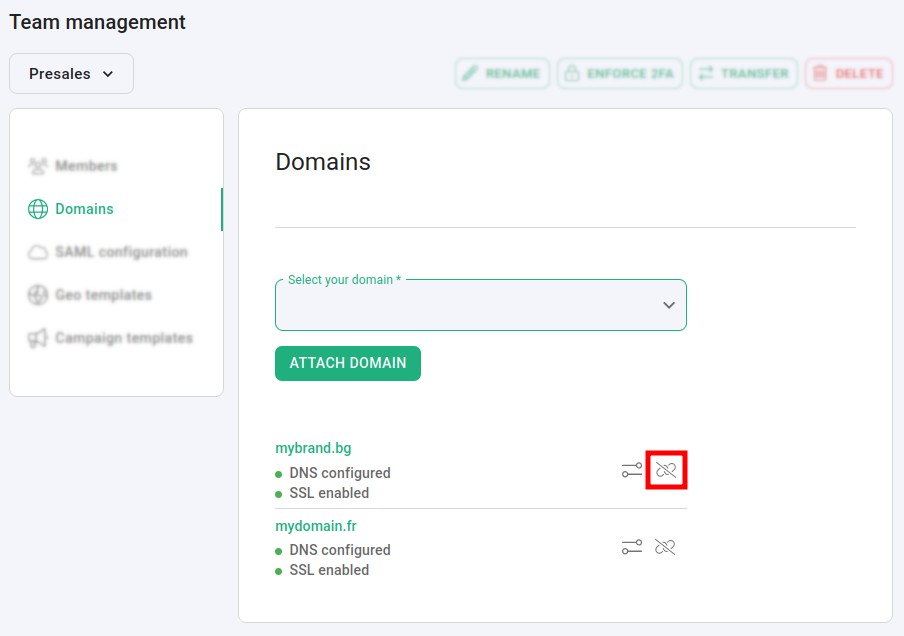
From the Teams menu navigate to the Domains section:
-
Click on next to the domain which you want to detach.
-
In the next dialog click on Confirm:
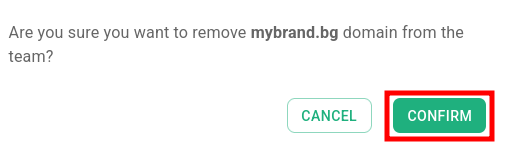
The domain is detached from the team. Hereafter, the team members (with the exception of the team Owner) will no longer have access to the removed domain.
To review domain settings
You can review the detailed settings of each attached domain by clicking on next to its name:
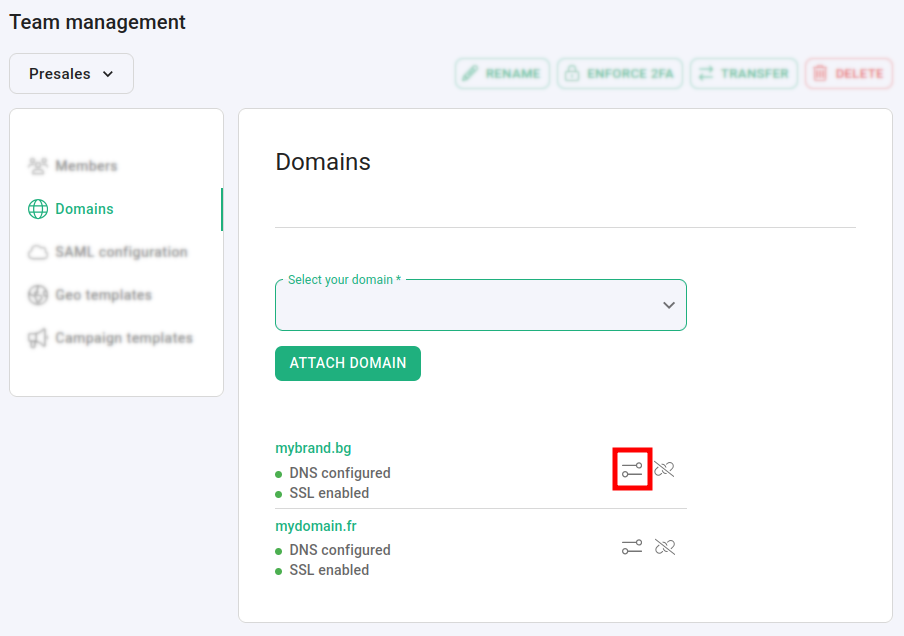
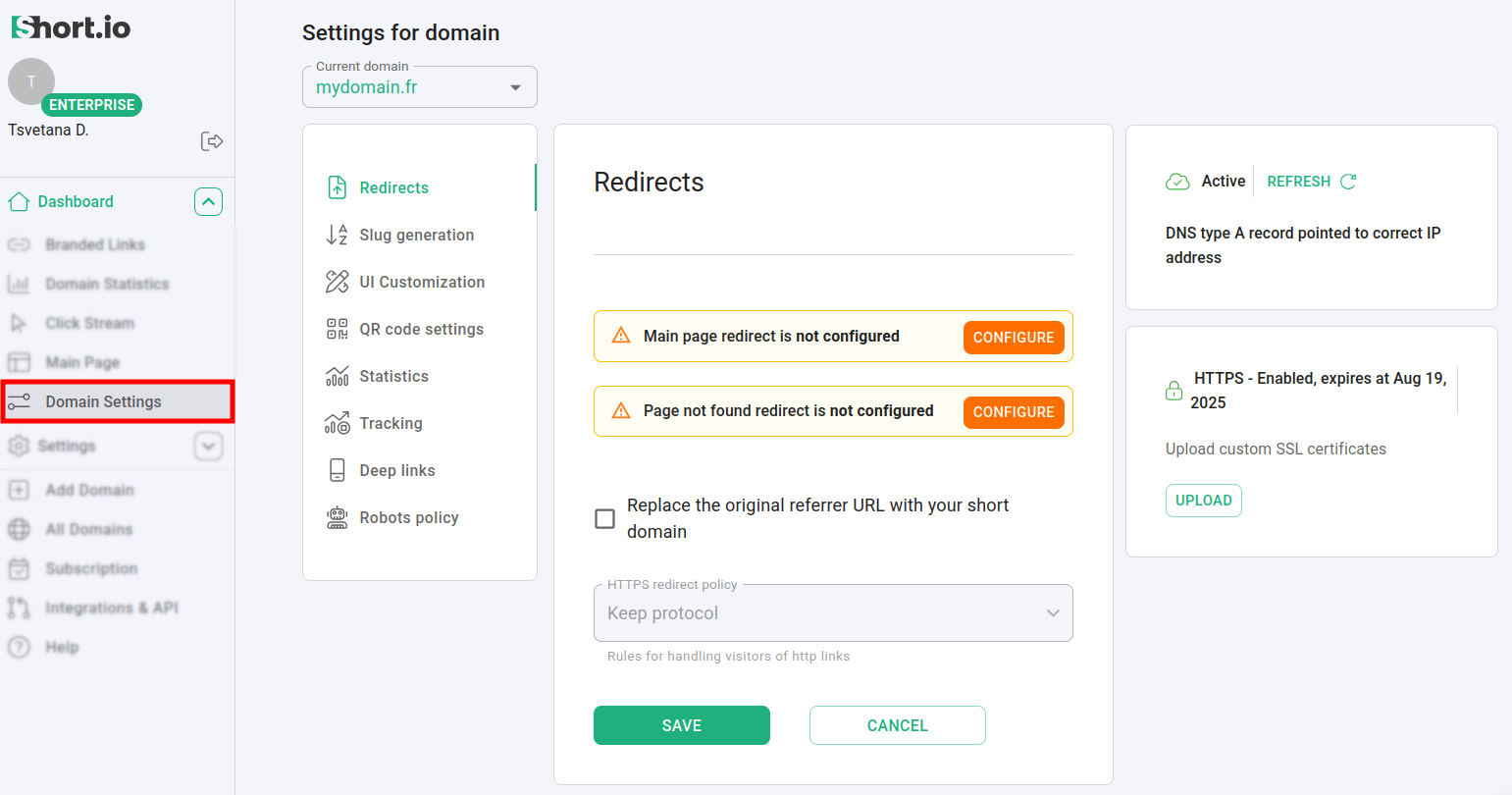
You are redirected to the Domain settings page: