How to add tags to a short link
Short.io provides you with the possibility to add tags (or labels) to your short links. Tags can help you group links based on different characteristics, for example, by type of content. You may then filter and search for links containing a specified tag(s).
Quick video tutorial
Tagging a single link
-
Navigate to your Branded links.
-
Click the icon next to the link you want to tag:
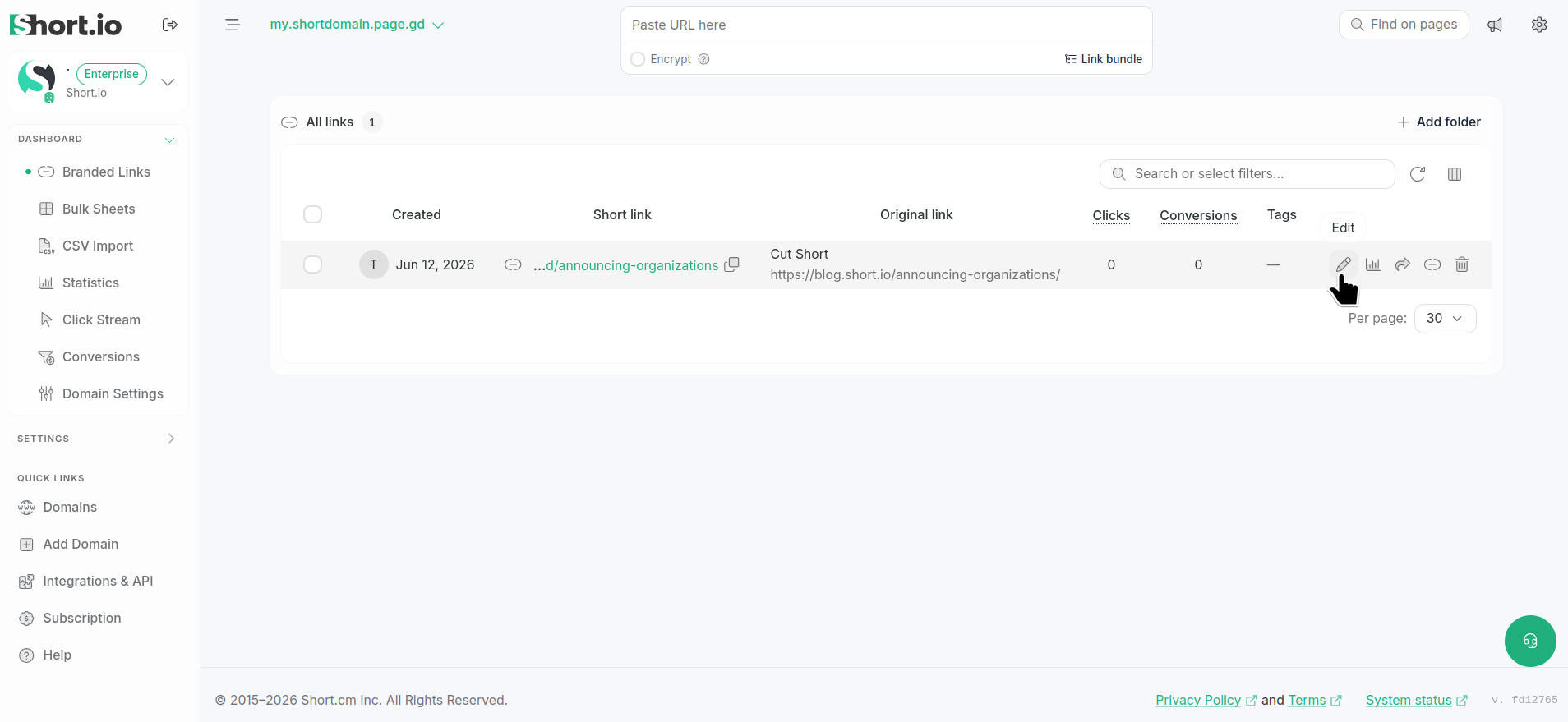
the edit (pencil) icon next to the link in your Branded links list -
In the Basic link editing screen fill in the Tags of Short URL field.
After each tag press Enter:
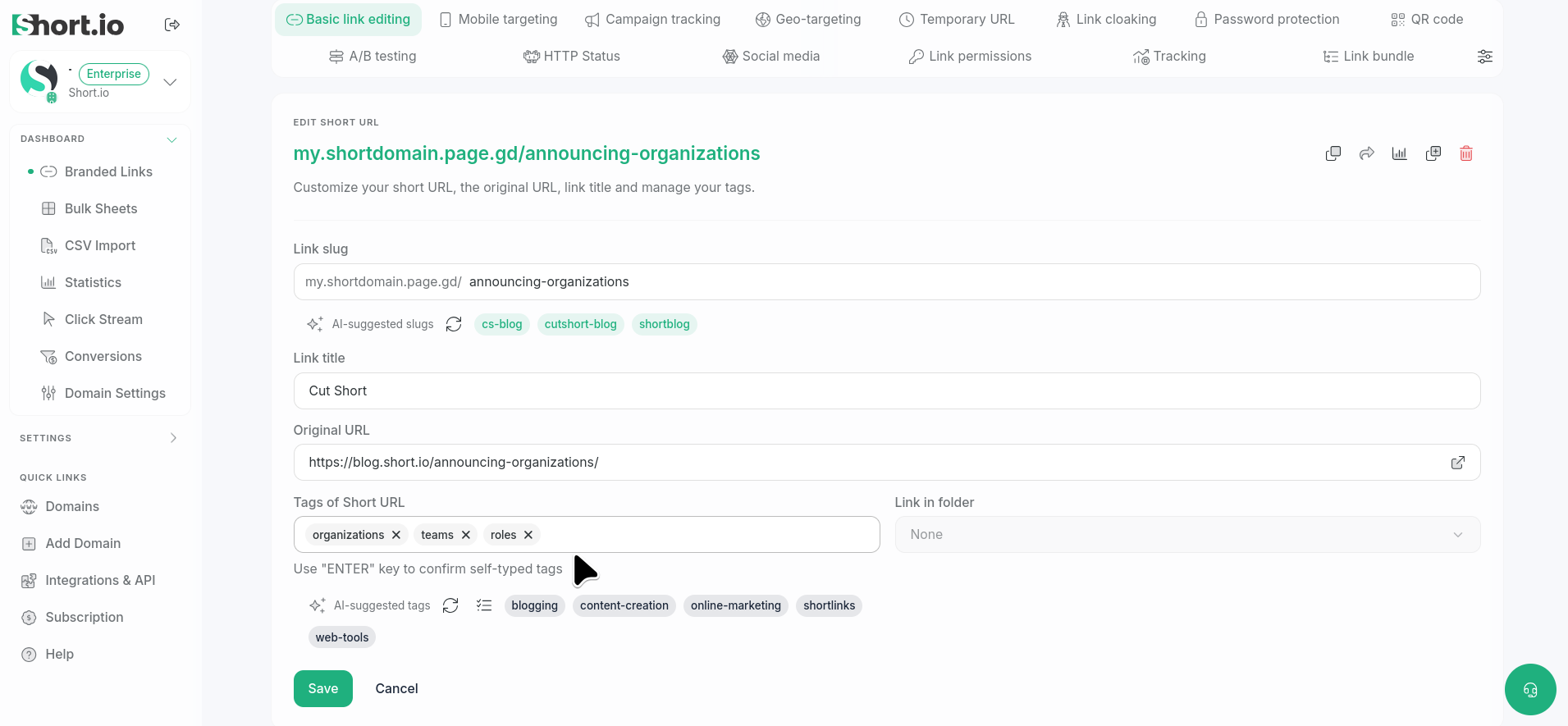
the Tags of Short URL field in Basic link editing To remove a tag, click X next to the tag's name.
-
Once you have added all the necessary tags, Save.
Then, you can use them to filter and look for links.