How to add more than two URLs in A/B testing
A/B testing allows you to compare two variants of a webpage or application and see which one performs better. However, there is a way to bypass the two version limit:
A/B testing with more than two URLs
-
Sign in to your Short.io account.
-
From the Dashboard menu set an A/B Testing by creating a short link with 2 variations:
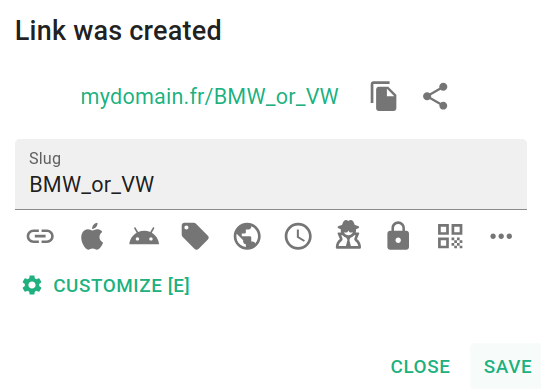
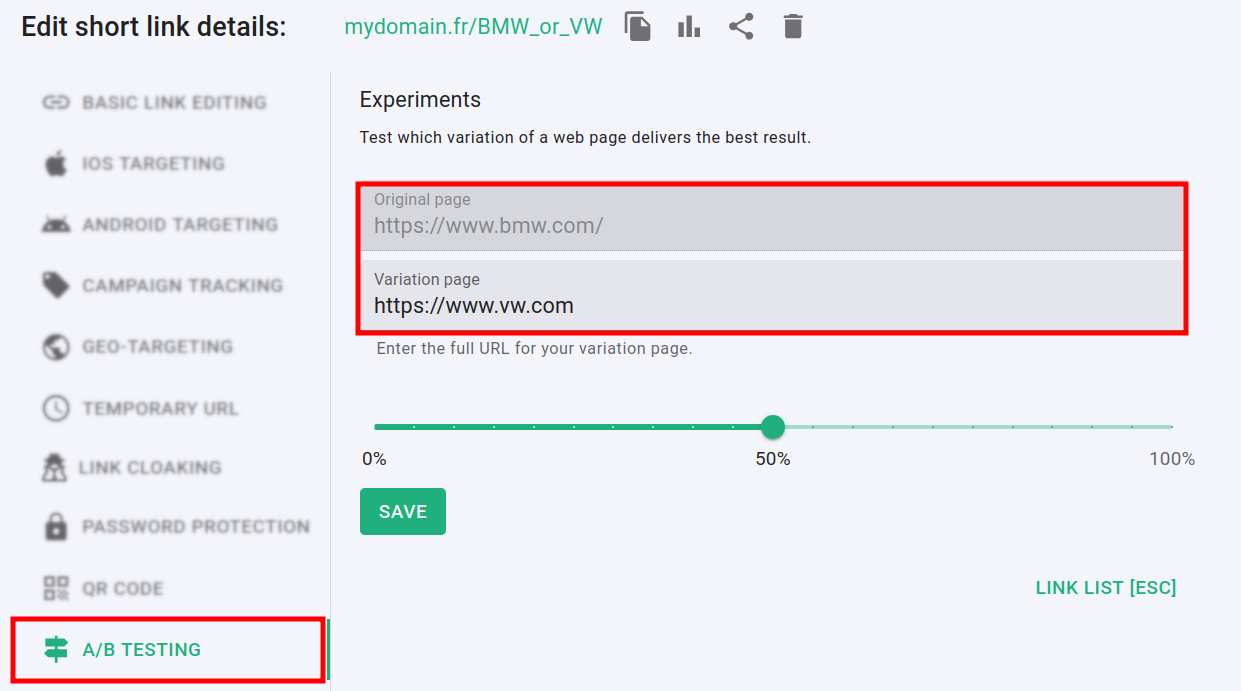
For more information on the A/B Testing feature please follow the link.
-
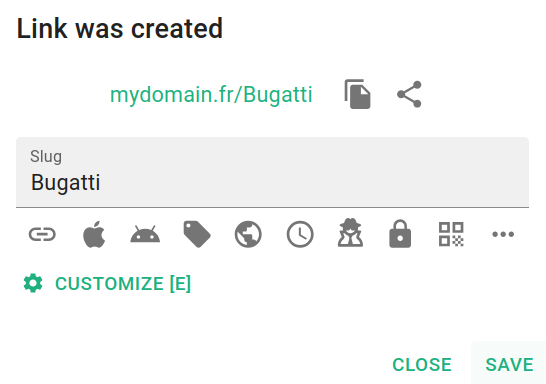
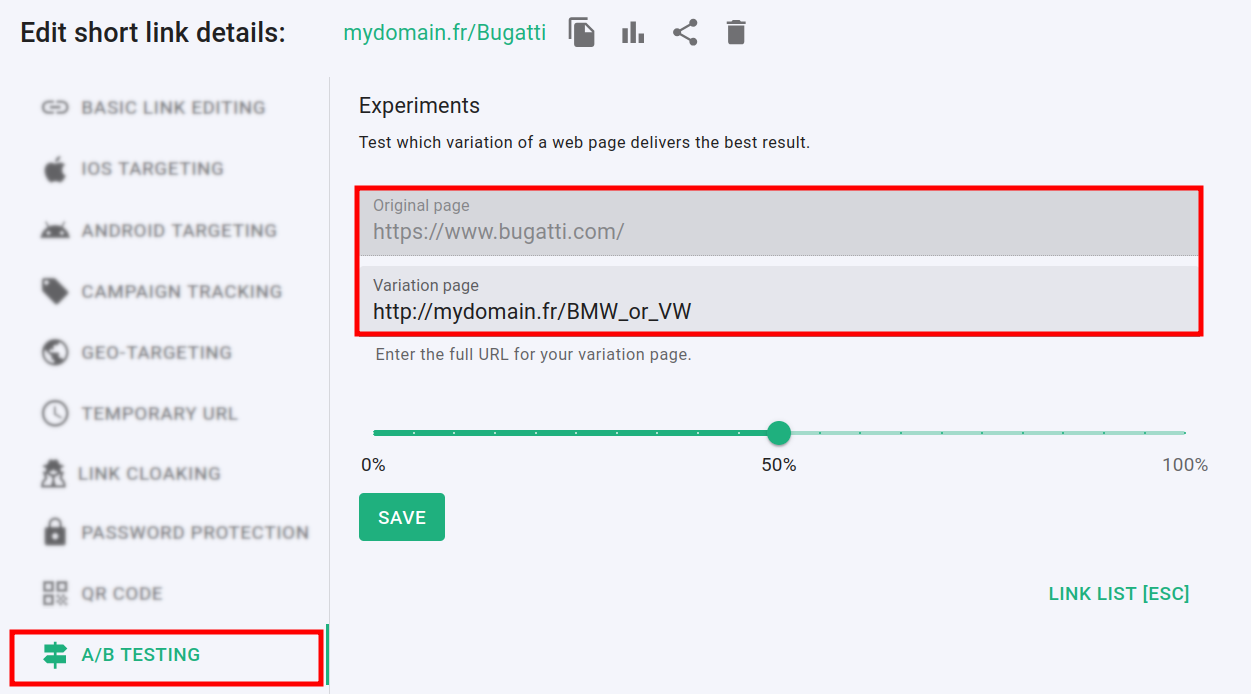
Create a second short link and in the A/B Testing -> Variation page field paste your first URL:
-
Save your changes.
You can now experiment with the second short link and evaluate the performance of the variants.
Using the same method, you can connect even more links together.