How to archive short links
You can archive your short links. Archived links remain functional but are hidden from the Dashboard.
Quick video tutorial
To archive short links
-
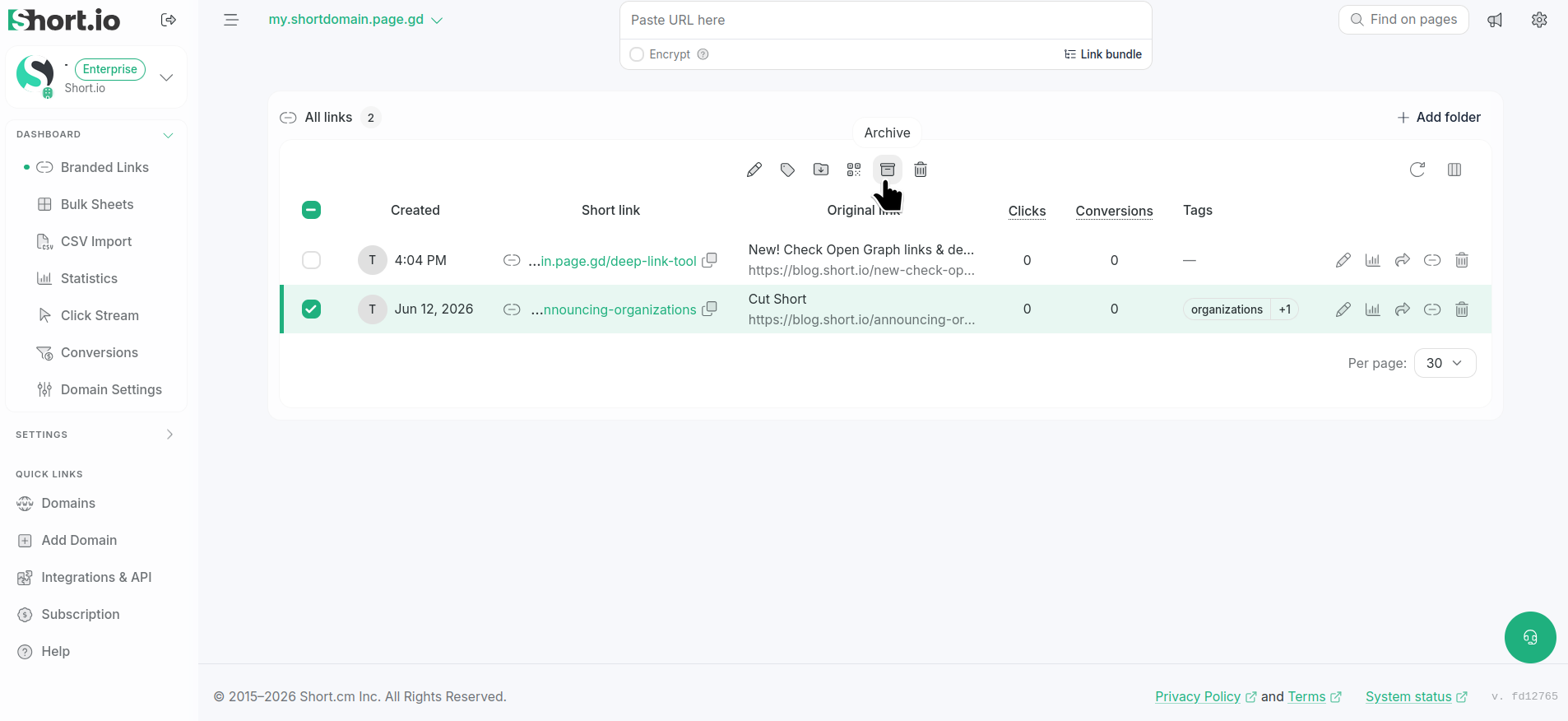
Navigate to your Branded links and select the link(s) you want to archive.
-
Click the icon .
-
When prompted "Do you want to archive link?", click Archive:

The links are archived and no longer visible from Dashboard.