How to add a single tag to short links in bulk from Dashboard
You can assign a single tag to multiple links simultaneously from the Dashboard.
Quick video tutorial
To tag links in bulk
-
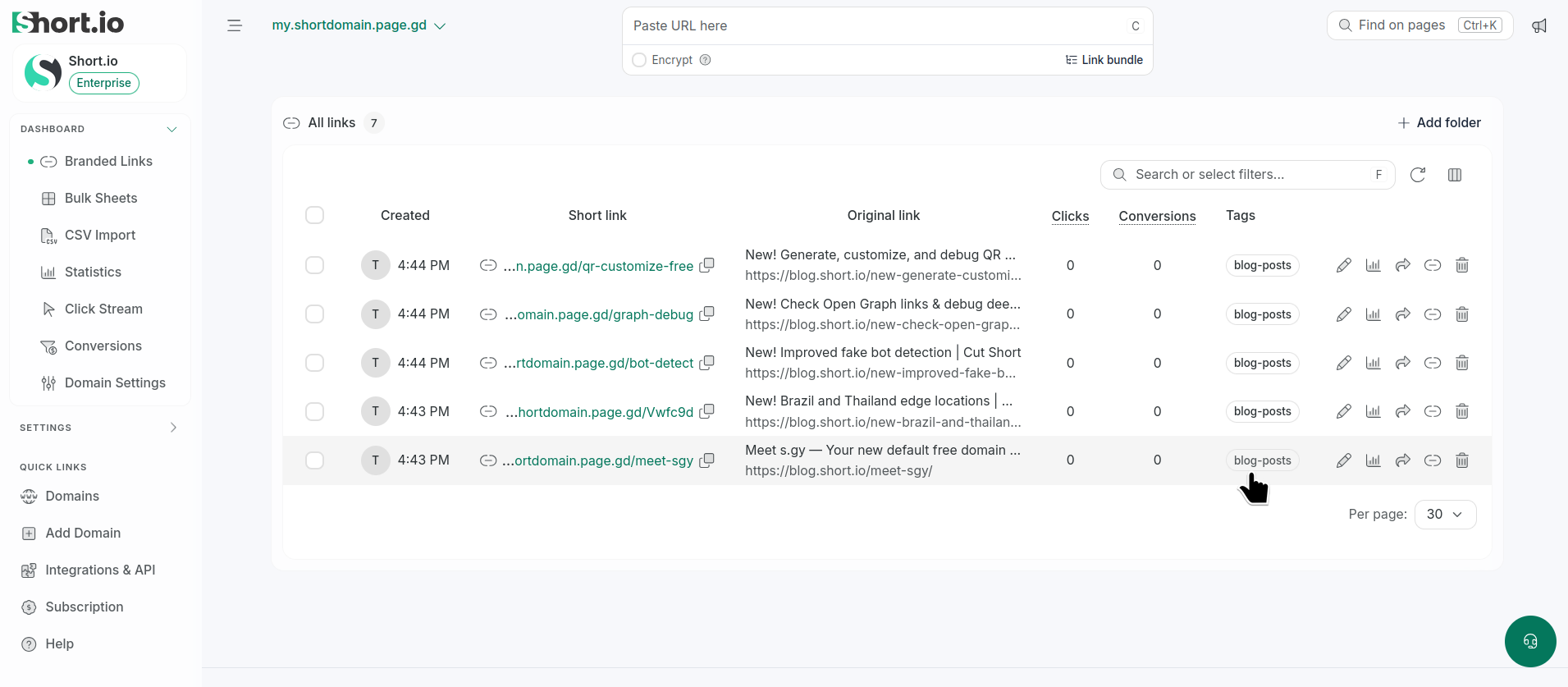
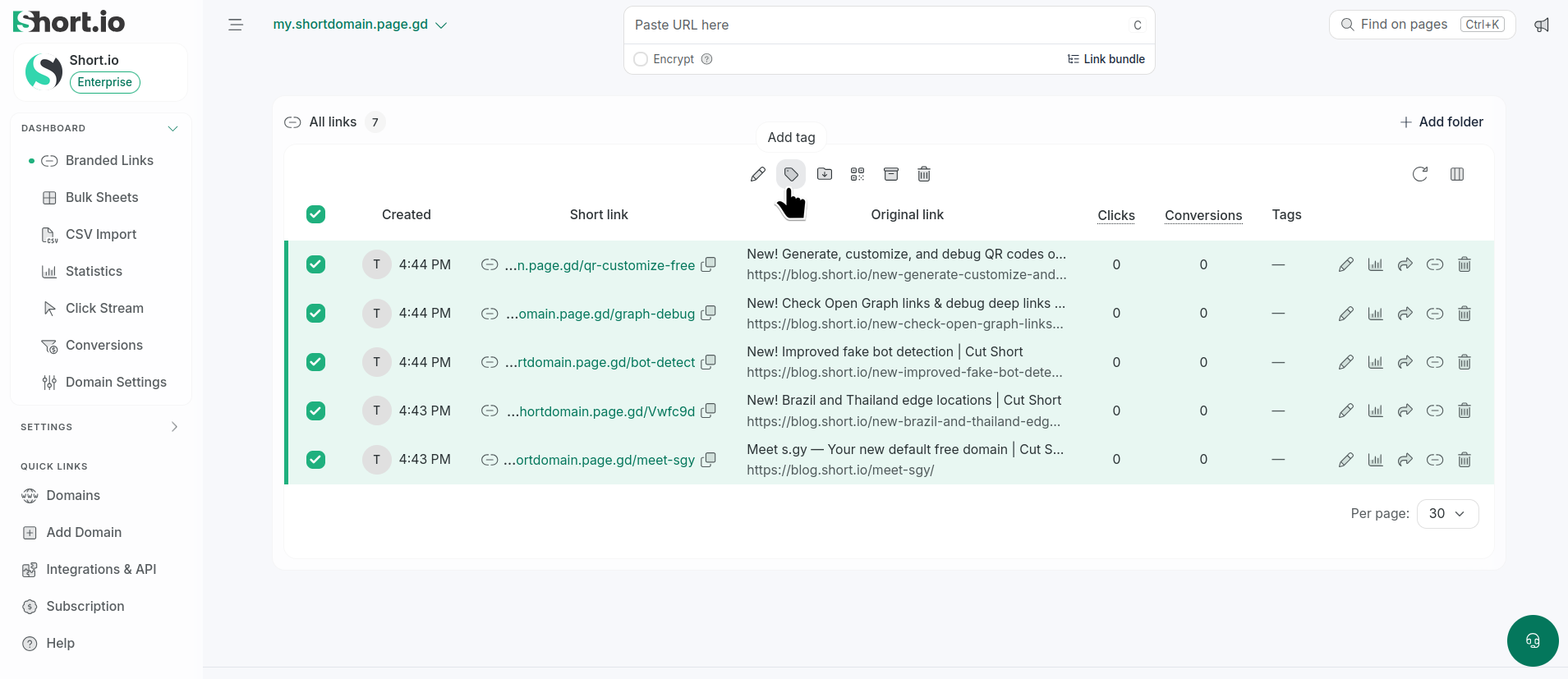
Navigate to the Branded links and select the links to be tagged:
-
Click the icon .
-
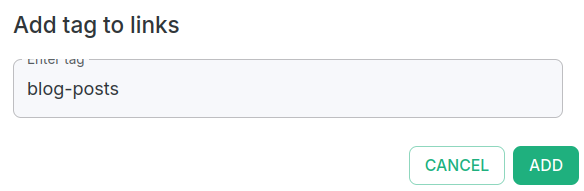
In the next dialog enter your tag:
-
Click Add.
The tag is assigned to the selected links: