How to use encrypted links
The encrypted links functionality allows you to create short links which do not reveal the destination URL and cannot be accessed, unless you specify the hash code in the path.
This feature is available starting from the Team plan.
Quick video tutorial
To create encrypted links
-
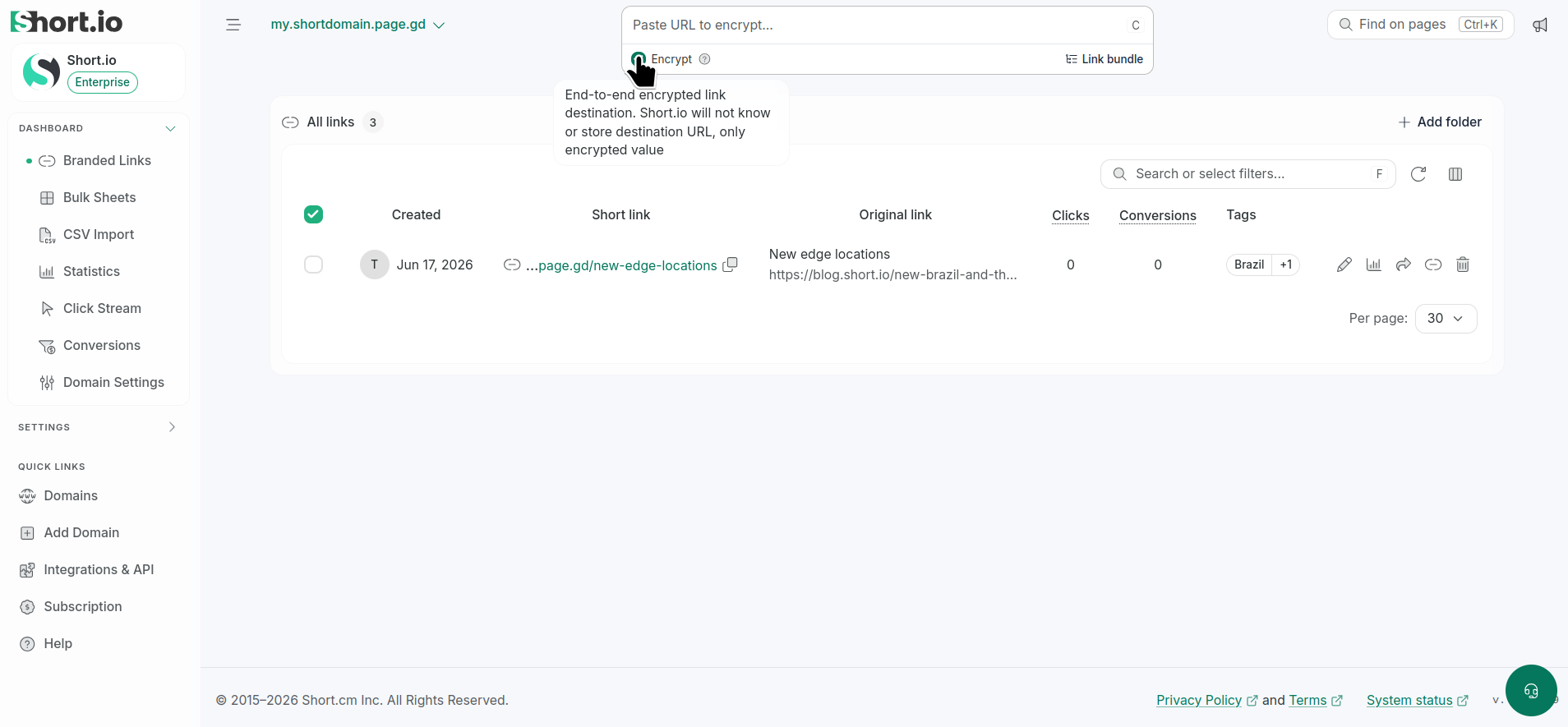
From the Dashboard, click Encrypt under the Paste URL... field to enable the option:
-
Enter or paste the URL you want to shorten.
-
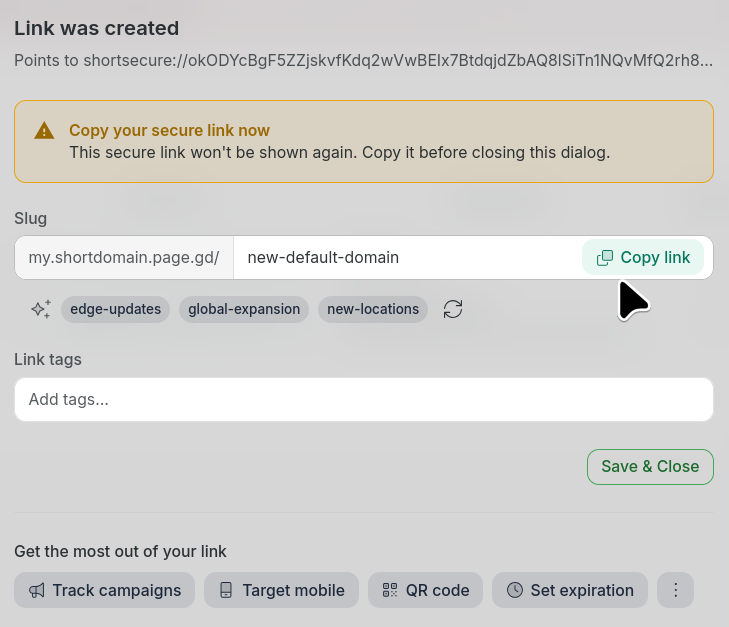
In the next dialog copy the generated link that includes the secret hash code.
It will look similar to this one:
https://<yourshortdomain>/<slug>#HtZ7BsWW5Sf3bklLozyhog==NoteYou will be able to copy the link and hash only once. Make sure you store them in a safe place:
-
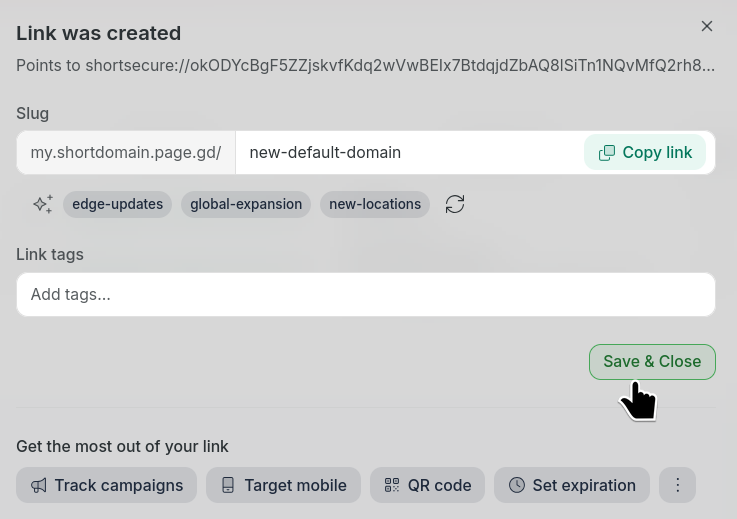
Save & Close.
Your short link will not redirect without the specific hash code. You need to enter the full path including the hash in order to access the URL. Due to the fact that the code is not stored on our servers, in case you forget it, we will not be able to recover it for you.