How to filter short links (how to search for shortened URLs)
Short.io filters allow you to search for short links by original URLs, titles, tags, path/slugs, dates (creation, update, expiration) and more.
Quick video tutorial
To filter links
-
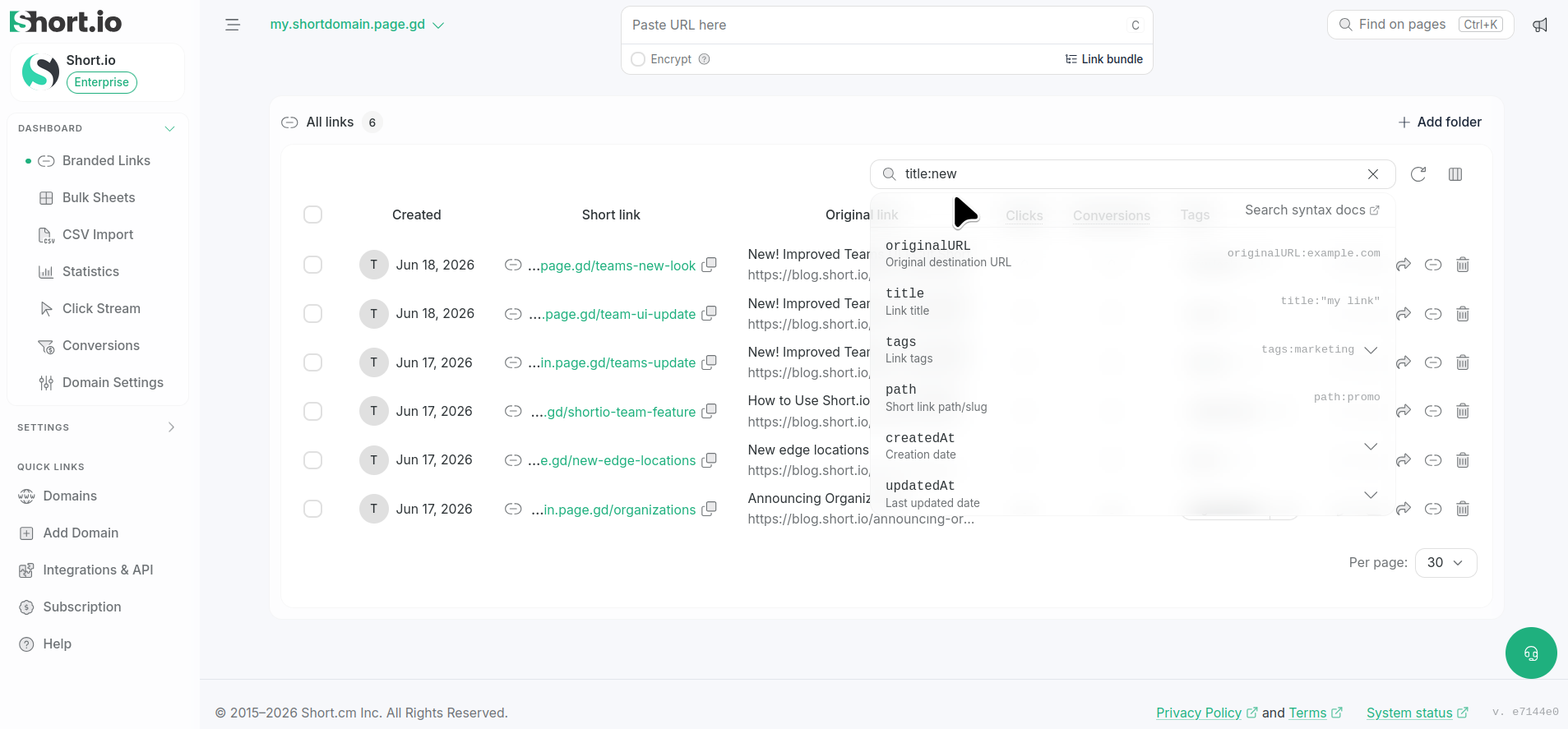
Navigate to your Branded links and click Search or select filters.
-
Scroll down to locate the needed filter and type the search value, for example, title :new :
For more information on filtering queries please review the following article.
-
Press Enter.
The short links that match your criteria are displayed in the result list.