How to activate a free s.gy subdomain
If you create a free s.gy subdomain, and you have not previously added a phone number in your profile settings, the subdomain will not be activated immediately.
Note
An inactive subdomain will still allow you to create short links; however, these links will not be accessible.
Activating the s.gy subdomain
-
In your Dashboard, from the top list select the s.gy subdomain to be activated:
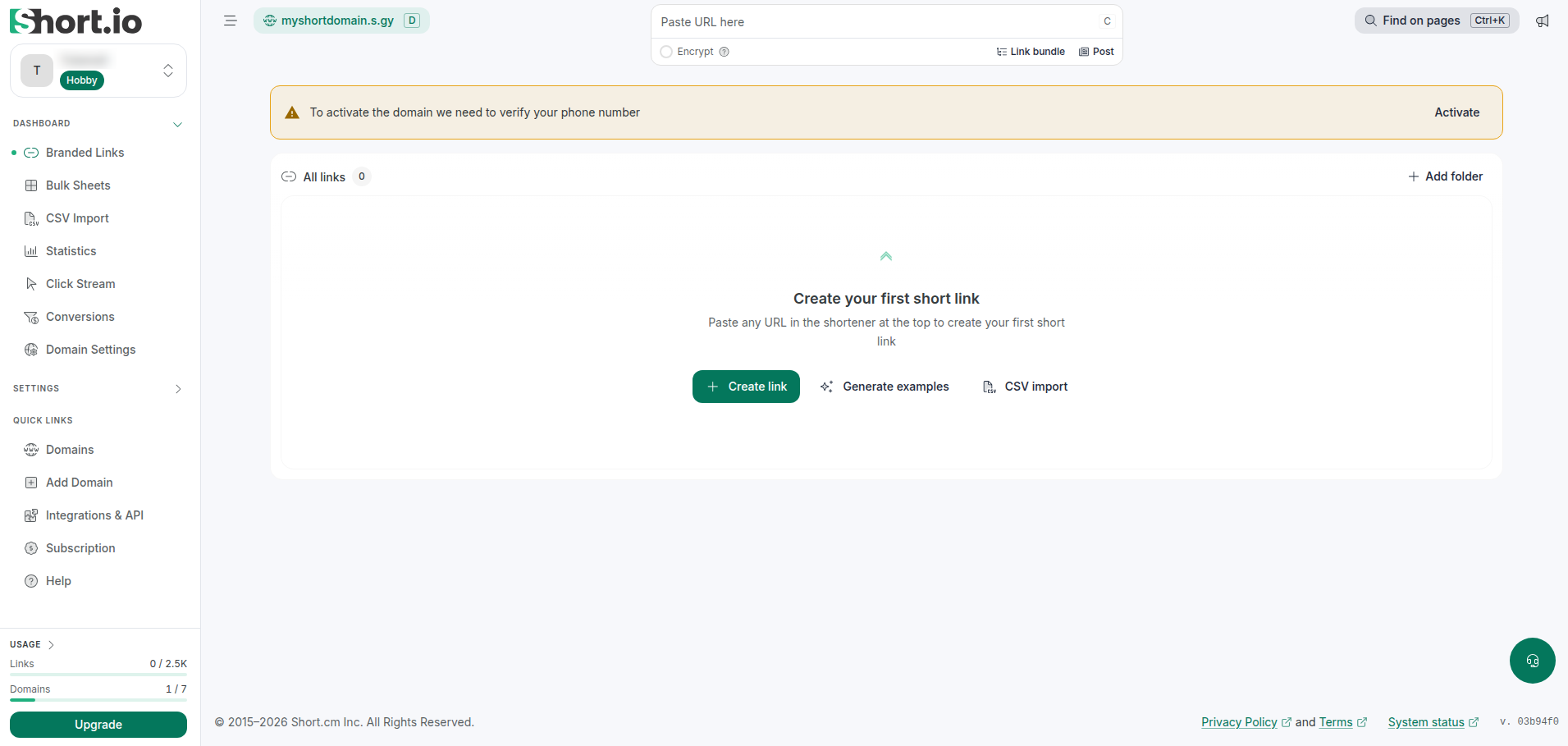
The message To activate the domain we need to verify your phone number appears:

-
Click Activate.
-
You are redirected to the General tab of the Organization settings page.
Please follow the steps described in this article to verify your phone number.
Once the phone number has been verified and set, you can now navigate to Branded links->your s.gy subdomain to shorten links and enjoy Short.io.