How to transfer a domain
You can transfer domains (along with all their short links) between Short.io organizations where you have admin privileges.
Transferring a domain
-
Select the domain you want to transfer.
-
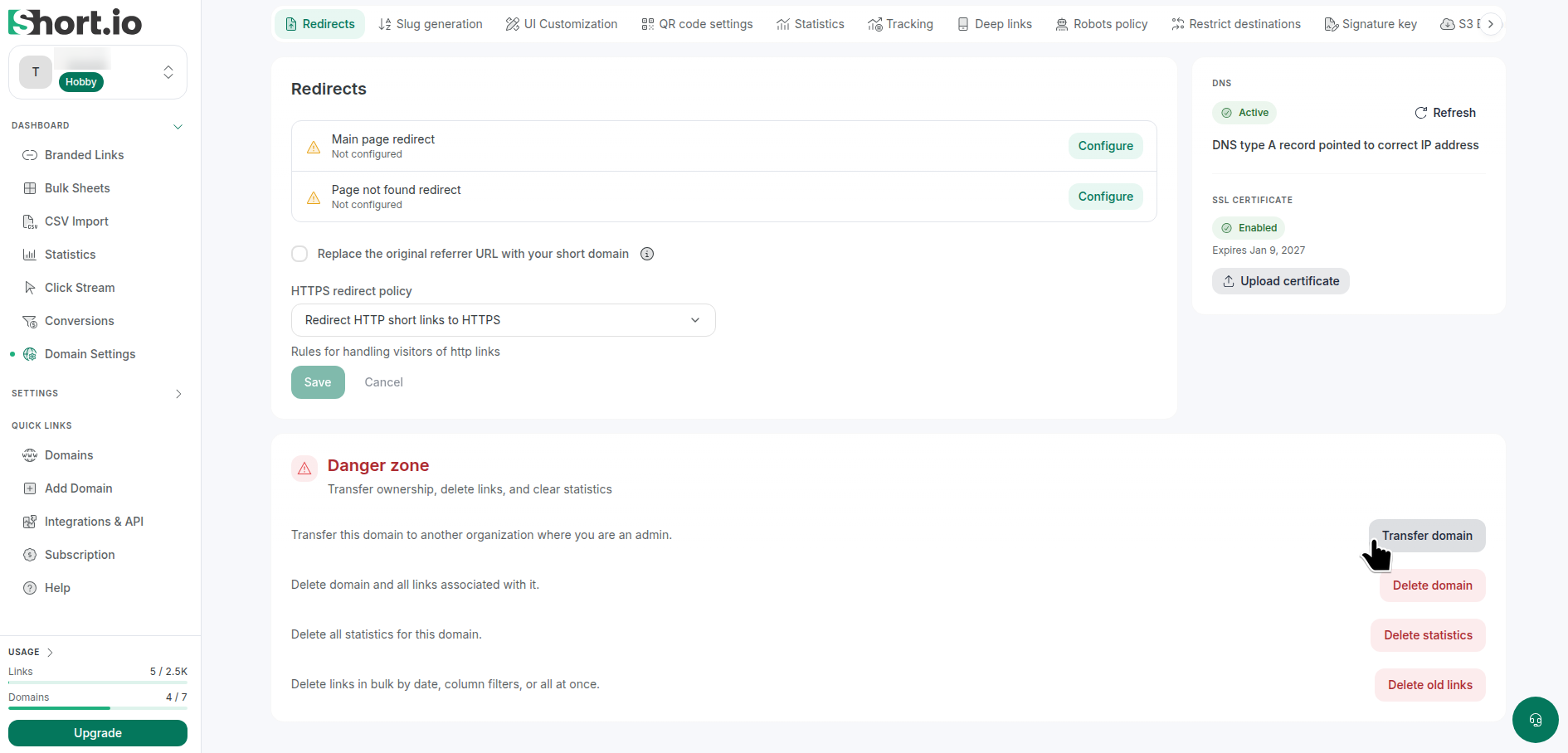
From the Short.io's left side menu, select Dashboard -> Domain settings and then Redirects.
-
Scroll down to the Danger zone options:
-
Click Transfer domain.
-
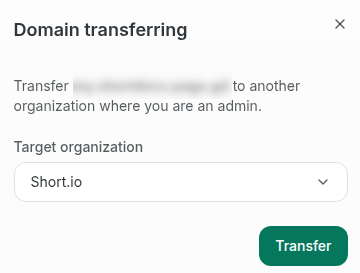
In the next dialog select the organization to which you want to transfer your domain:
-
Click Transfer.
The domain will be transferred to the new organization and will no longer be associated with the previous one.