How to upload custom favicons for your domains
You can upload custom favicons for your domains directly from the Domain settings as follows:
-
Sign in to your Short.io account.
-
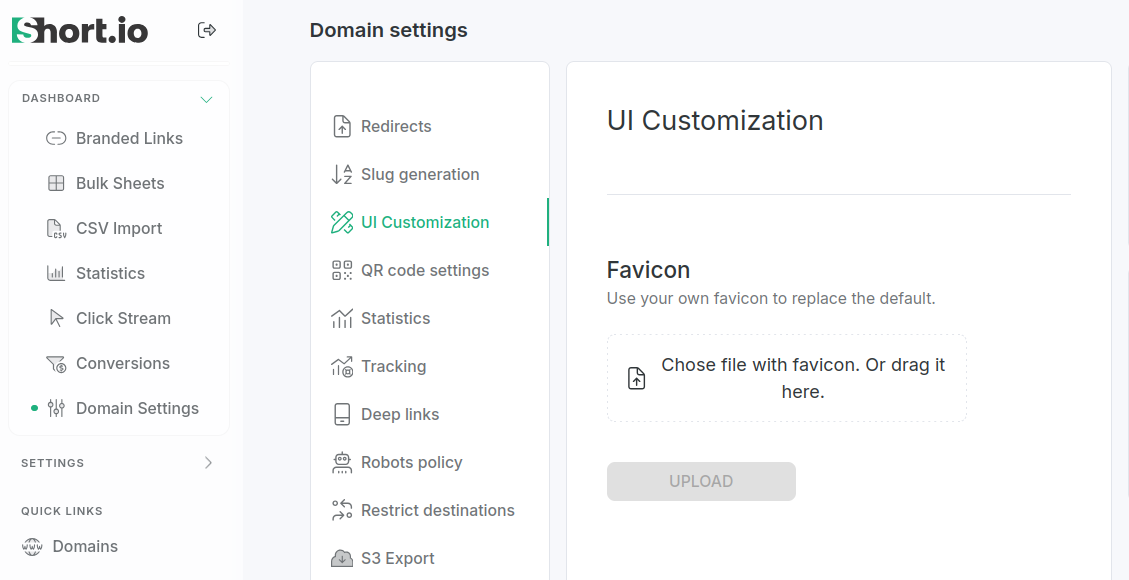
Navigate to Domain settings -> UI Customization:
-
Click Chose file with favicon. Or drag it here.
-
Select the favicon image from your device.
-
Click Upload:
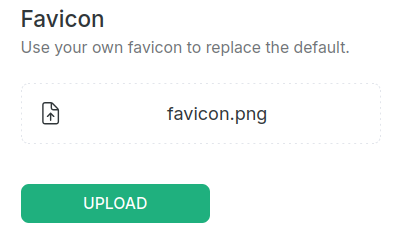
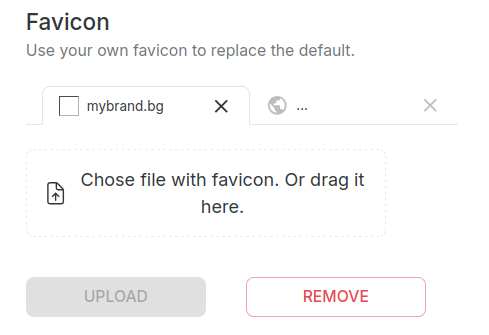
The favicon has been uploaded:
Removing the favicon
To delete the uploaded favicon, from the Domain settings -> UI Customization menu click Remove:
When prompted: "Are you sure you want to delete favicon?", click Confirm:
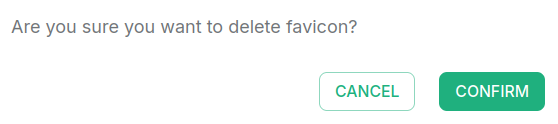
The favicon has been removed.