How to upload, delete or change avatar
To upload an avatar
-
Sign in to your Short.io account.
-
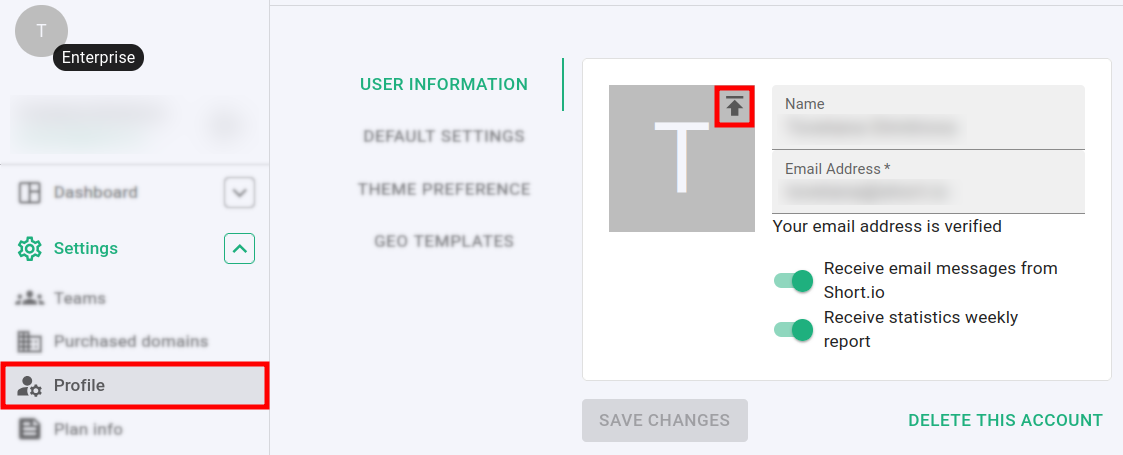
Navigate to the Settings menu and click on Profile:
-
In the User information section click on and select an image from your device.
Note
The file size should not exceed 5MB.
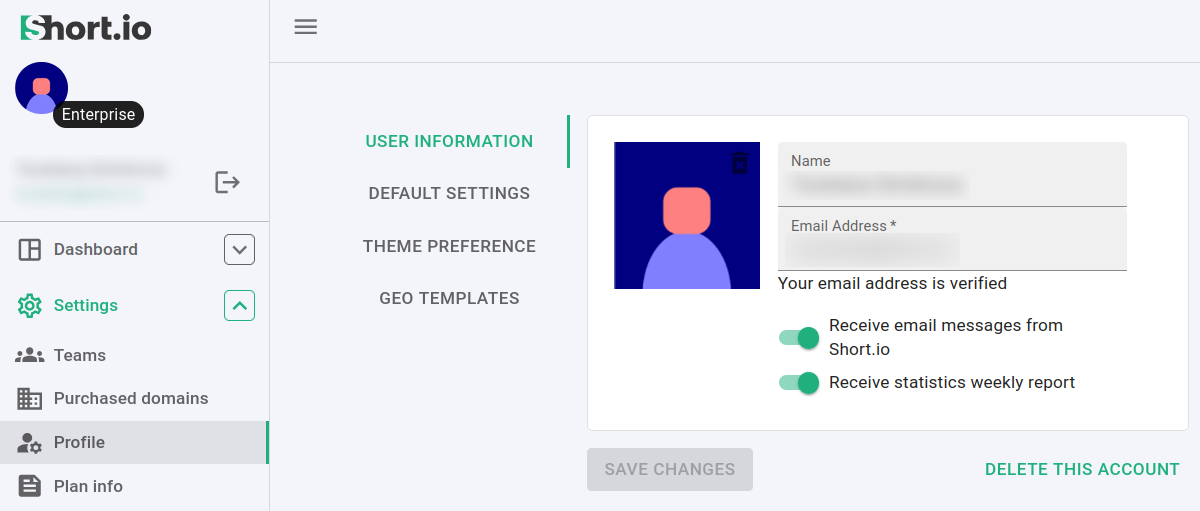
The changes are automatically saved and the new avatar is displayed:
To delete / change an avatar
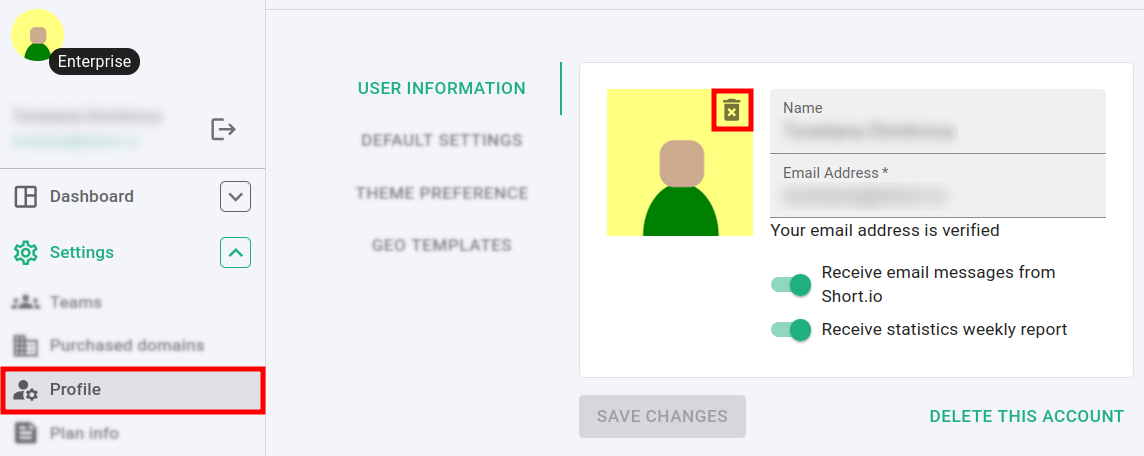
You can delete or change your avatar at any time from the Settings -> Profile menu:
-
click on to remove the current avatar
-
upload a new one as described above