How to delete or change payment method
To remove a credit card or payment method
-
Sign in to your Short.io account.
-
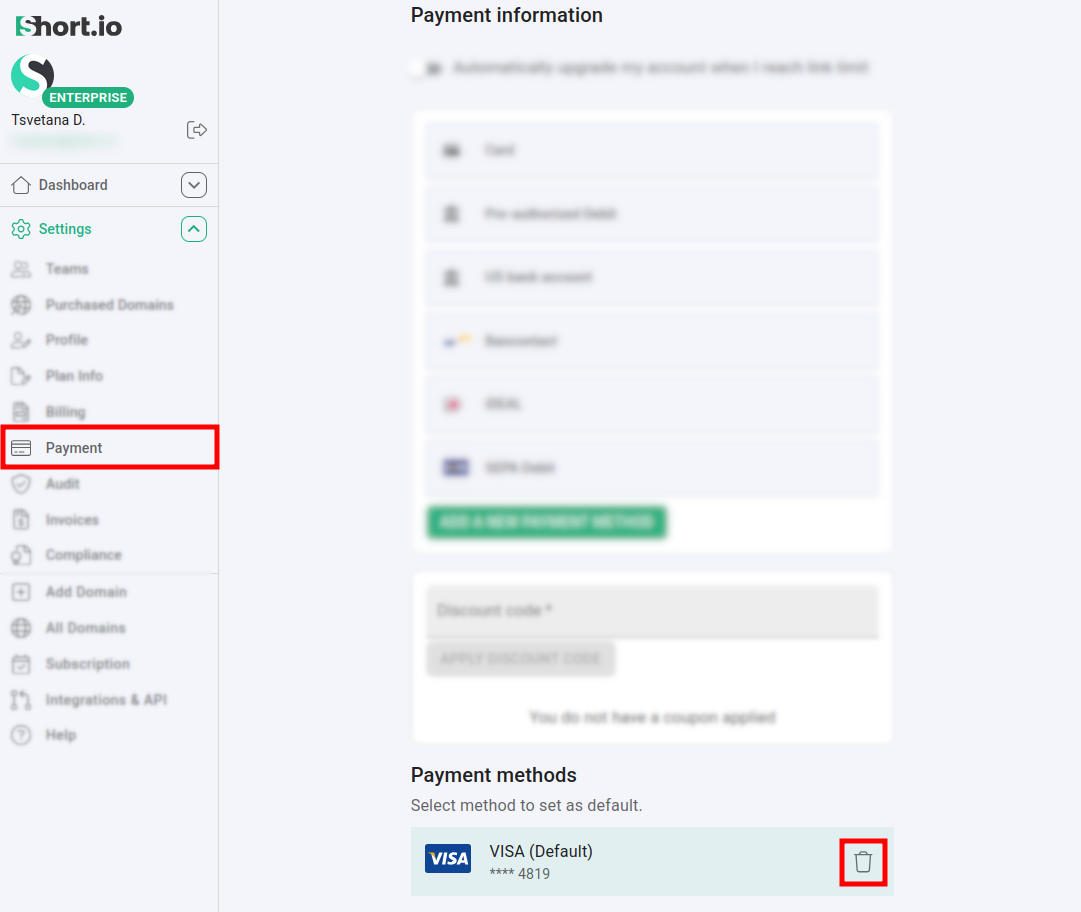
Navigate to Settings -> Payment:
-
Click on next to the method which you want to remove.
-
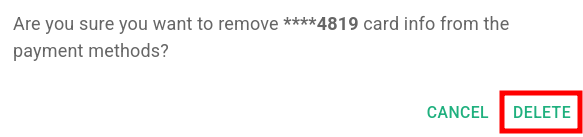
When prompted "Are you sure you want to remove **** card info from the payment methods?", click on Delete:
The payment method has been permanently removed.