How do I reset my password? (I forgot my password)
In case you forgot your Short.io password, follow the steps below to create a new one:
-
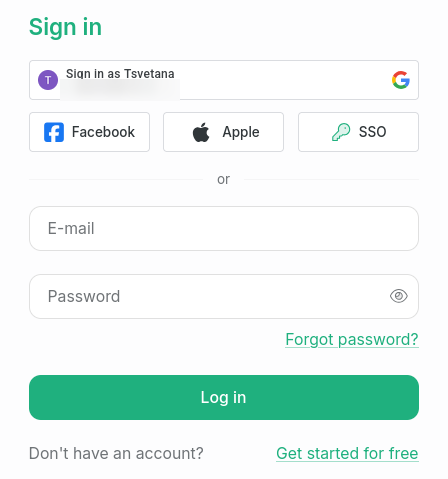
Open the Short.io login page.
-
Click Forgot password? .
-
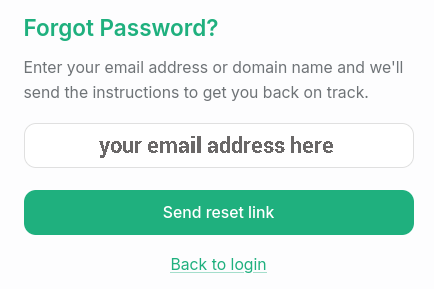
In the Forgot password dialog, enter your email address and click Send reset link:
-
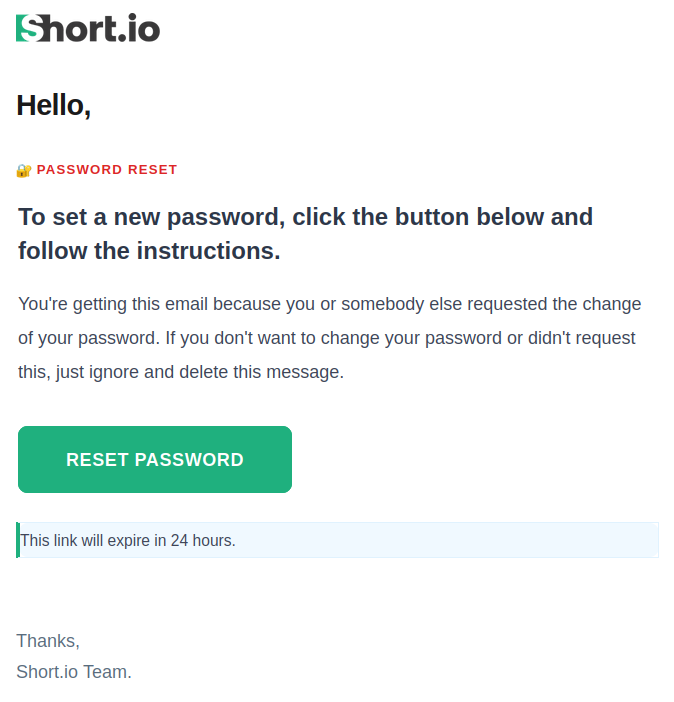
You will receive an email from Short.io. Click Reset Password to continue:
-
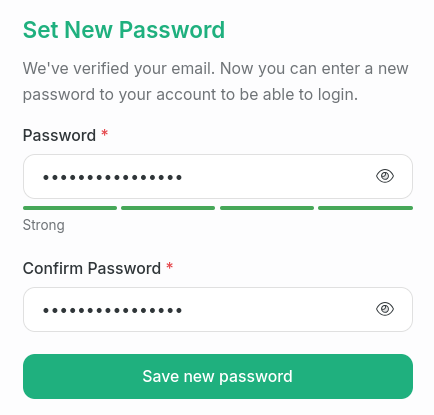
In the next dialog, enter and confirm your new password;
-
Click Save new password.
-
The password has been updated successfully. You can Proceed to login:
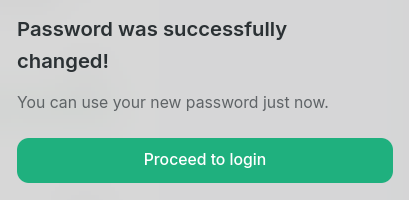
and use the new credentials to sign in to the Short.io app.