How to change your password
You can update your password at any time by following the steps below:
-
Sign in to your Short.io account.
-
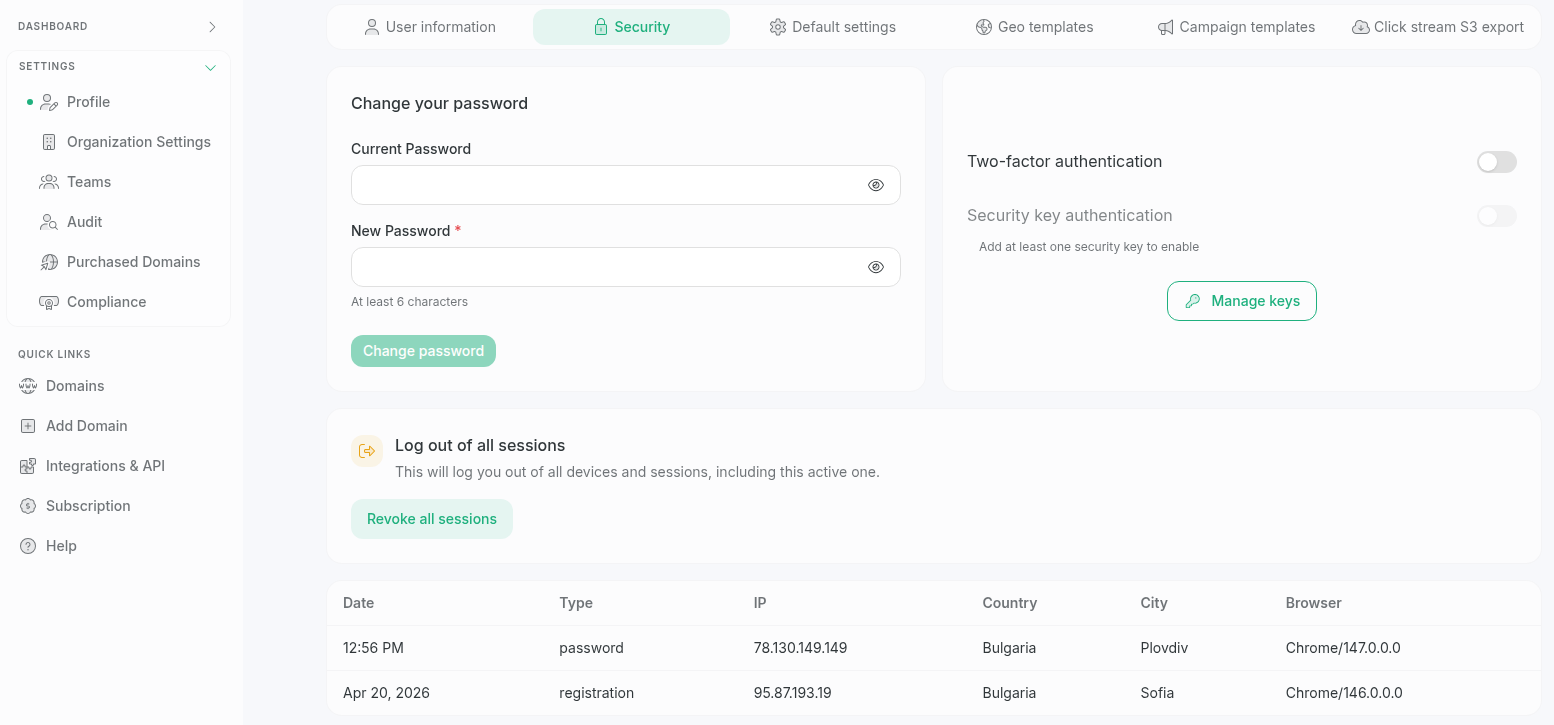
Navigate to Settings -> Profile and select Security:
-
In the Change your password section, provide the following details in the respective fields:
-
Current password (if you have one, otherwise leave blank)
-
New password (with minimum length of 6 characters)
-
-
Click Change password to confirm.
Your password has been changed. Use the new one to log in to Short.io.