How to manage passkey sign-in to Short.io
In addition to the other login methods, Short.io offers the option to sign in using passkeys.
Setting up a passkey
-
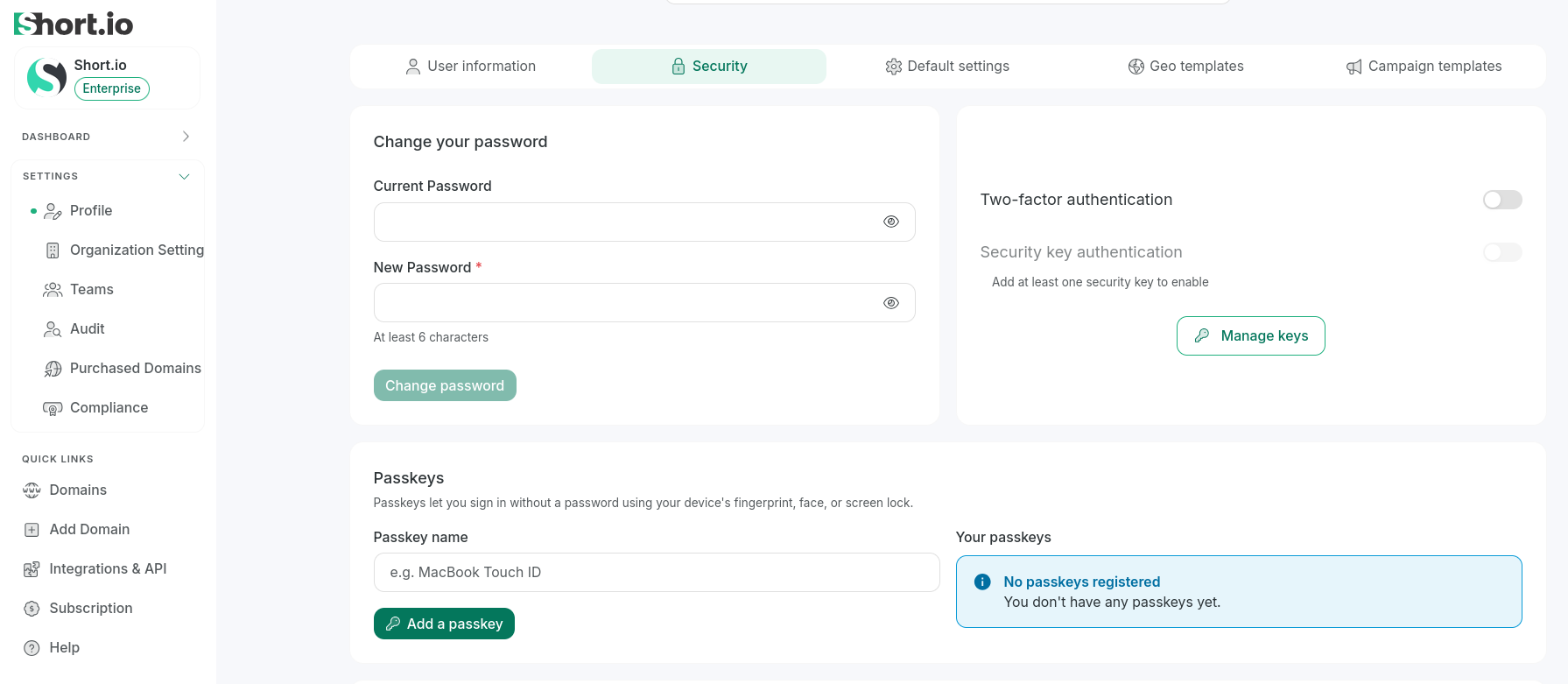
From Short.io left panel, select Settings -> Profile.
-
Navigate to the Security tab:
-
In the Passkeys section, you can enter a name for the passkey.
-
Click Add passkey.
-
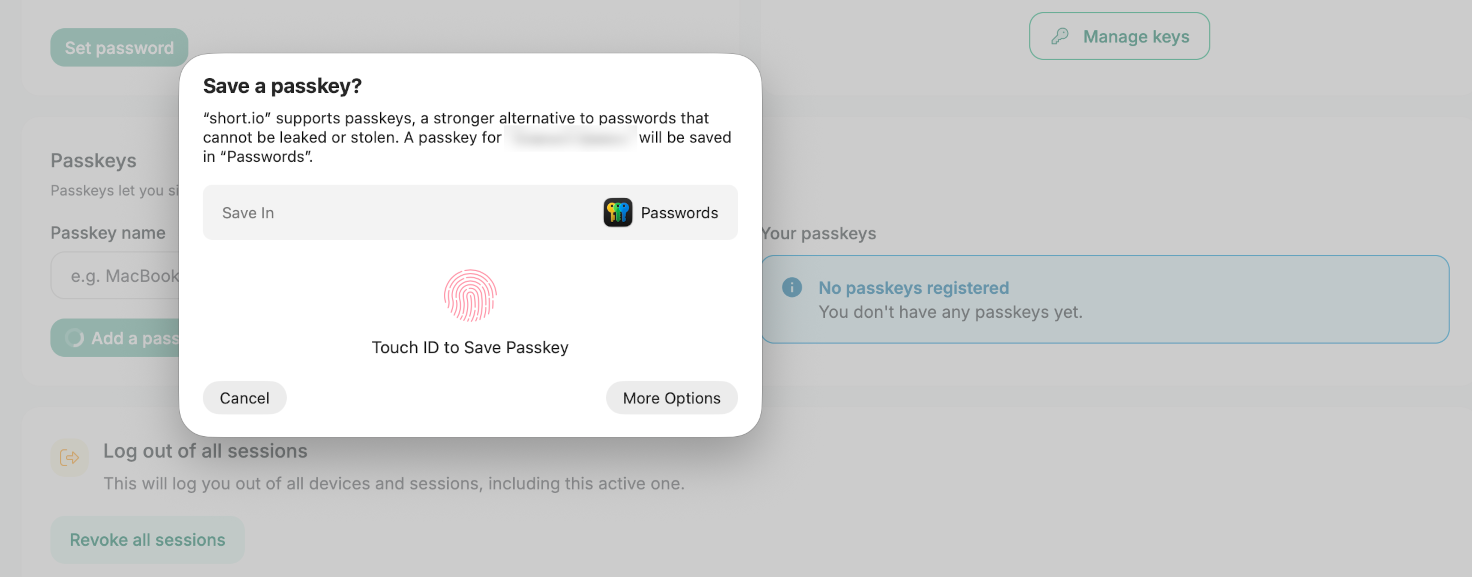
Depending on your device and settings, a different popup message may be displayed, for example:
-
Follow the on-screen instructions until successful registration:
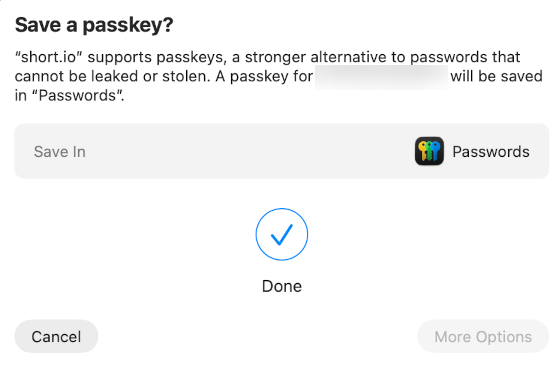
Your passkey will be added as another Short.io login method:

Removing a passkey
You can remove the added passkeys as follows:
-
From Short.io left panel, select Settings -> Profile.
-
Navigate to the Security tab.
-
In the Passkeys section, click the icon next to the passkey you want to remove:

-
When prompted, confirm deletion.
The passkey will be removed.
Signing in with a passkey
From the Short.io login page click Passkey:
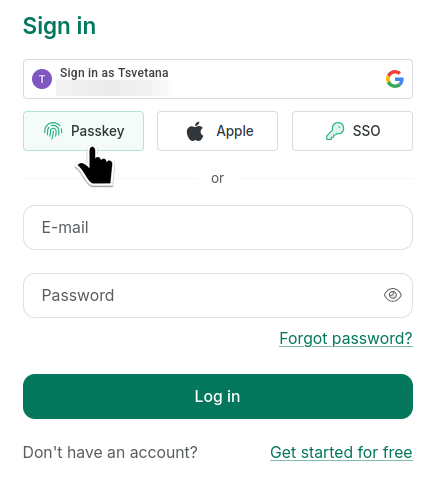
You will be automatically redirected to your Short.io Dashboard.