How can I change my username?
You can edit your username as follows:
-
Sign in to your Short.io account.
-
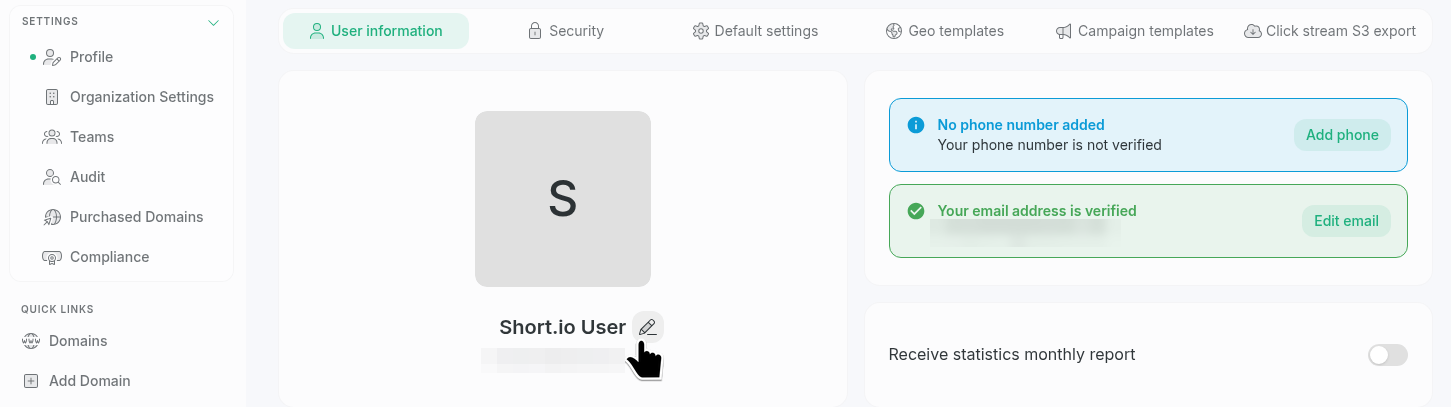
Navigate to Settings -> Profile -> User Information:
-
Move the mouse over your current username until the icon appears and click it to display the edit field.
-
Enter a new user name and click away from the field:

The change will be applied automatically.