How to add a credit card or payment method to Organization's settings
Users with admin rights can add credit card numbers or payment methods to their Organization's settings.
To add payment methods:
-
Sign in to your Short.io account.
-
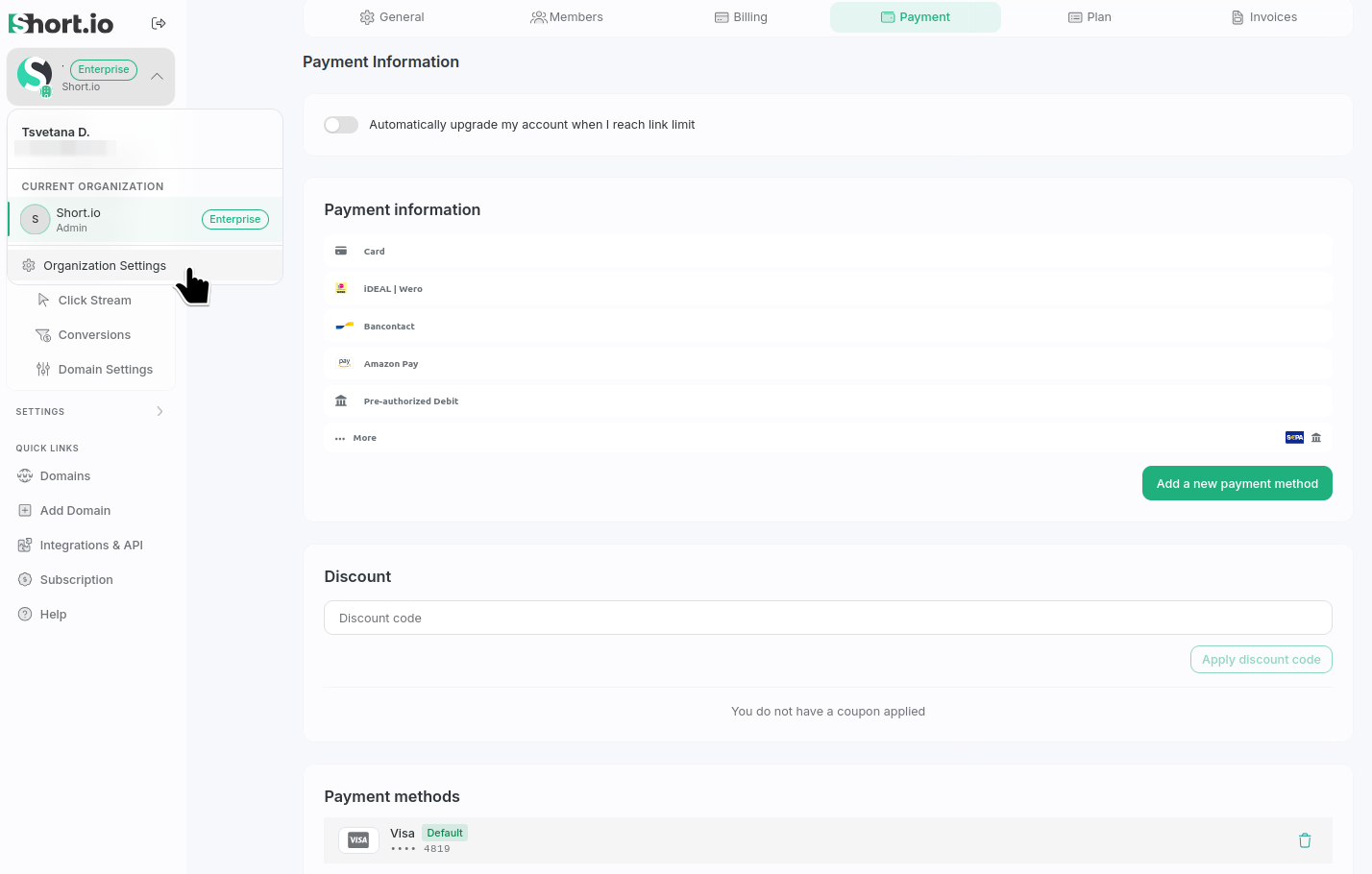
To access the Organization options, in the left sidebar click your Organization's name/logo, select Organization settings and then Payment tab:
-
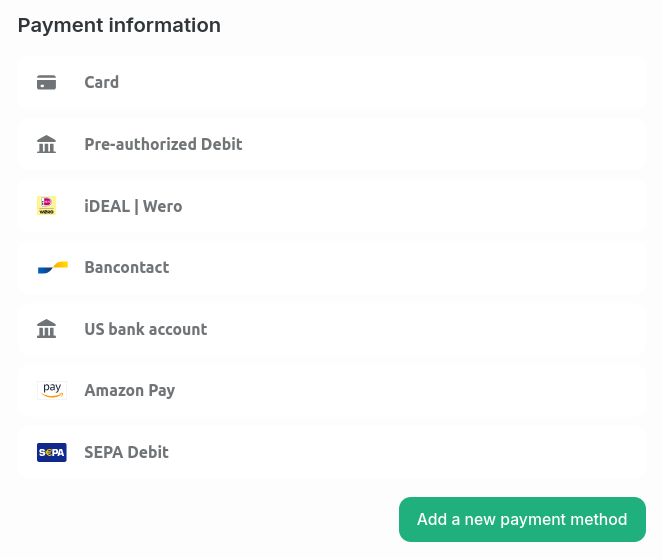
You can select from the following payment methods (click ... More to reveal the complete list):
-
Card
-
Pre-authorized Debit
-
iDEAL | Wero
-
Bancontact
-
US bank account
-
Amazon Pay
-
SEPA Debit
-
-
Select the method that suits you best and fill in the needed information.
-
Click Add a new payment method to confirm.
Your settings will be applied.
Default payment method
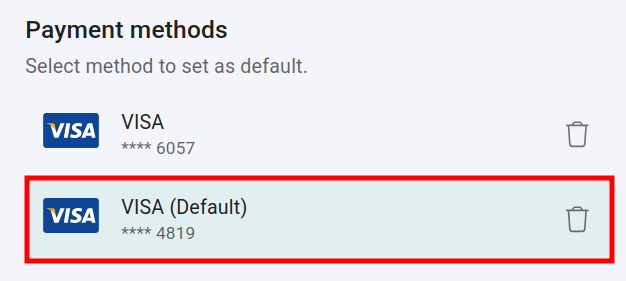
If you have multiple credit cards or payment methods saved and want to use a specific one for payments, select it and it will be set as your default payment method: