How to change and verify my email address
To change and verify your email address, follow these steps:
-
Sign in to your Short.io account.
-
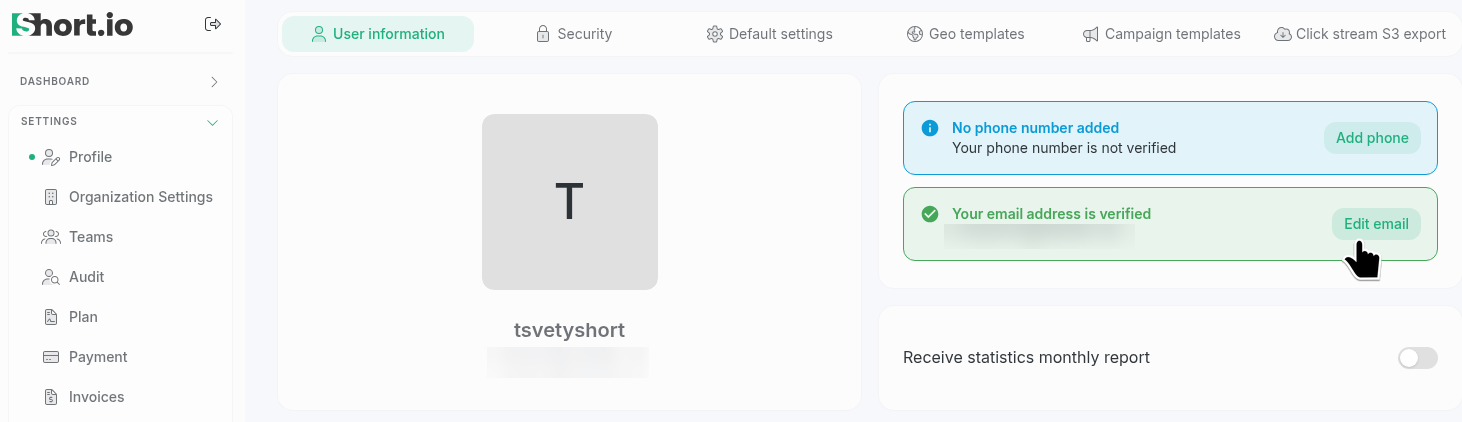
Navigate to Settings -> Profile -> User Information:
-
Click Edit email.
-
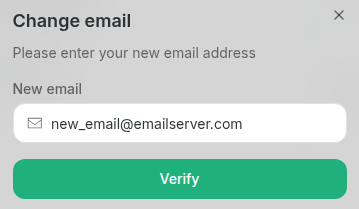
In the next dialog, enter your new email address:
-
Click Verify.
-
Short.io will send you a verification email. Open it and click Confirm email:
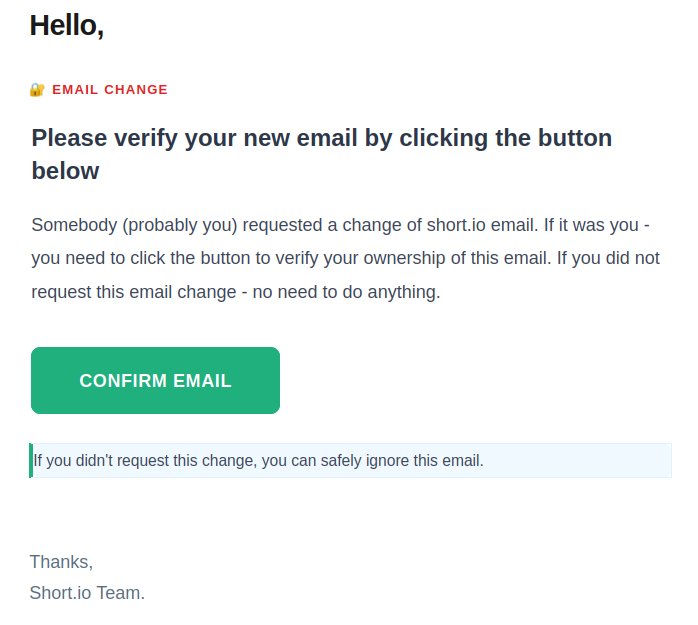
The Short.io page will reload automatically and the new email will be displayed.