How to upload, delete or change avatar
To upload an avatar
-
Sign in to your Short.io account.
-
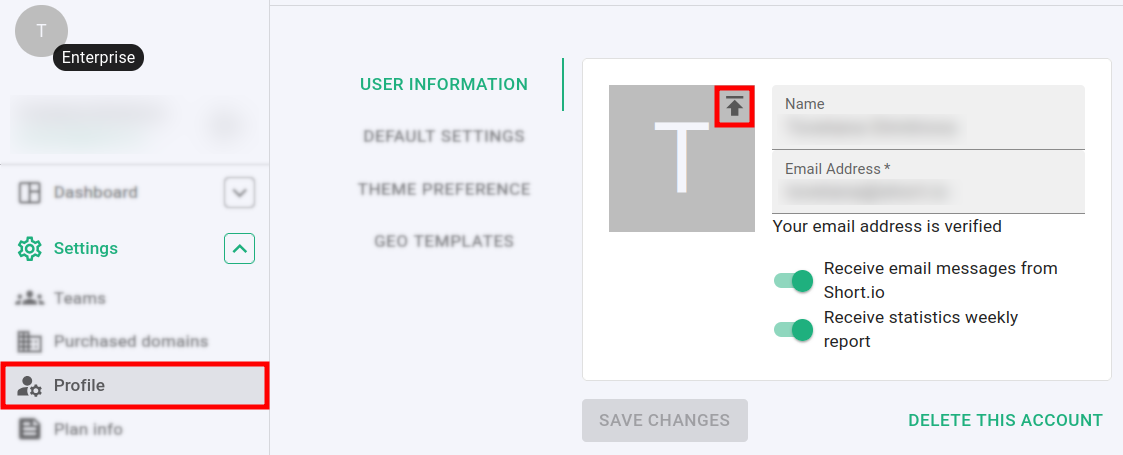
Navigate to the Settings menu and click on Profile:
-
In the User information section click on
 and select an image from your device.
Note: The file size should not exceed 5MB.
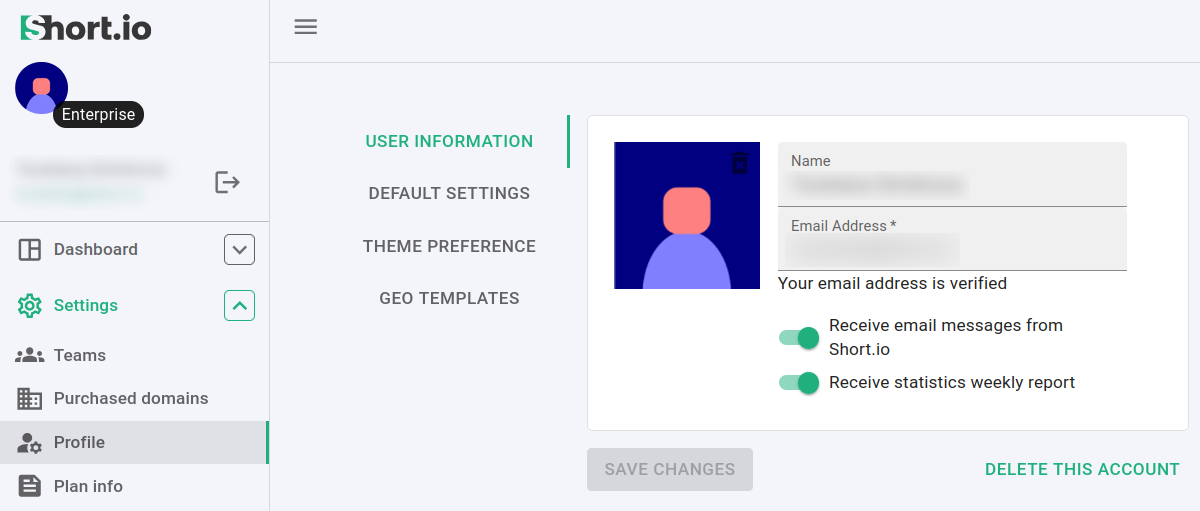
The changes are automatically saved and the new avatar is displayed:
To delete / change an avatar
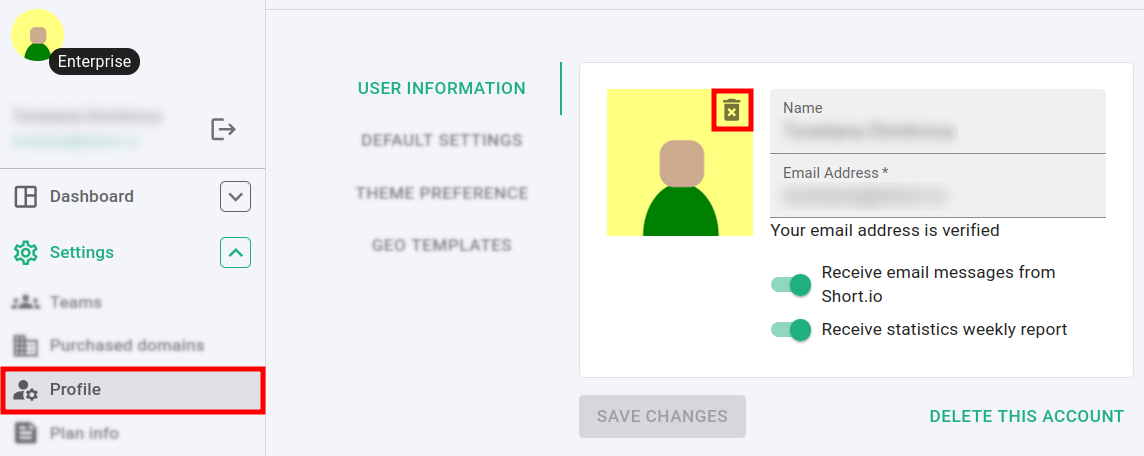
You can delete or change your avatar at any time from the Settings -> Profile menu:
-
click on
 to remove the current avatar
 -
upload a new one as described above