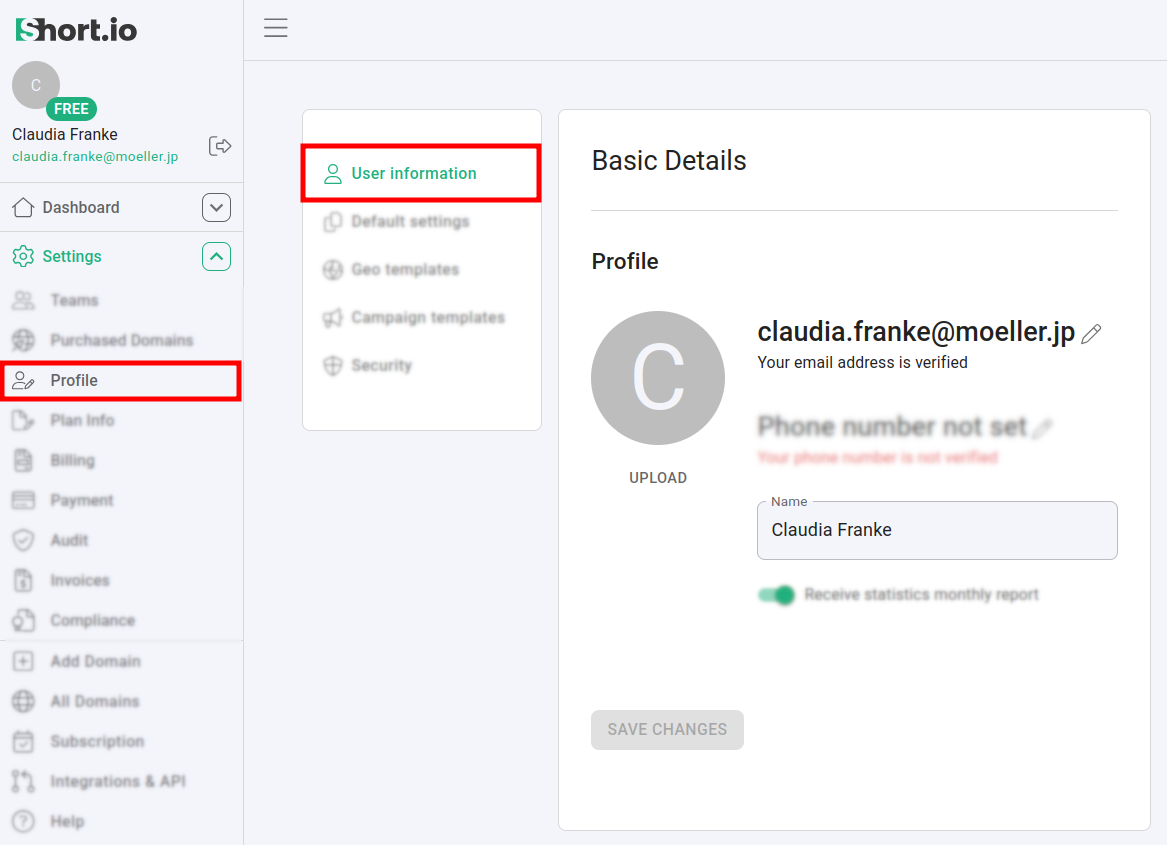
How to change and confirm my email address
To change your email address:
-
Sign in to your Short.io account.
-
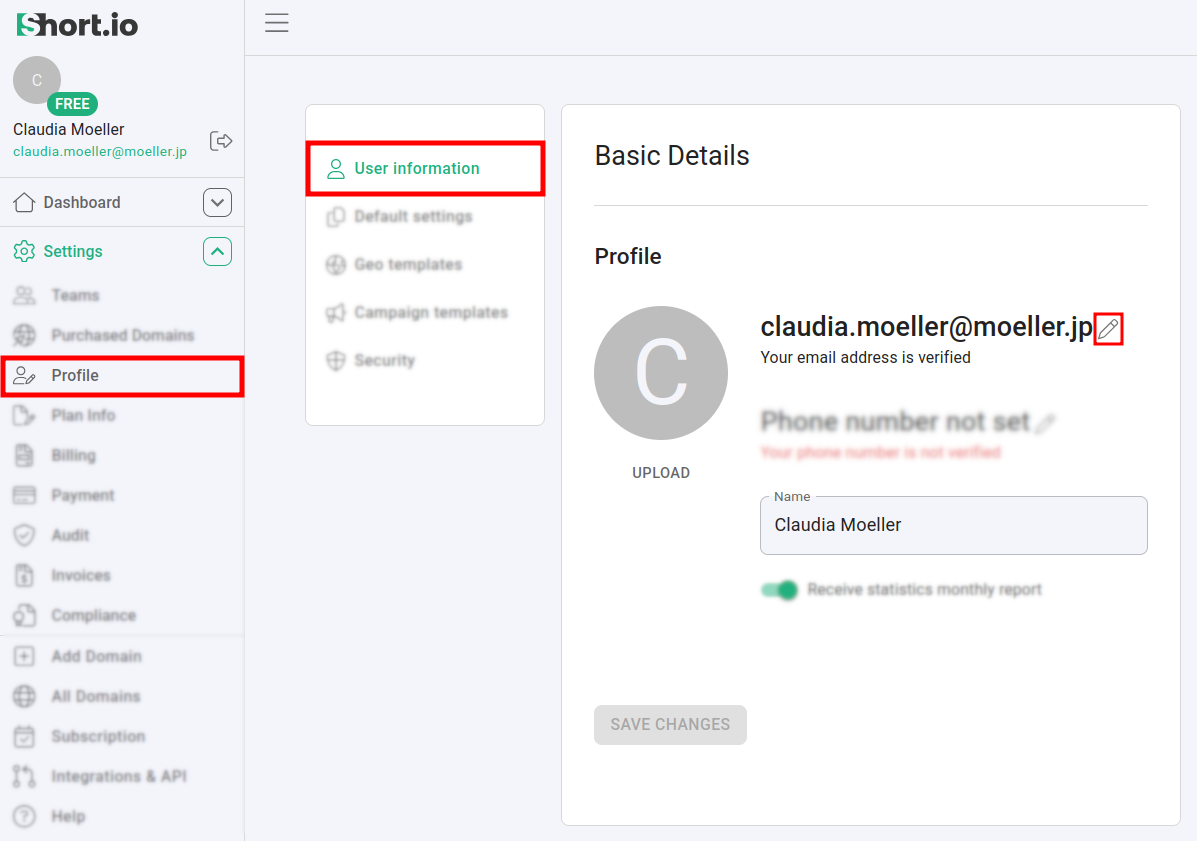
Navigate to Settings -> Profile -> User Information:
-
Click on
 next your email address.
 -
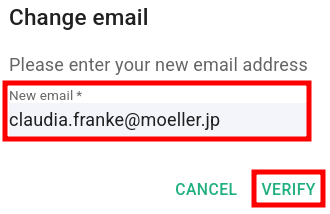
When prompted, enter your new email address and click on Verify:
-
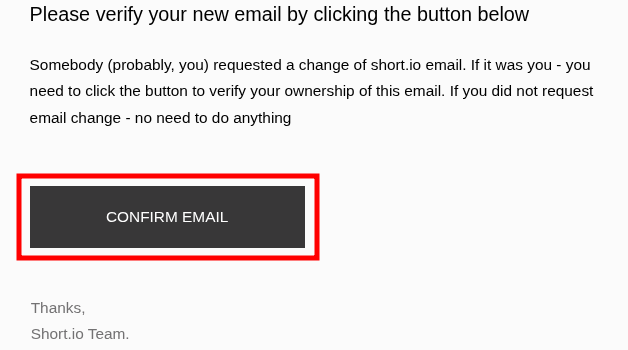
A verification email is sent to this new email address. Open it and click on Confirm email:
The Short.io page is automatically reloaded and from the Settings -> Profile -> User Information panel you can review the saved changes: