How to set a default cloaking for all links
You can set a default cloacking for all the links you shorten as follows:
-
Sign in to your Short.io account.
-
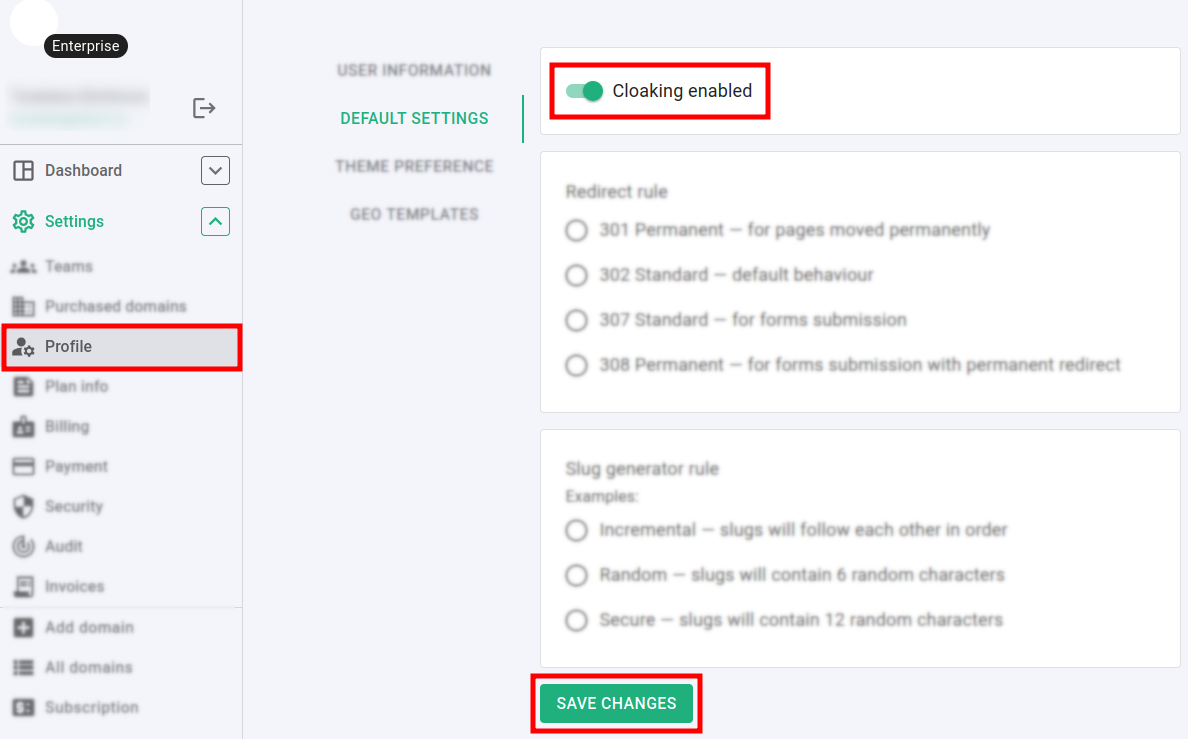
Navigate to the Settings menu and click on Profile:
-
In the Default settings section change the Cloacking option to enabled.
-
Click on Save changes.
Hereafter, the links that you shorten will be cloacked by default.