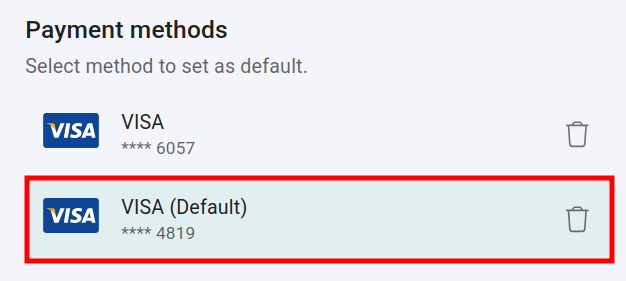
How to add a credit card or payment method
To add a new credit card number or a payment method:
-
Sign in to your Short.io account.
-
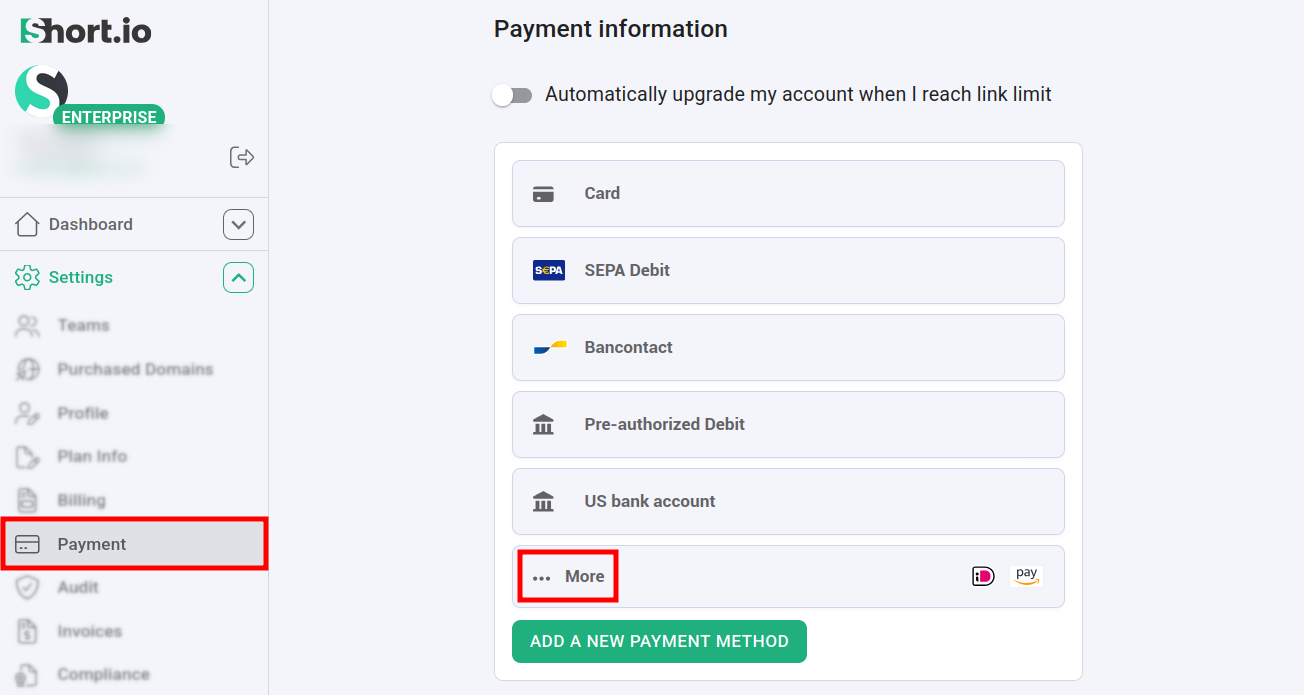
Navigate to Settings -> Payment:
-
You have the option to select from the following payment methods - click on More to reveal the complete list:
-
Card
-
SEPA Debit
-
Bancontact
-
Pre-authorized Debit
-
US bank account
-
iDEAL
-
Amazon Pay
-
-
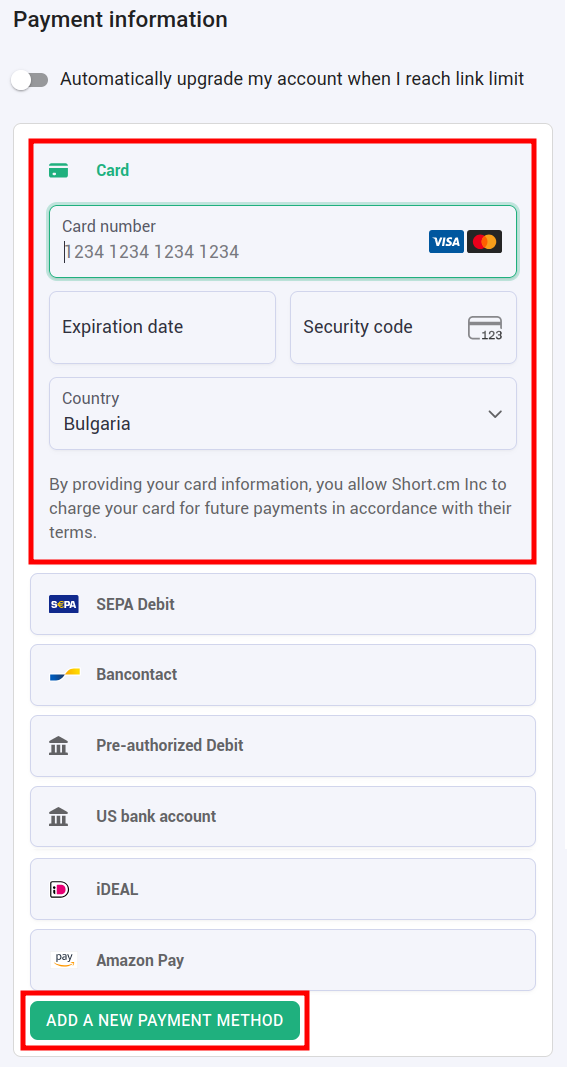
Click on one of the methods and fill in the needed information, for example:
-
Click on Add a new payment method to confirm.
Your settings are applied:
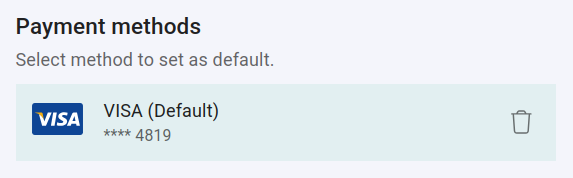
Default payment method
If you have registered multiple credit cards or payment methods and wish to process payments using a specific one of them, simply click on it, and it will be set as your Default payment method: