How to shorten or create links in bulk
Short.io lets you create short links in bulk in three ways:
Shorten links in bulk using the API
With Short.io API, you can shorten up to 1000 links in one API call. You can create 5 requests per 10 seconds (1 request = 1000 URLs).
It works almost the same as a single link creation endpoint, but it accepts an array of URLs and returns an array of responses. If any URL fails to be added, it returns an error object as an array element. The method is not transactional. It can insert some links from the list and return an error for others.
Shorten links in bulk with a CSV file
You can import a CSV file with links you want to shorten, or import links from another link shortener like Bitly or YoURLs.
Shorten links in bulk with Sheets
Using Sheets does not require technical skills - you paste the links manually. For users without Google accounts, we offer a lightweight but functional version of Sheets.
Google Sheets
-
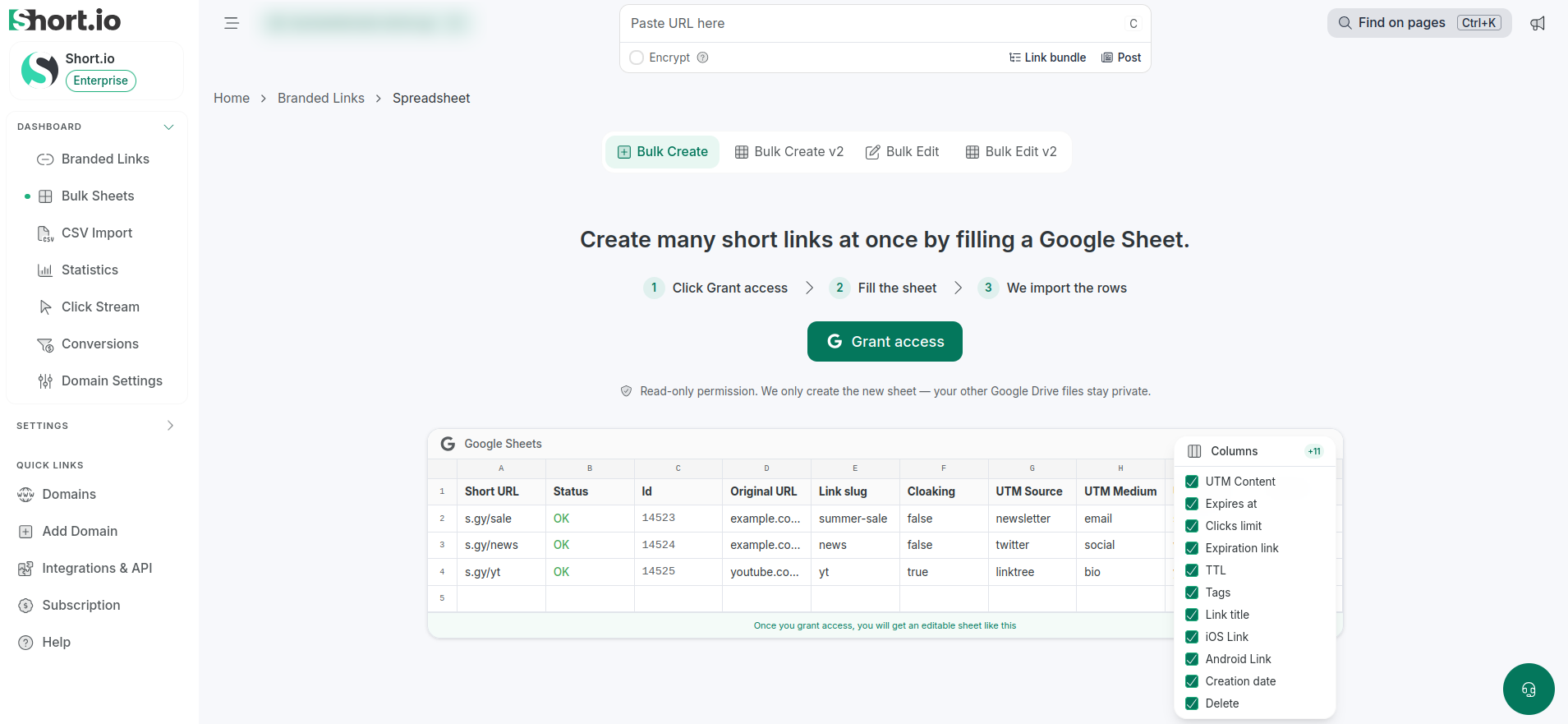
From the Short.io's left panel navigate to Bulk Sheets:
-
You may be asked to log in to your Google account and/or to grant us permission to create a Google spreadsheet - please click Grant access.
-
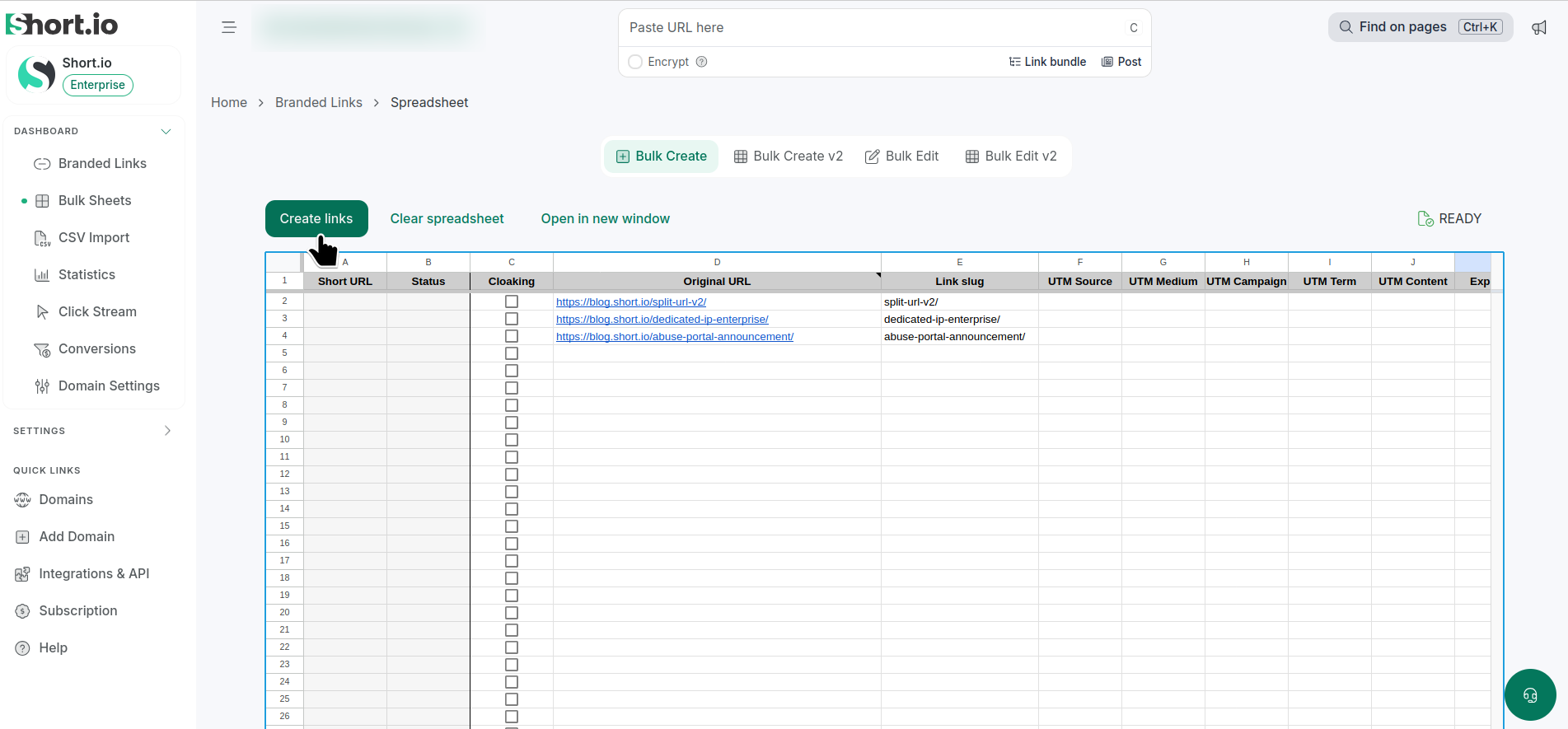
When an empty sheet appears, manually paste the links to be shortened in the required Original URL cells. You can also fill in other optional columns, for example: Link slug
 tip
tipIf you want to add more than one Tag, separate them with commas.
-
Click Create links. The newly created links are listed in the Short URL column:
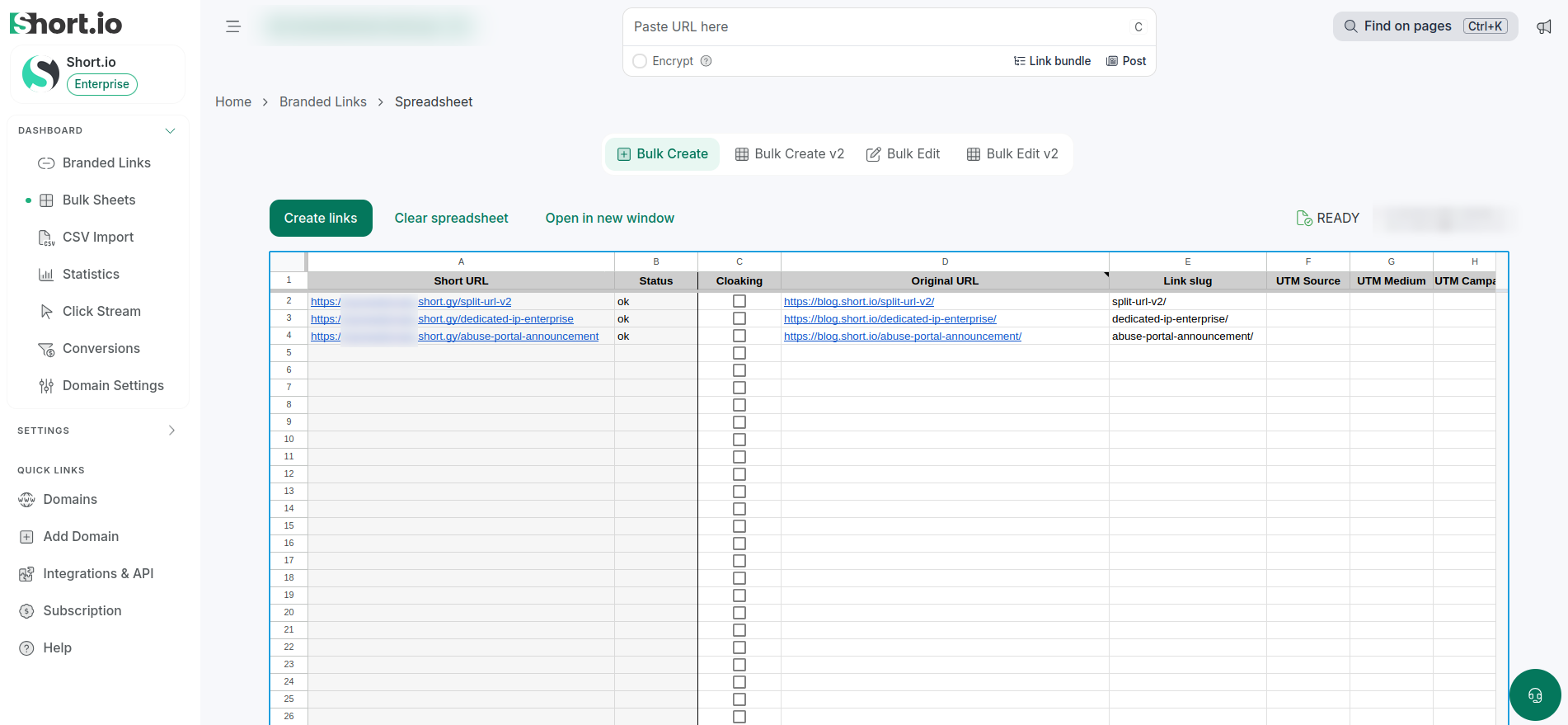
The columns A (Short URL) and B (Status) are populated automatically.
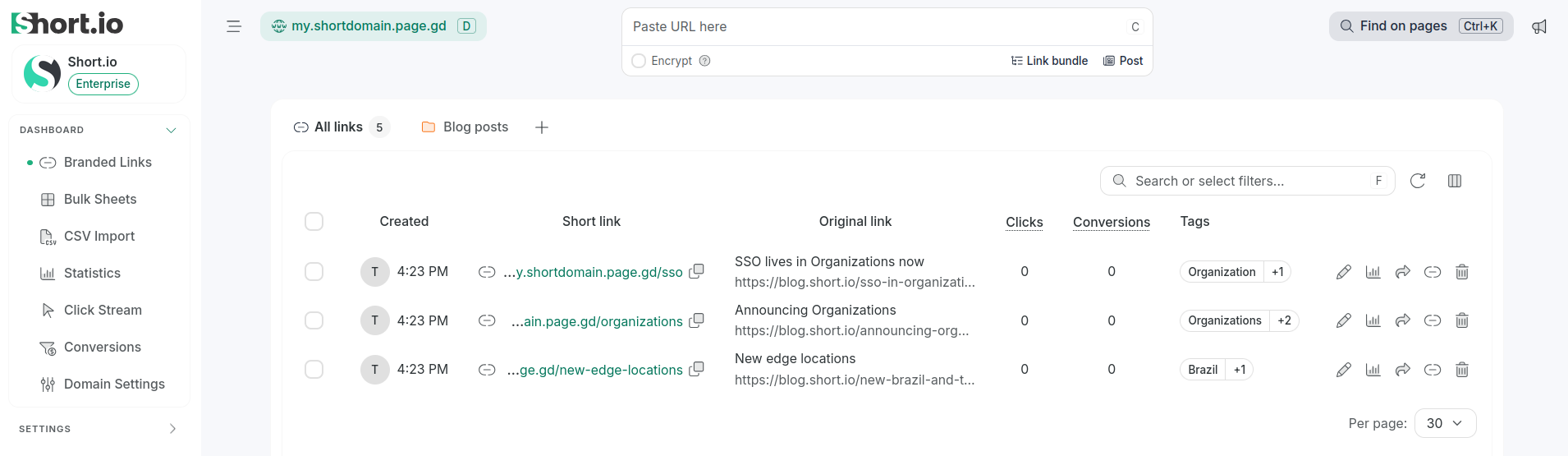
The short links will appear in the Branded links menu as well:
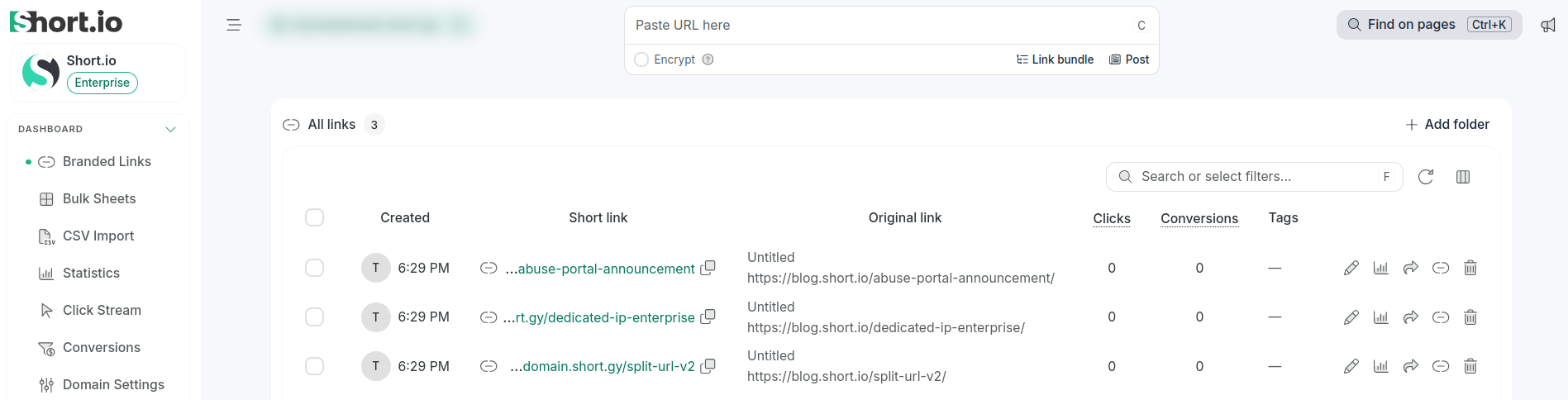
Sheets v2
If you choose not to use Google Sheets, follow these steps:
-
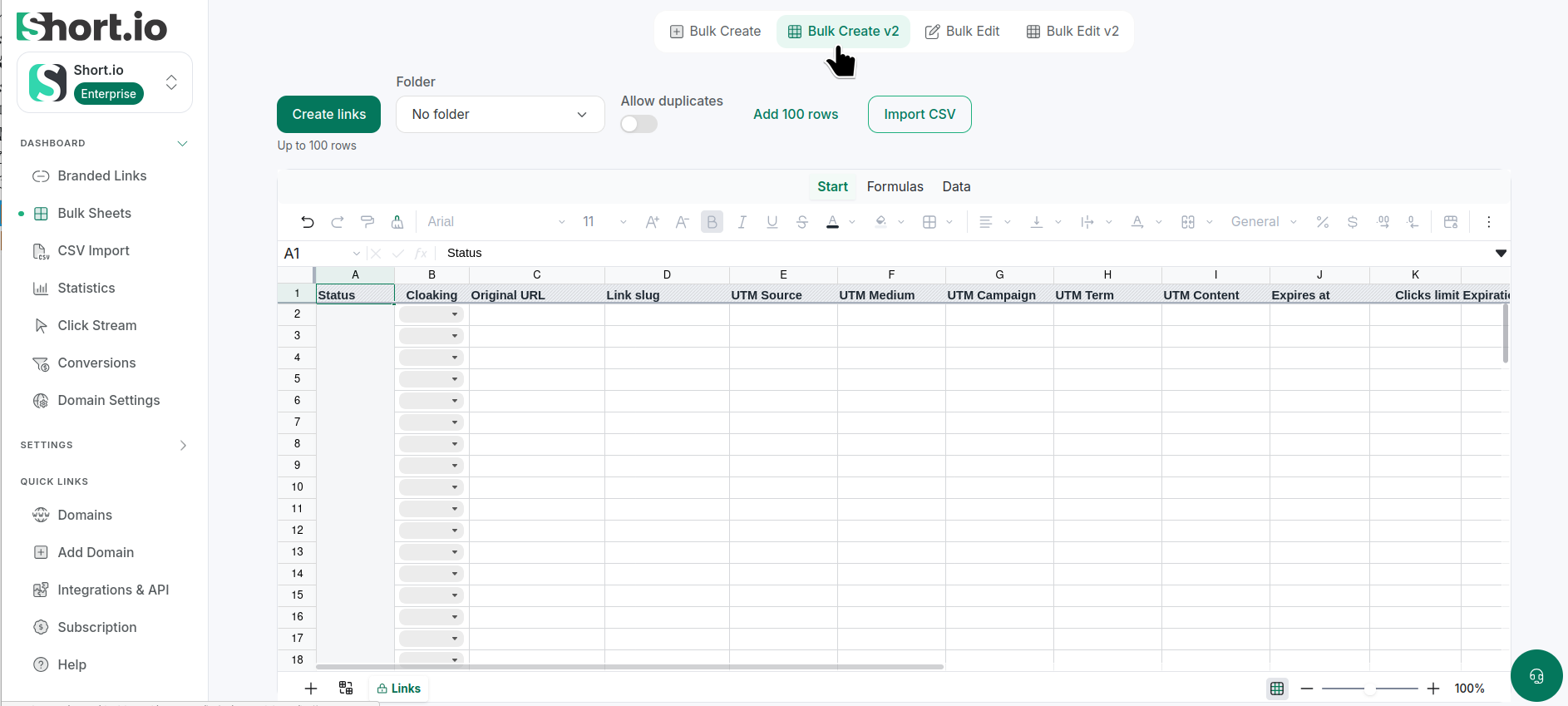
From the Short.io's left panel navigate to Bulk Sheets:
-
Click Bulk create V2.
-
You have the options to:
-
select a folder where to add the links
-
allow duplicated links
-
add another 100 rows
-
import links from CSV file - select the file from your device and map data to the appropriate columns
-
-
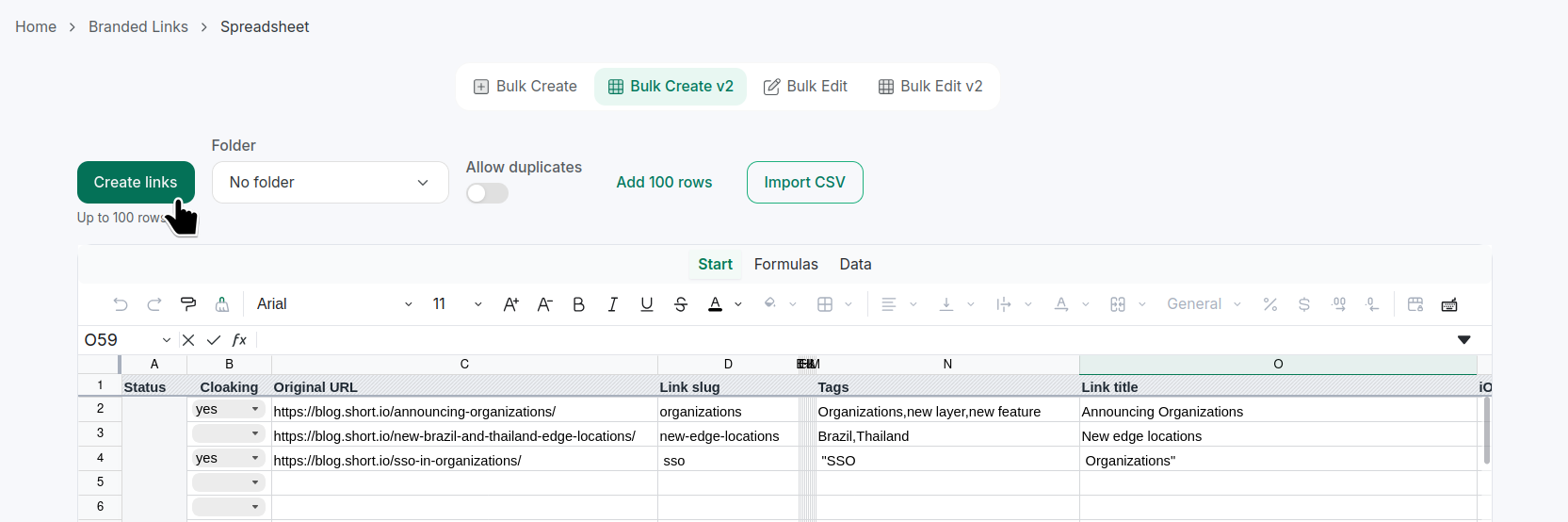
You can manually paste the links to be shortened in the required Original URL cells. You may also want to fill in optional columns, for example: Link slug.
-
Click Create links:
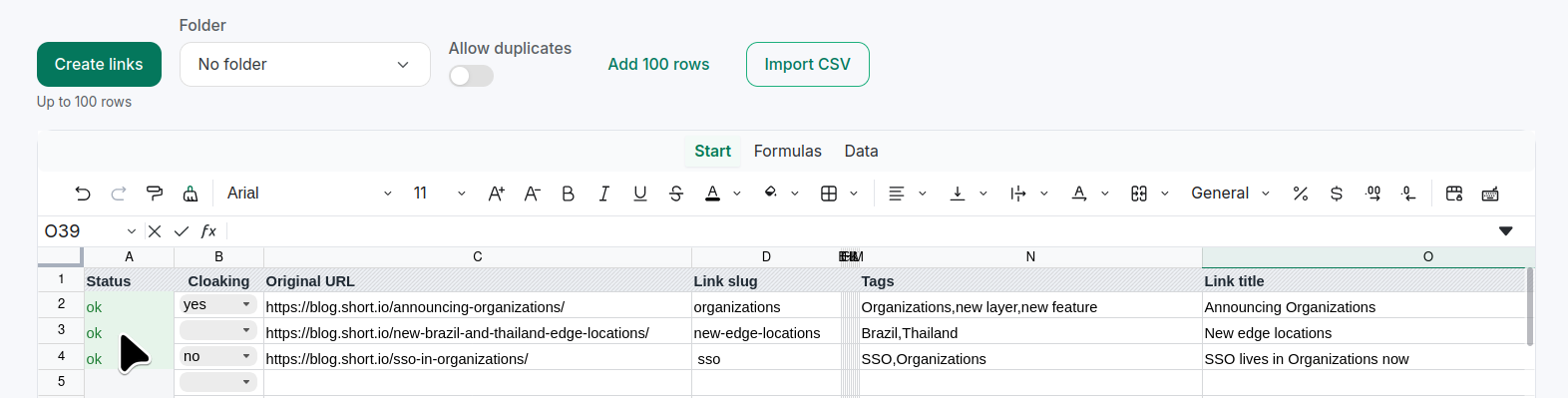
Once the process has finished, the Status column is expected to display OK values:
The links will appear in the Branded links menu as well: