How to download QR codes in bulk
Downloading QR codes in bulk efficiently saves time compared to manual downloads, allowing multiple QR codes to be quickly saved to your device with minimal effort.
Download QR codes in bulk
-
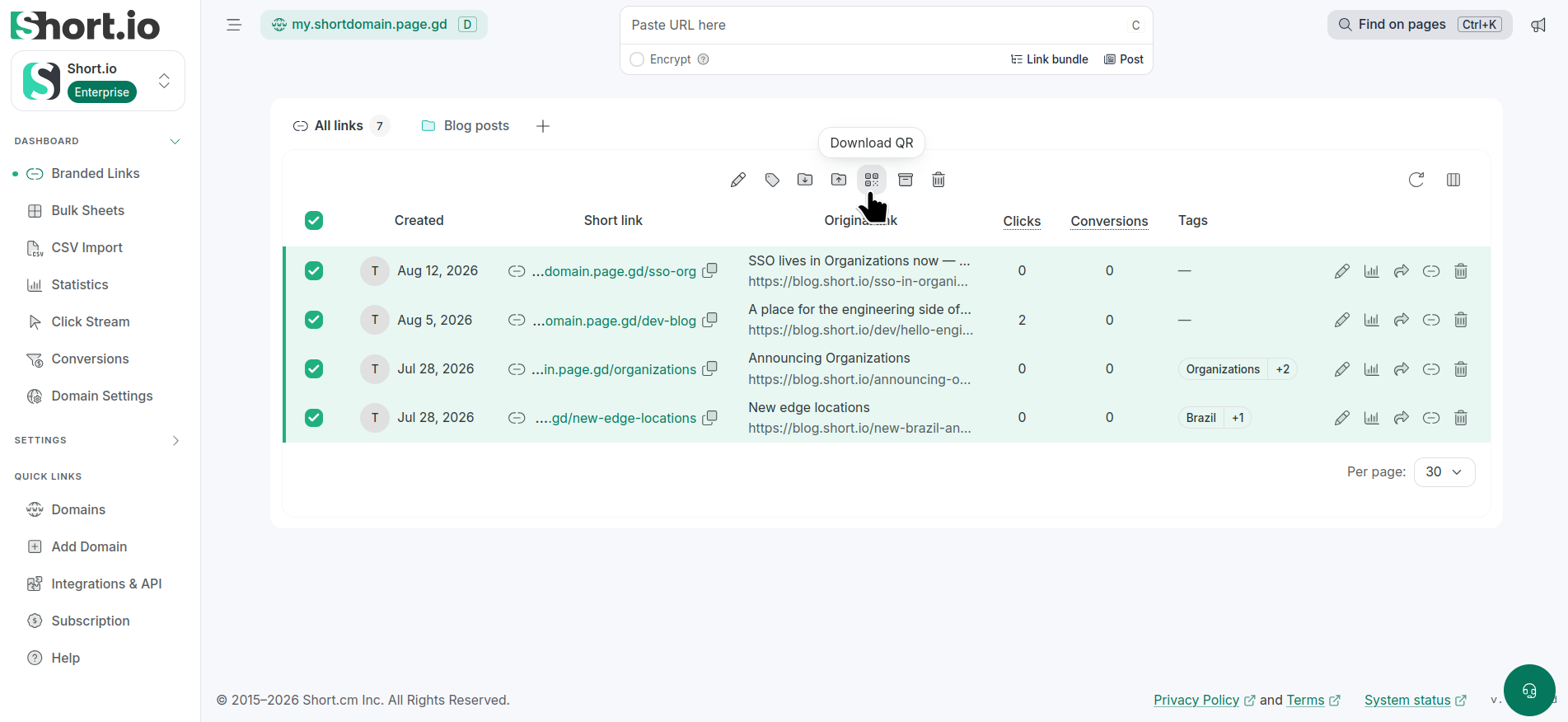
From the Short.io's left panel navigate to the Branded links menu and select the links for which you want to download QR codes:
-
Click Download QR . You can save the codes in either SVG or PNG format:
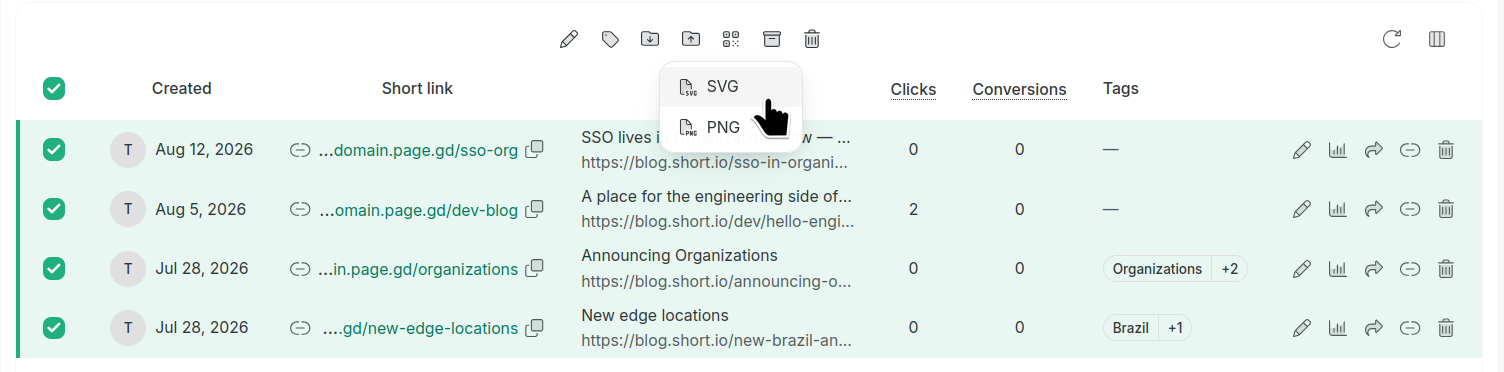
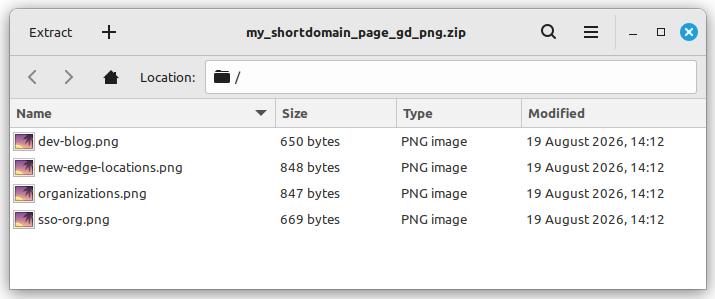
A ZIP archive containing all generated codes will be created automatically for you to download on your device.
Inside the archive, the QR code filenames match the slugs of the corresponding short links: