How to set TTL in bulk (via Bulk spreadsheet)
With the TTL (Time To Live) bulk expiration functionality, you can designate specific dates for your short links to be deleted automatically.
The TTL parameter should be configured at least one week in advance of the current time in order to function correctly. And unlike expiring links, deleting a link by TTL can be delayed and executed within 24 hours after the given date.
Setting TTL in bulk
-
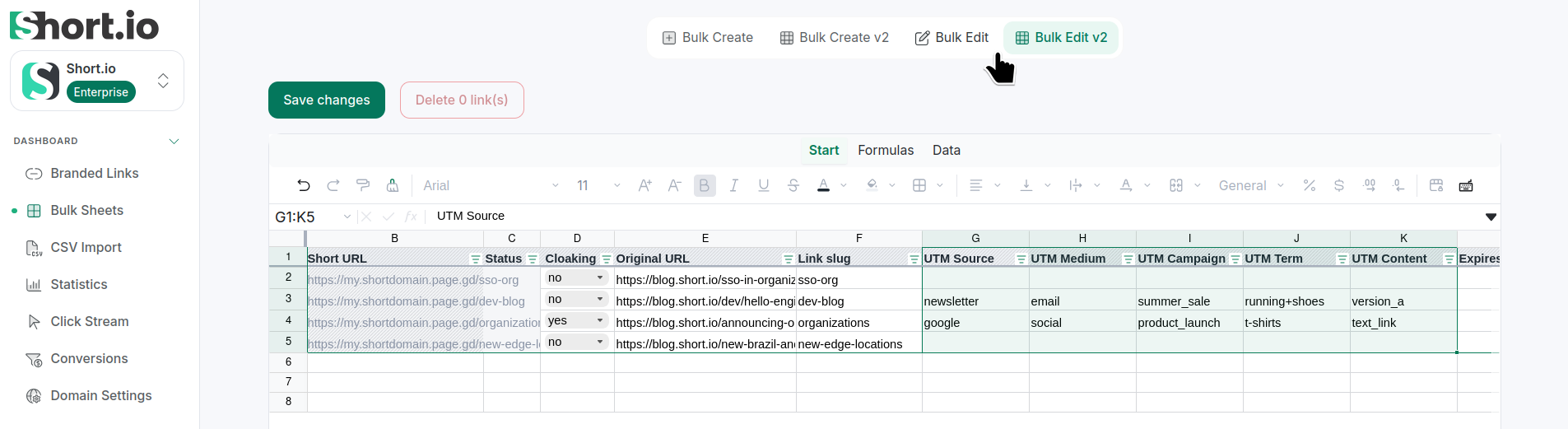
From the Short.io's left panel navigate to Bulk Sheets:
-
If you already have short links - select Bulk Edit (Google Sheets) or Bulk Edit V2 (Sheets V2). Otherwise, shorten some links in bulk.
-
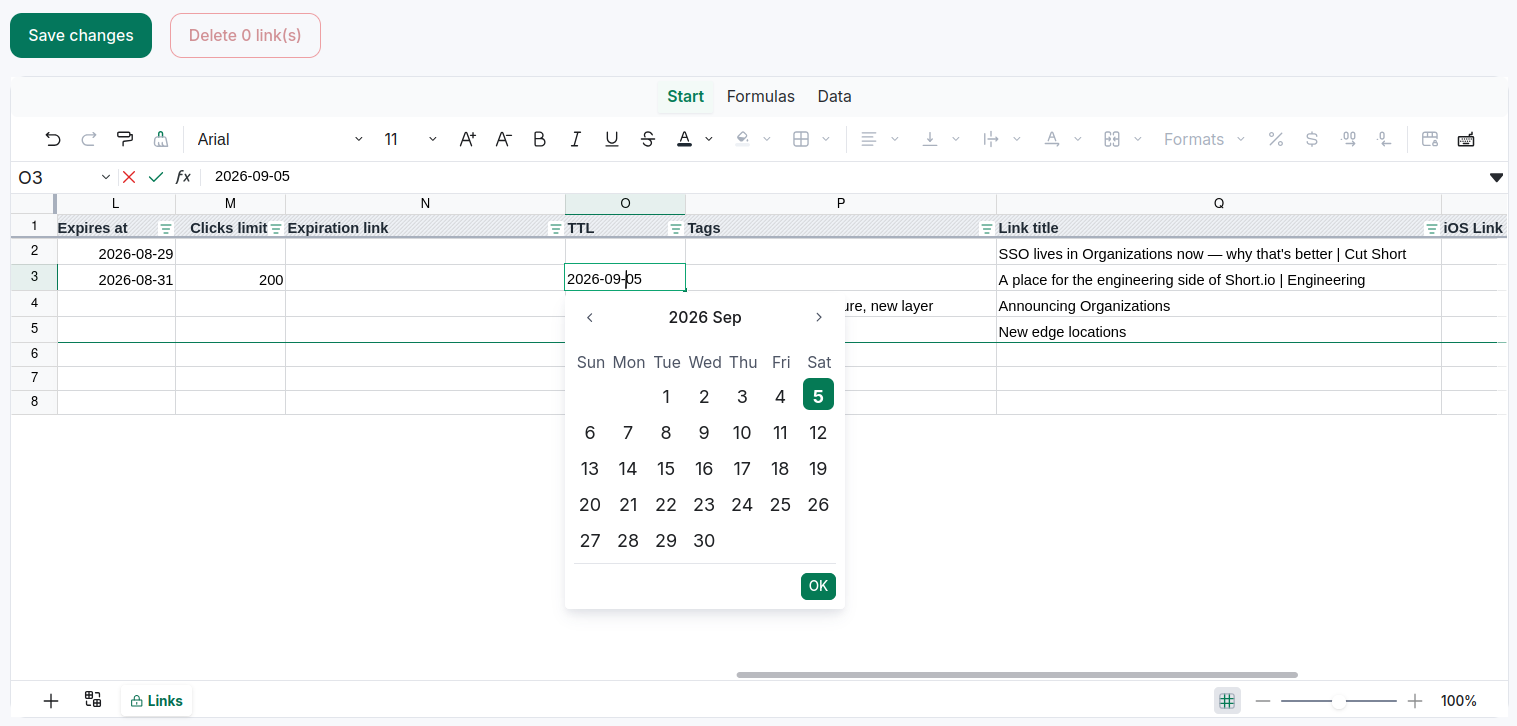
Scroll right to find the TTL column and add the needed dates from the calendar (or copy/paste dates in the format YYYY:MM:DD):
-
Save.
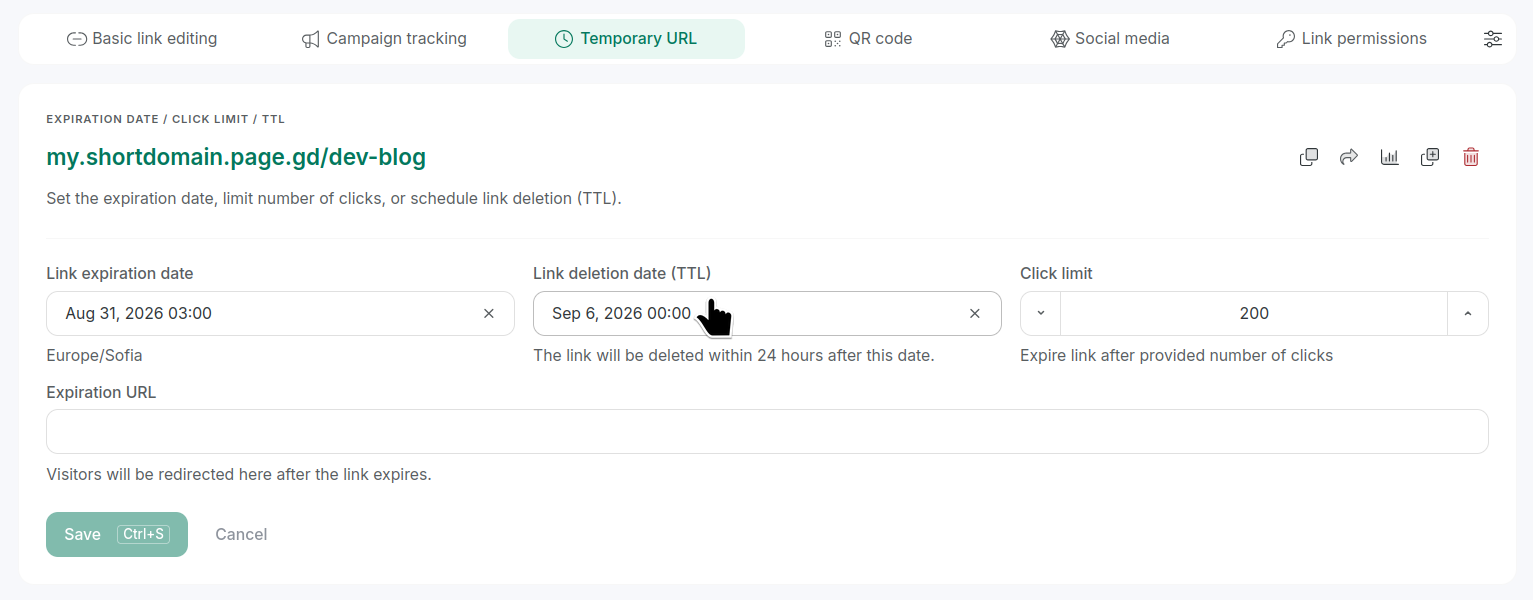
To review a TTL date, from the Branded links open a link for editing and navigate to Temporary URL tab: