How to add UTM tags in bulk
Short.io allows you to add several UTM parameters to multiple short links at once, eliminating the need to add them manually to each link.
Quick video tutorial
Adding UTM tags in bulk
-
From the Short.io's left panel navigate to Bulk Sheets:
-
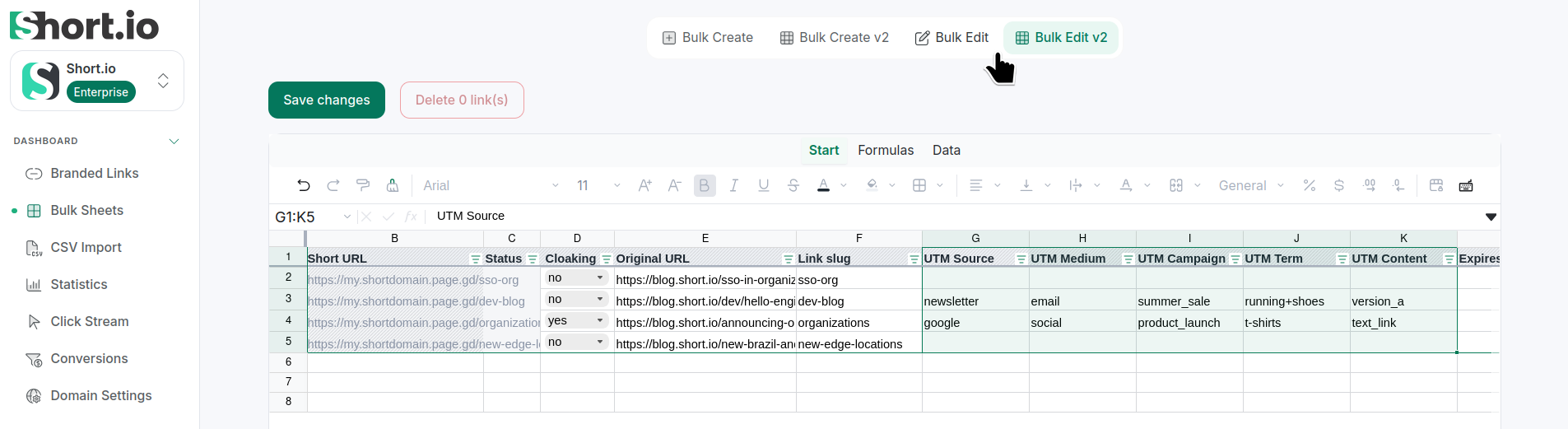
Select Bulk Edit (Google Sheets) or Bulk Edit V2 (Sheets V2).
-
Add the needed UTM tags and save.
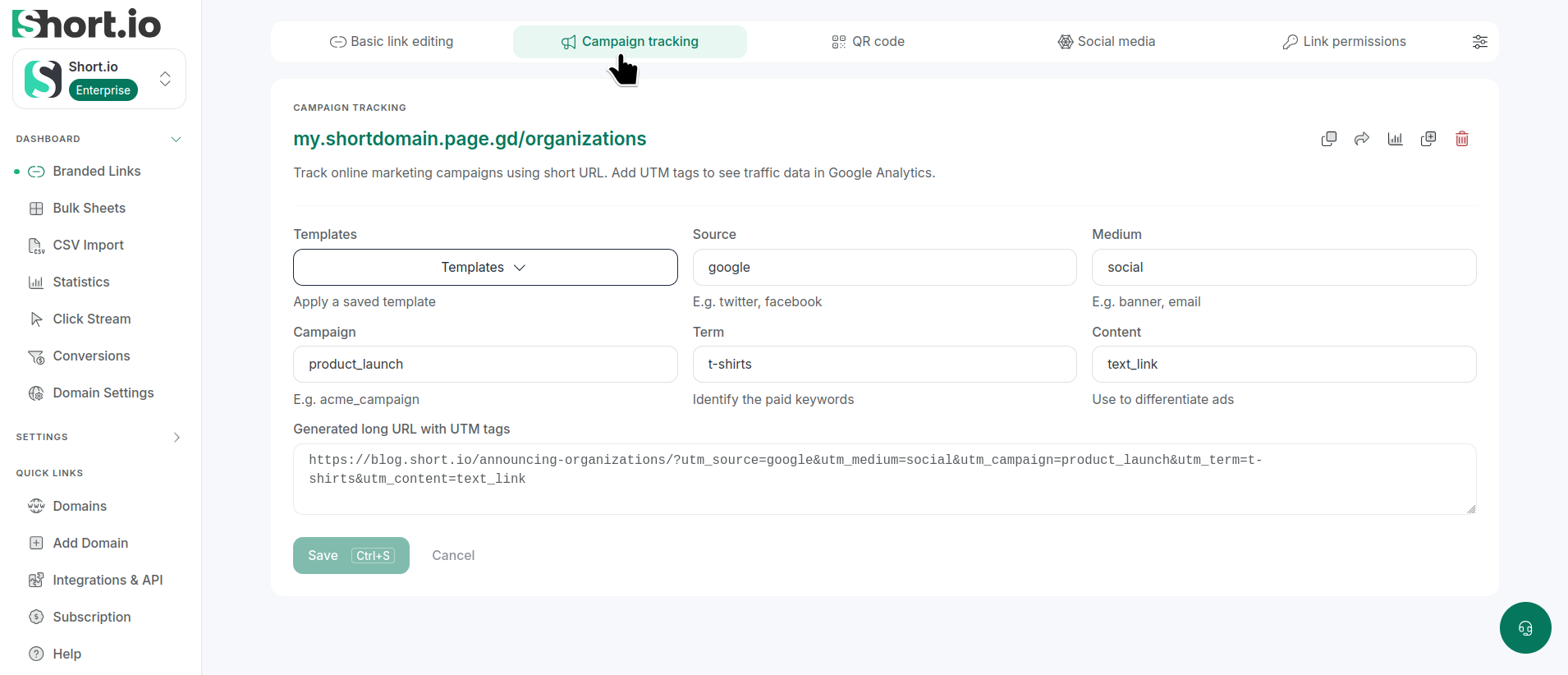
You can review the tags from the Branded links, after you open one for editing and navigate to Campaign tracking tab: