How to rename a folder
To rename a folder:
-
Sign in to your Short.io account.
-
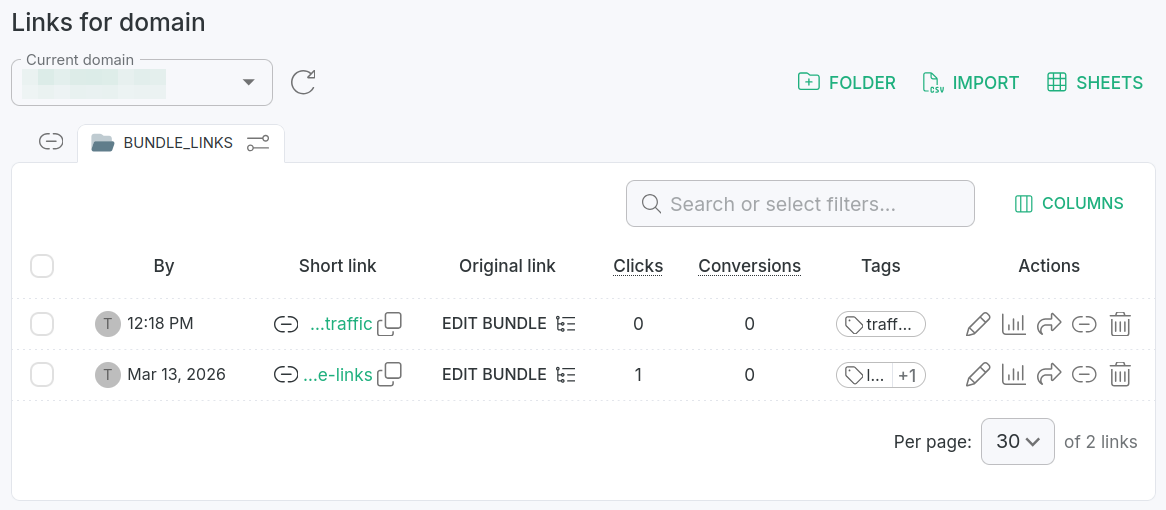
From the Dashboard navigate to the Branded links panel and click on a folder to open it for review:
-
Click the icon which appears next to the folder's name:

-
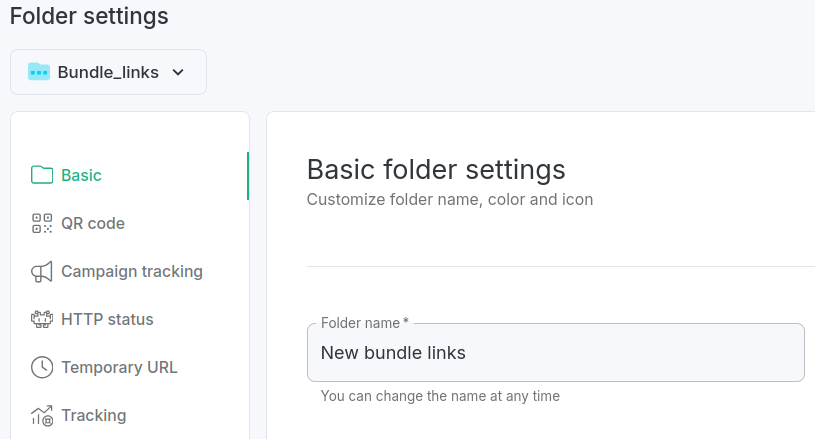
In the Basic settings change the name:
-
Click Save.
The folder's name will be updated.