How to delete a folder
To delete a folder:
-
Sign in to your Short.io account.
-
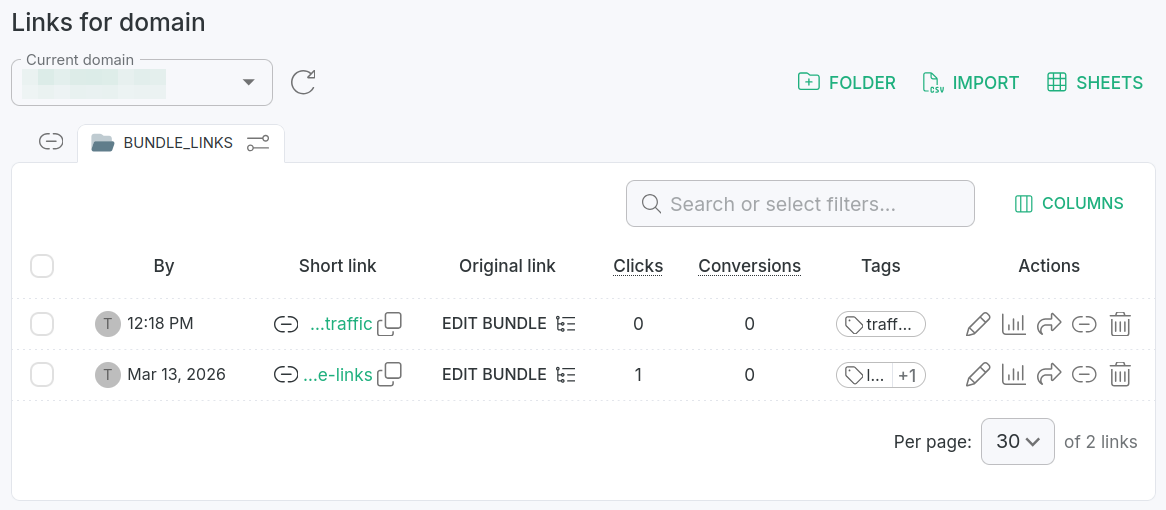
From the Dashboard navigate to the Branded links panel and click on a folder to open it for review:
-
Click the icon which appears next to the folder's name:

-
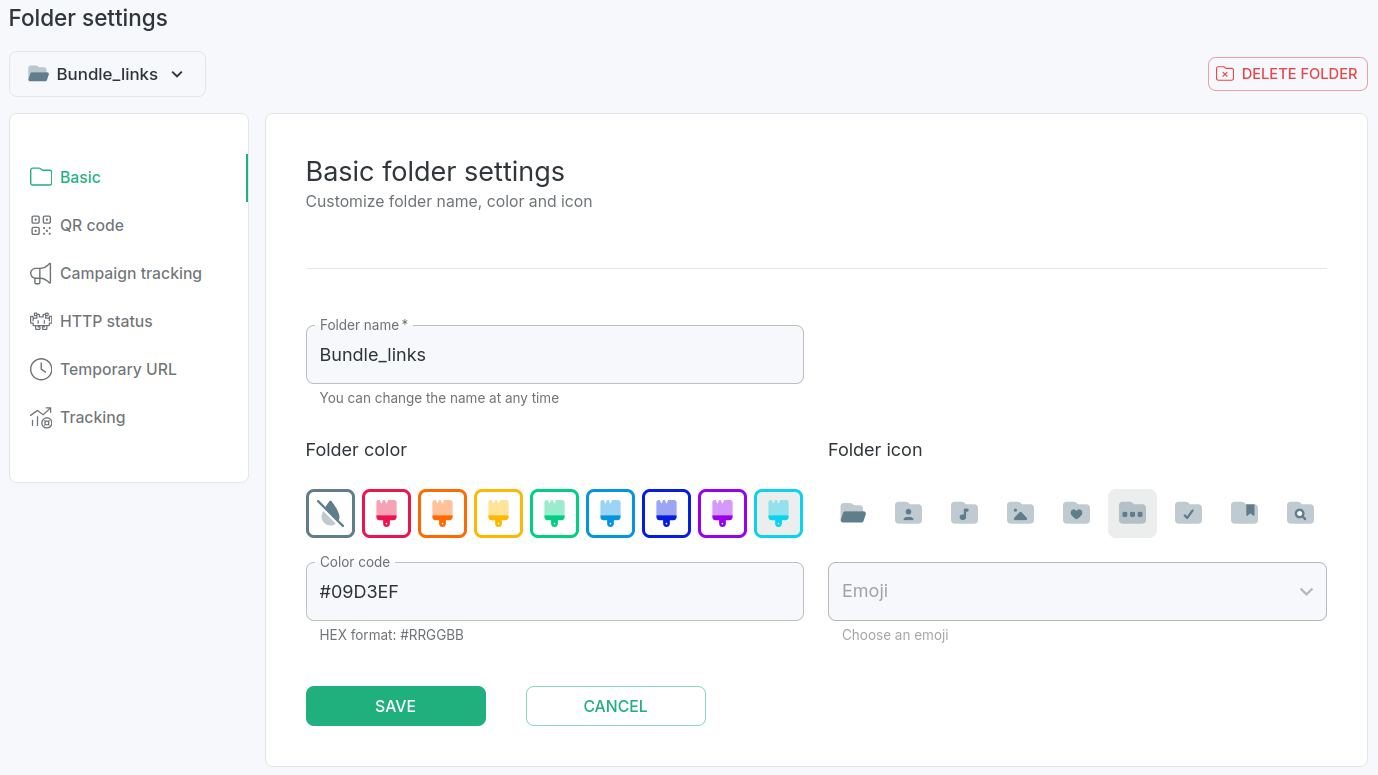
In the next screen click Delete folder :
-
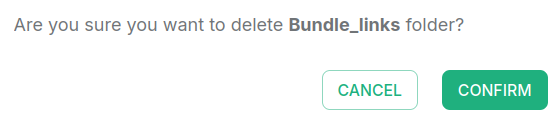
When prompted "Are you sure you want to delete <folder-name> folder?", click Confirm:
 !
!
The folder is removed.