How to integrate Short.io with Shopify
Shopify is a service for launching a personal online store. It takes you a day to start a business.
For a better products promotion use Short.io and Zapier integration. Shopify & Short.io Zap allows you to get short links for your shop items automatically.
After a new item is added to your Shopify store, a new short link for this product appears on Short.cm dashboard.
Shopify is a premium app. Shopify & Short.io Zap is available for paid Zapier users.
Follow the instruction to configure Shopify & Short.io Zap.
1. Go to Zapier.
2. Choose Make a Zap.

3. Search for Shopify and click its icon.

4. Choose "New Product" and continue.

5. Connect your Shopify account by specifying your store address.

6. When your account is on, continue.
To make a Zap work, add at least one product.
7. Fill in necessary fields. Continue.
8. Pick a sample of the item to test.
9. Now you need to add an action. Search for Short.io and click its icon.

10. Choose the action and continue.
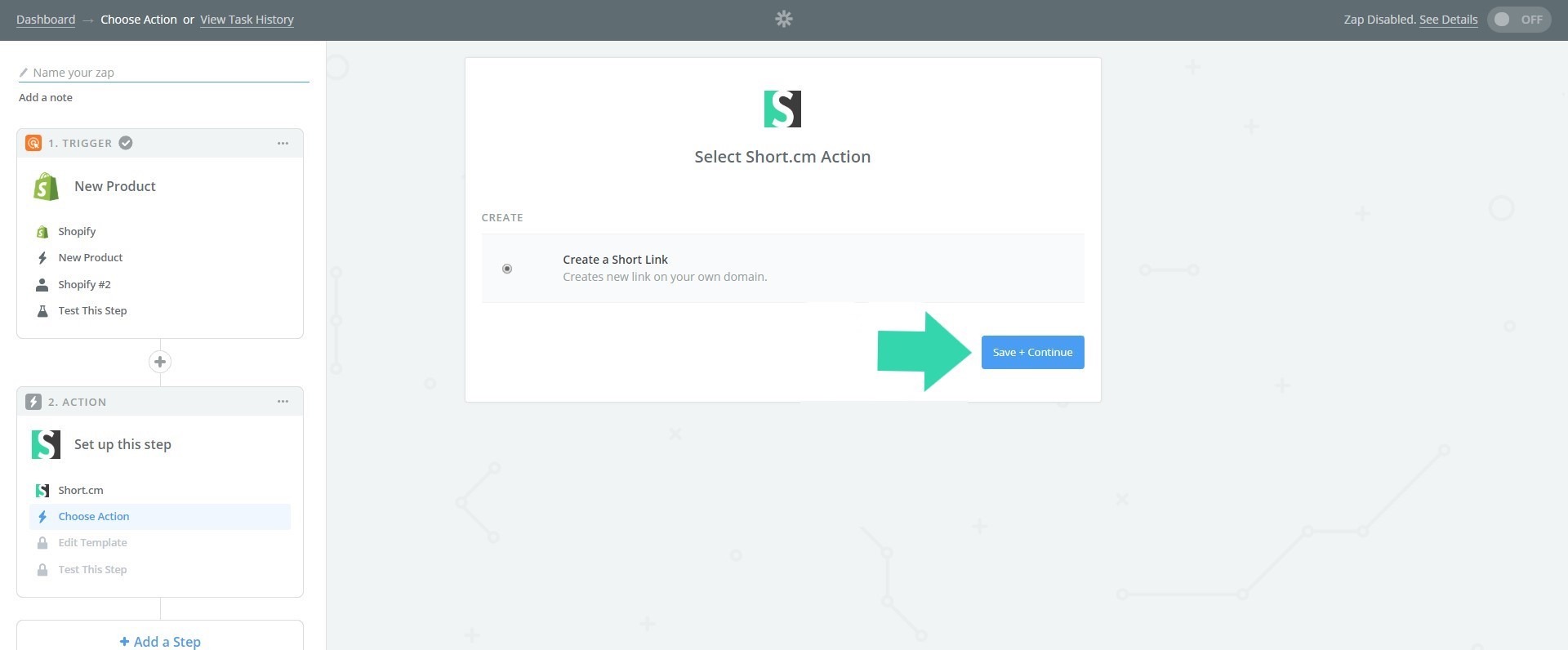
11. If you configure this Zap for the first time, you need to connect Short.cm account.

12. Go to your Short.io account or https://app.short.io/settings/integrations/api-key
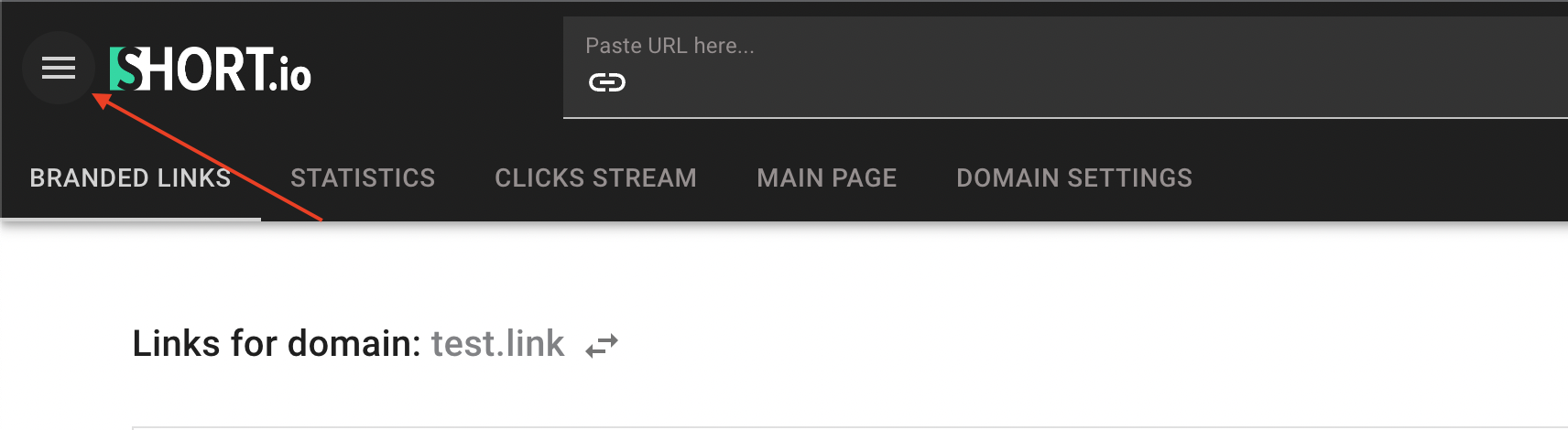
13. Open User Menu.
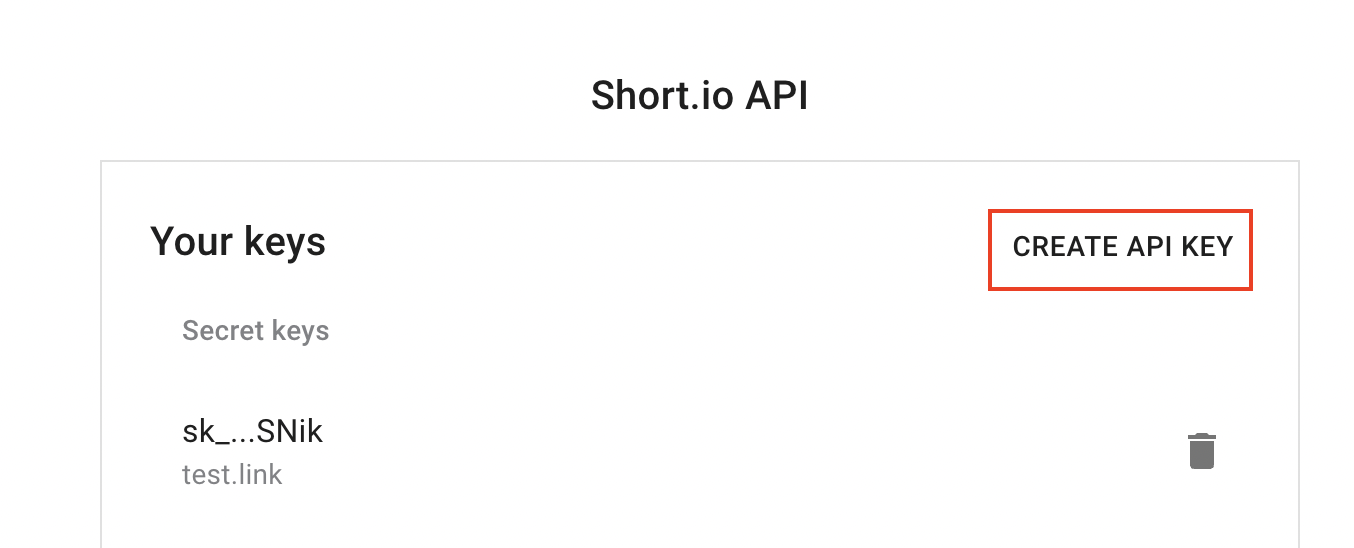
14. Choose the "Integrations & API" tab.

15. Click Create API key.
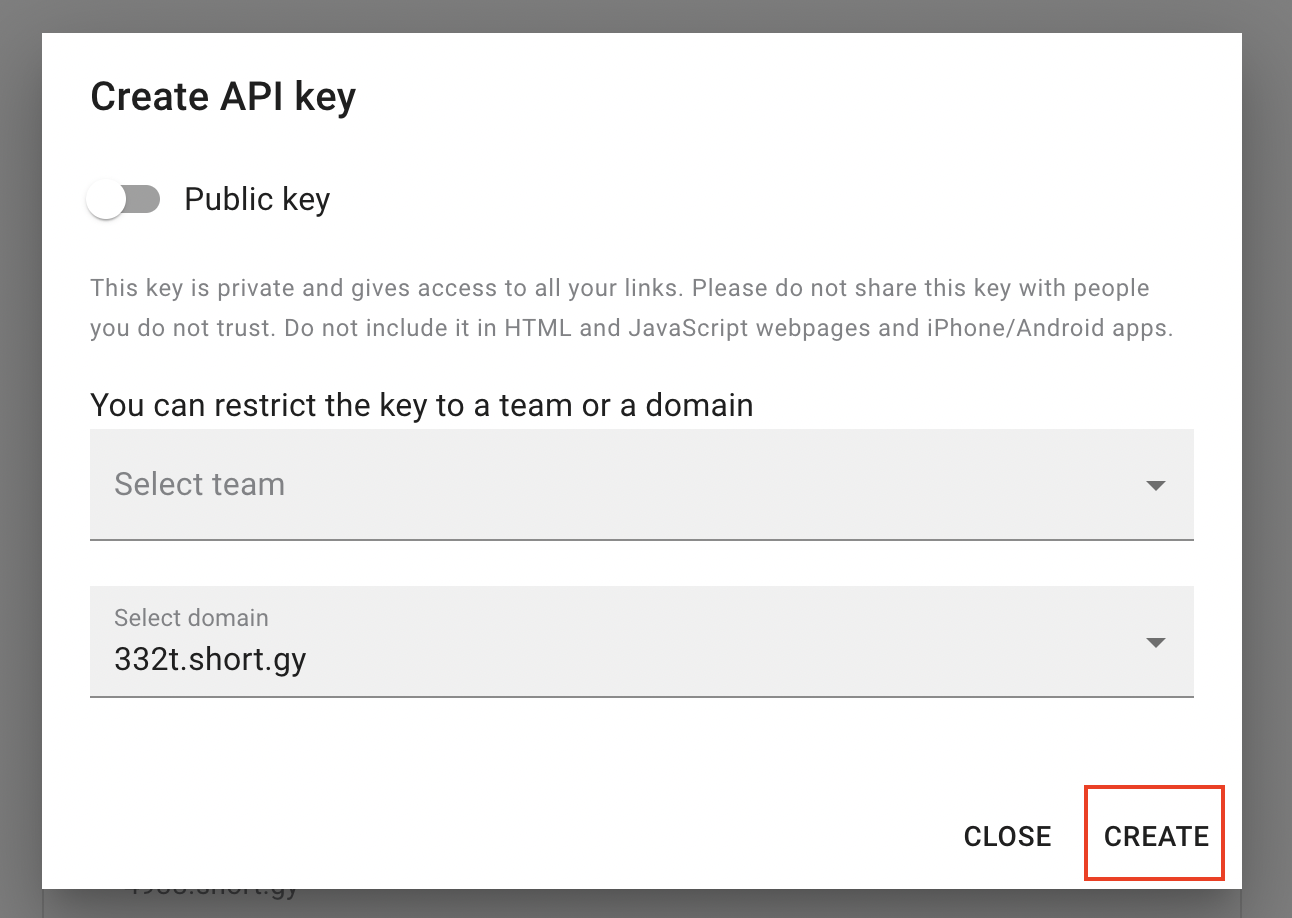
Choose the domain or team, and click Create.
Copy your Secret API key by clicking the marked icon.
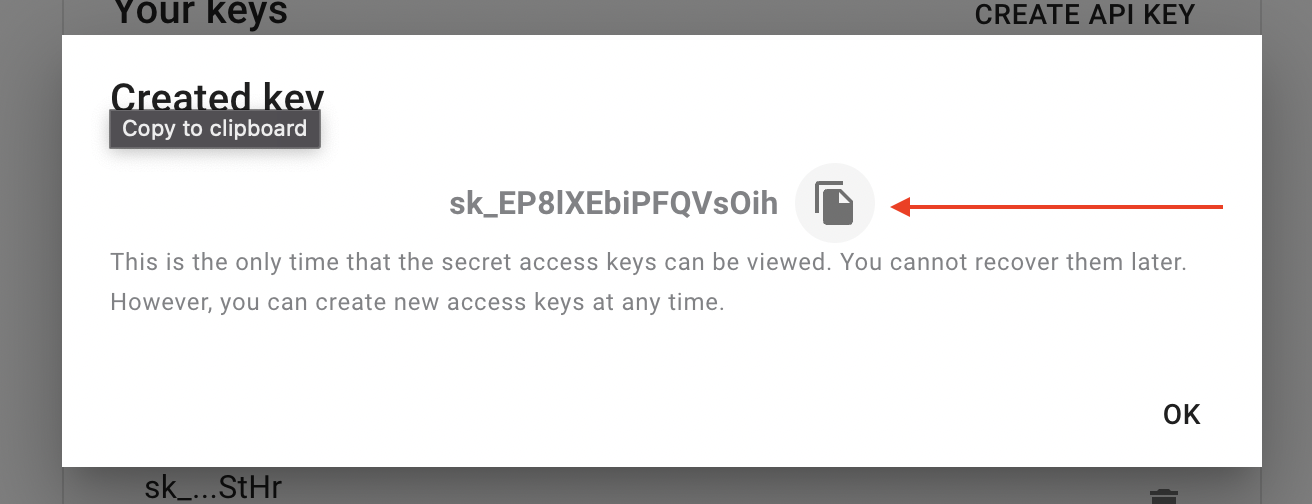
16. Paste API key to connect Short.io account. Continue.

17. When account is on, continue.
18. Fill in necessary fields to send a short link. Continue.

19. Send a test to make sure you've made a correct setup.
Please do not forget to turn on your Zap.