How to integrate Short.io with RSS
RSS feed is a tool, which provides an easy way to be well informed about the latest publishings of your favorite blogs.
This tool is highly recommended for business companies. Blog is an important marketing tool for brand promotion and development. You may sign up for your personal blog and be notified when a new article is published.
Short.io & RSS Zap allows getting short links for a new article, which is added to the RSS feed. Simultaneously, a new short link for this article appears in the short URL list in your Short.cm account.
As a result, you may share a link at once without copy-pasting, what saves time and makes work uninterrupted.
Follow the instruction to configure Short.io & RSS Zap.
1. Go to Zapier.
2. Choose Make a Zap.

3. Search for RSS and click its icon.

4. Choose the "New Item In Feed" event. Continue.

5. Input your public accessible RSS URL. Continue.

6. Pick a sample of the article to test.
7. Now you need to add an action. Search for Short.io and click its icon.

8. Choose the action and continue.
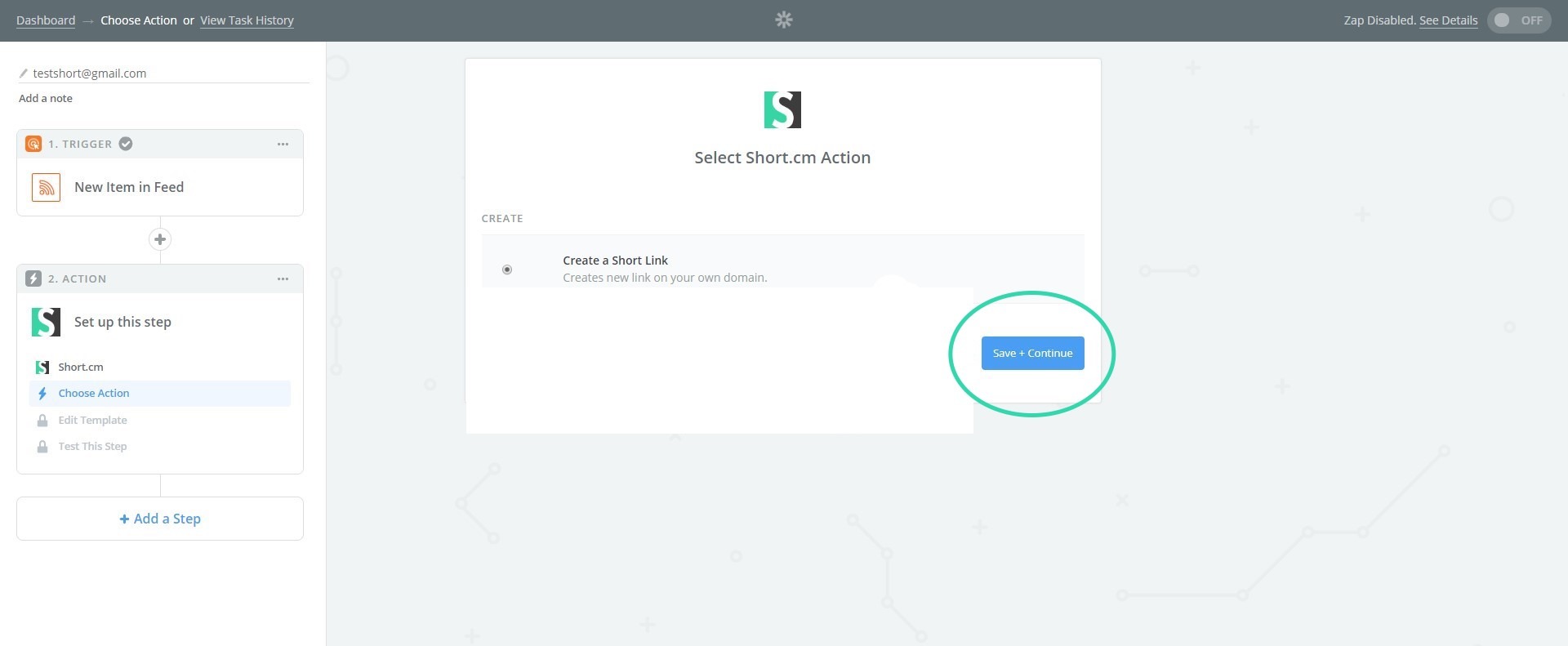
9. If you configure this Zap for the first time, you need to connect Short.cm account.

10. Go to your Short.io account or https://app.short.io/settings/integrations/api-key
11. Open User Menu.
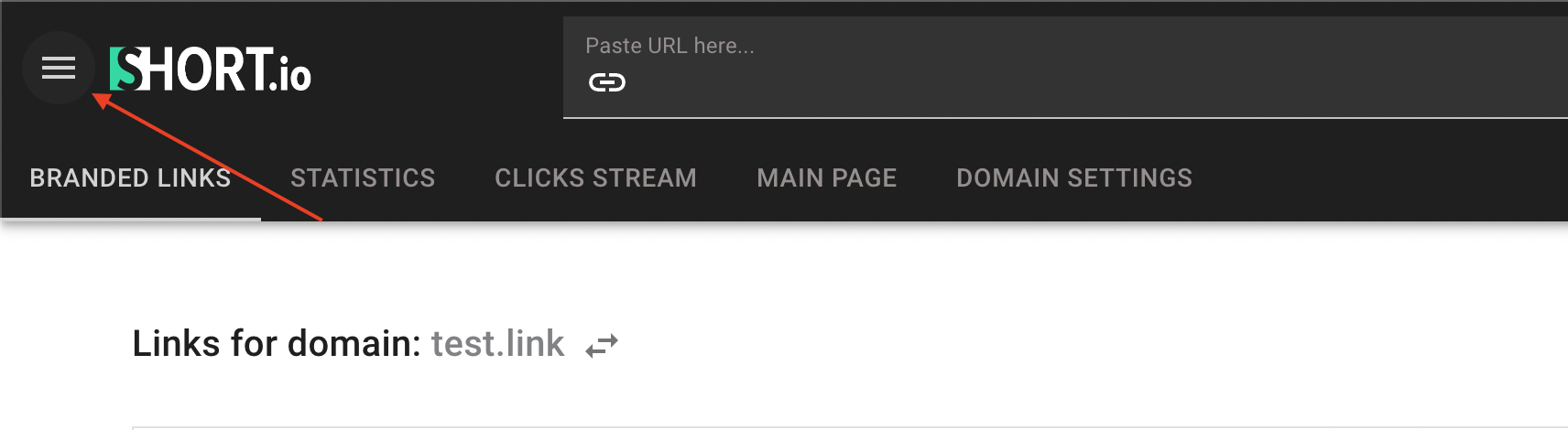
12. Choose the "Integrations & API" tab.

13. Click Create API key.
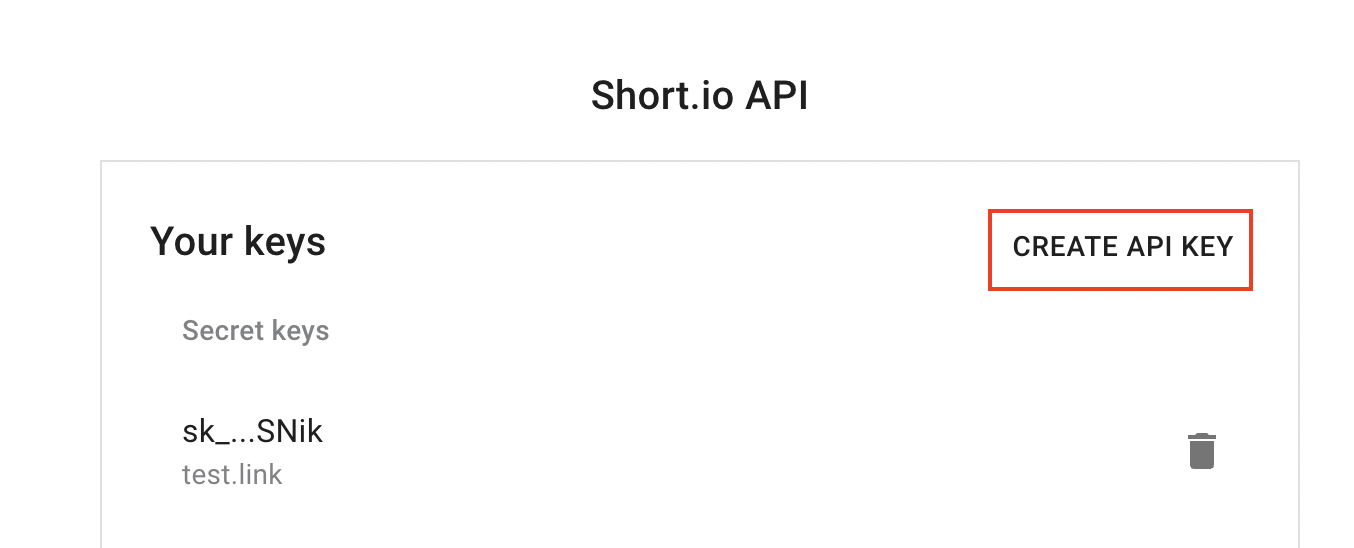
Choose the domain or team, and click Create.

Copy your Secret API key by clicking the marked icon
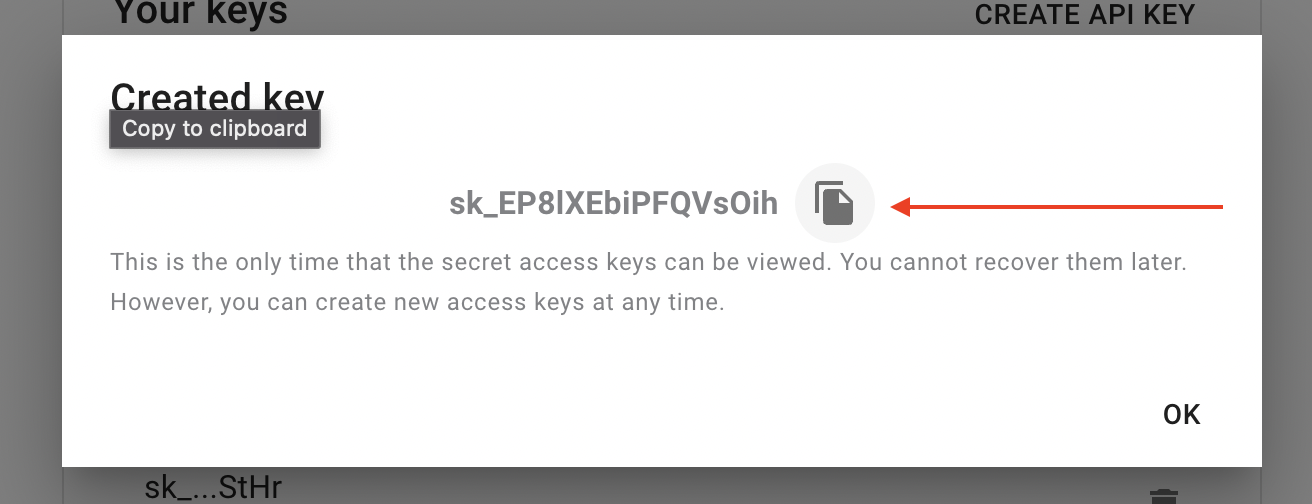
14. Paste API key to connect Short.io account. Continue.

15. When account is on, continue.
16. Fill in necessary fields to send a short link. Continue.

17. Send a test to make sure you've made a correct setup.
Please do not forget to turn on your Zap.