How to integrate Short.io with Google Sheets
Google Sheets is an instrument for creating tables, charts and graphs. The advantage is that you may share a document for joint usage with your colleagues.
Google Sheet is a handy way to view all the changes that have occurred in document.
Short.io & Google Sheets Zap creates short links for the long URLs in the rows. If somebody edits an existed long link or adds a new one, a short link will be created with the changes.
One more way to use Short.io & Google Sheets Zap is for bulk link creation. Turn on a Zap and paste a list of long links to the sheet. A list of shortened links will appear in your Short.io account.
To configure this Zap, you need to have at least a one long link in a Google Sheet row.
Follow the instructions belo:.
1. Go to Zapier.
2. Choose Make a Zap.

3. Search for Google Sheets and click its icon.

4. Choose "New or Updated Spreadsheet Row" event. Continue.

5. Connect your Google Sheets account. When you click connect, you need to log into Google account.

6. When your account is on, continue.
7. Fill in necessary fields. Continue.

8. Pick a sample of the row to test.
9. Now you need to add an action. Search for Short.io and click its icon.

10. Choose the action and continue.
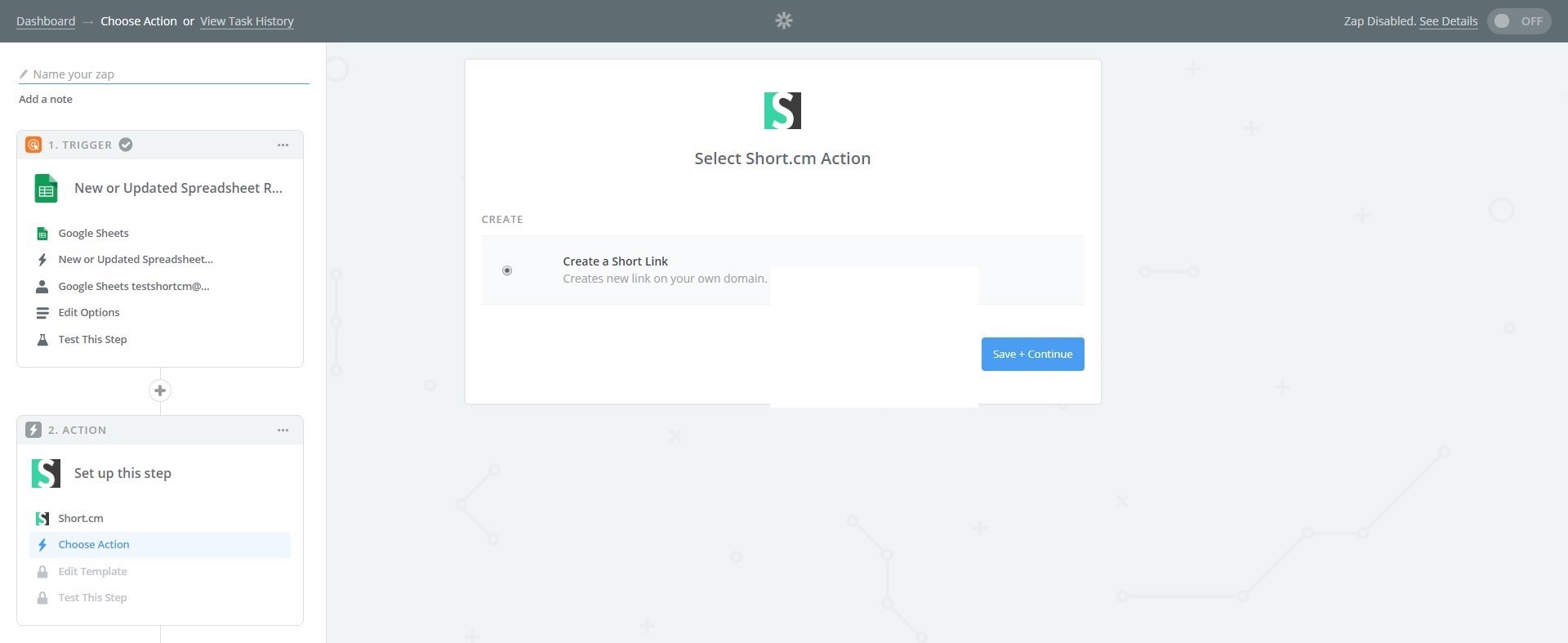
11. If you configure this Zap for the first time, you need to connect Short.cm account.

12. Go to your Short.io account or https://app.short.io/settings/integrations/api-key
13. Open User Menu.
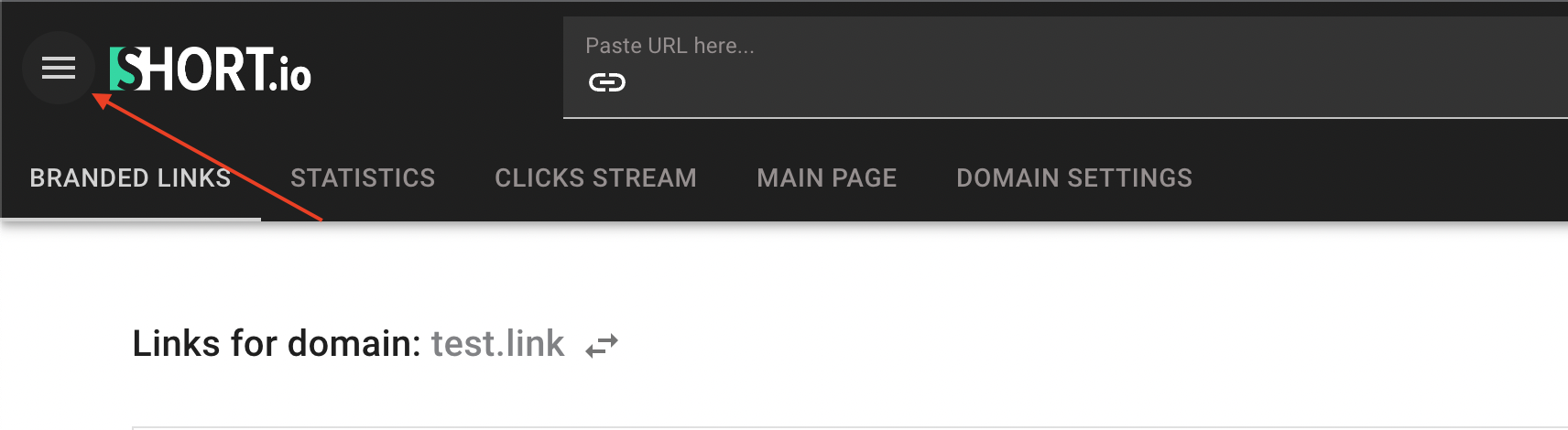
14. Choose the "Integrations & API" tab.

15. Click Create API key.
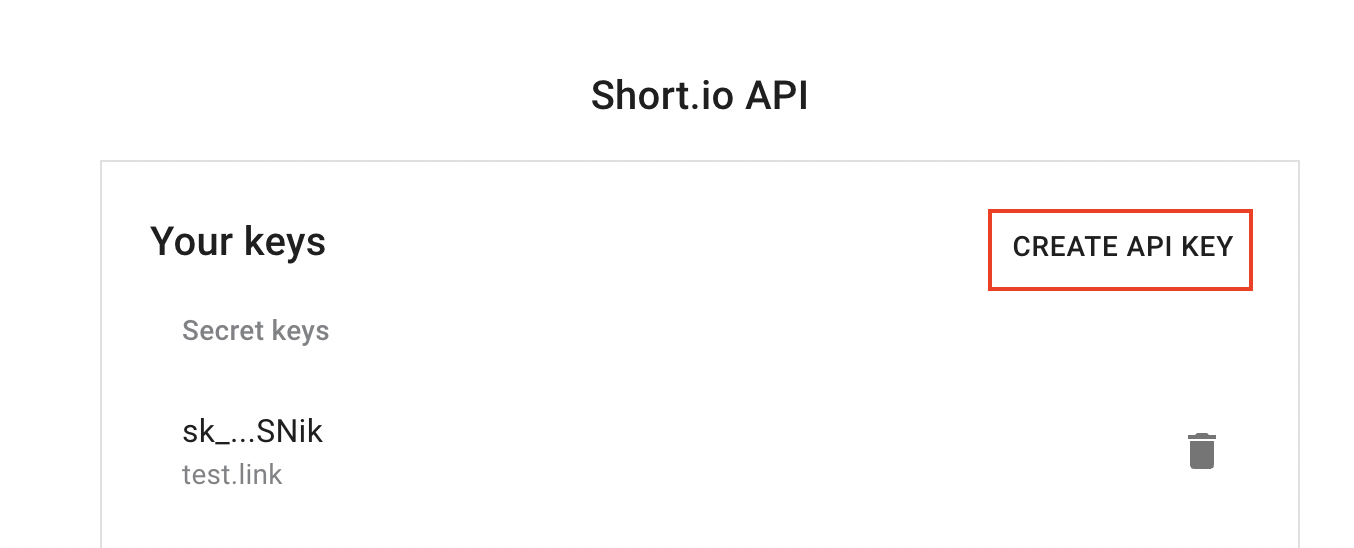
Choose the domain or team, and click Create.

Copy your Secret API key by clicking the marked icon.
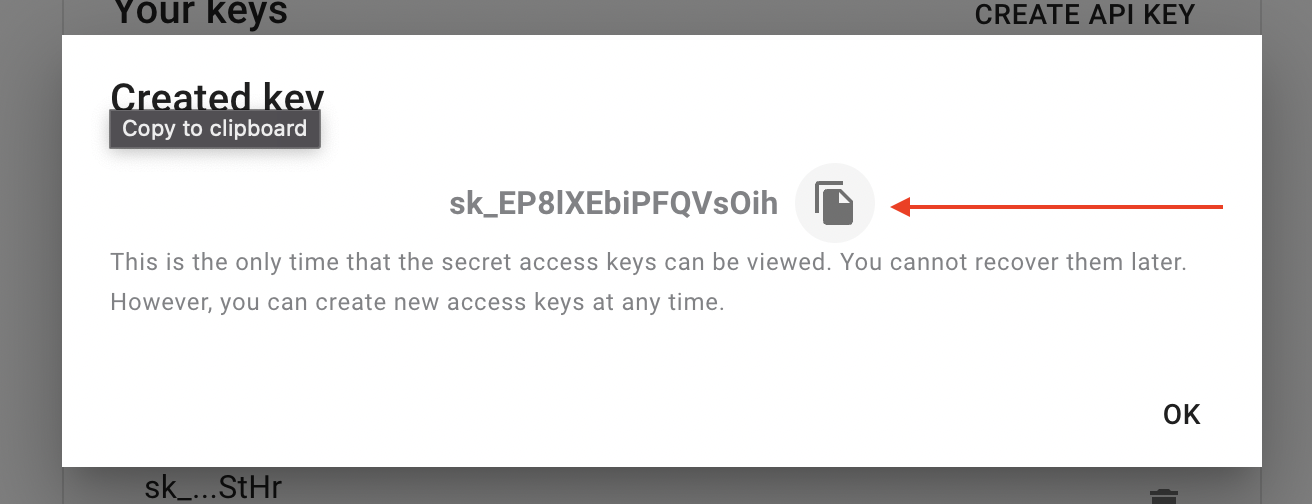
16. Paste API key to connect Short.cm account. Continue.

17. When account is on, continue.
18. Fill in necessary fields to send a short link. Continue.

19. Send a test to make sure you've made a correct setup.
Please do not forget to turn on your Zap.