Creating short links from a browser
To create a short link from your browser
- In the following URL replace {user.domain_name}, {user.apiKey} and {user.long_url} with the appropriate values:
https://api.short.io/links/tweetbot?domain={user.domain_name}&apiKey={user.apiKey}&originalURL={user.long_url}
- Copy the link, paste it to the browser's address bar and go.
You will see a similar response:
{
  "originalURL": "<<long_url>>",
  "DomainId": 11641230,
  "archived": false,
  "cloaking": false,
  "createdAt": "2025-06-02T12:11:19.781Z",
  "updatedAt": "2025-06-02T12:11:19.781Z",
  "OwnerId": 1333817,
  "tags": [],
  "path": "KpXwBD",
  "id": "lnk_4SOc_Wcpov0hp3URvbr1111",
  "idString": "lnk_4SOc_Wcpov0hp3URvbr1111",
  "shortURL": "<<short_link>>",
  "secureShortURL": "<<short_link>>",
  "duplicate": false
}
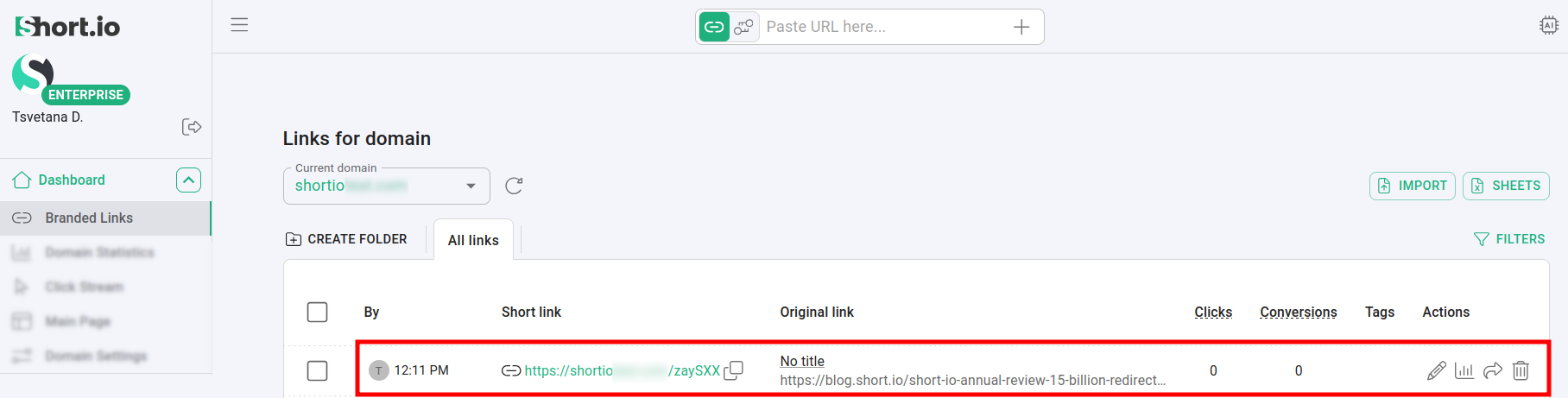
You can review the newly created short link from the Short.io Dashboard: