Adding a Domain
The instruction below shows how to add a domain to your Short.io account
📘 Information below might be outdated - please visit our recently updated API Reference
BODY PARAMS
| Parameter name | Type | Constraints | Description |
|---|---|---|---|
| hostname | string | required | hostname of your new domain (e.g. shrt.co) |
| linkType | string | required | link generation algorithm (random/increment/secure) |
| caseSensitive | boolean | optional | true if links on this domain should by case-sensitive |
| hideReferer | boolean | optional | true if you don't want to show original referrers to destination URL |
| httpsLinks | boolean | optional | Set to true if you want short links to be generated with https. As soon as domain becomes configured we try to issue SSL certificate. If we succeed, we enable this option automatically |
| redirect404 | string | optional | URL to redirect customers on non-existing short link |
| rootredirect | string | optional | URL to redirect customers on main page visit |
1) Get your secret API key here: https://app.short.io/settings/integrations/api-key
- Click "Create API key".
- Add a Secret key.
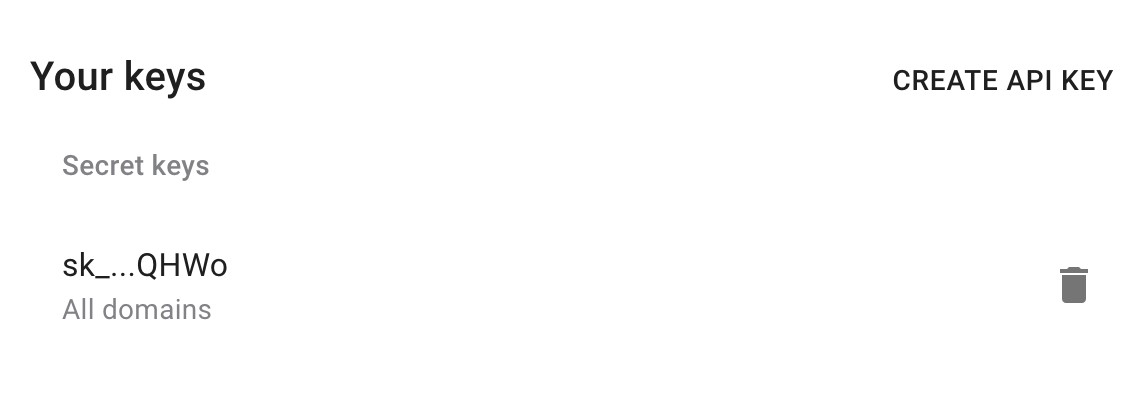
2) Install prerequisites for requests.
- Python
- Node.js
pip install requests
npm install @short.io/client-node
Now everything is ready to run the following snippet. It will add a domain.
3) Create a file: filename.py/ .js/ .rb. Use the code snippet below.
📘
Please, replace hostname with appropriate value.
- Python
- Node.js
- Ruby
import requests

url = "https://api.short.io/domains/"

import json
payload = json.dumps({"hideReferer":False,"httpsLinks":False,"hostname":"yourshortdomain.com","linkType":"random"})
headers = {
    'accept': "application/json",
    'content-type': "application/json",
    'authorization': "<<apiKey>>"
    }

response = requests.request("POST", url, data=payload, headers=headers)

print(response.text)
import { setApiKey, createDomain } from "@short.io/client-node";

setApiKey("<<apiKey>>");

const result = await createDomain({
  body: {
    hideReferer: false,
    httpsLinks: false,
    hostname: "yourshortdomain.com",
    linkType: "random"
  }
});

console.log(result.data);
require 'uri'
require 'net/http'
require 'openssl'
require 'json'

url = URI("https://api.short.io/domains/")

http = Net::HTTP.new(url.host, url.port)
http.use_ssl = true
http.verify_mode = OpenSSL::SSL::VERIFY_NONE

request = Net::HTTP::Post.new(url)
request["accept"] = 'application/json'
request["content-type"] = 'application/json'
request["authorization"] = '<<apiKey>>'
request.body = JSON.generate({"hideReferer":false,"httpsLinks":false,"hostname":"yourshortdomain.com","linkType":"random"})

response = http.request(request)
puts response.read_body
4) Launch the file.
- Python
- Node.js
- Ruby
python filename.py
node filename.js
ruby filename.rb
5) JSON Response (the domain will be added).
Once you run the code, you will see the response.
{
  linkType: 'random',
  state: 'configured',(or not_configured)
  cloaking: false,
  setupType: 'dns',
  httpsLinks: false,
  id: 91576,
  hostname: 'myshortlink.club',
  UserId: 9346,
  updatedAt: '2020-04-23T10:22:47.010Z',
  createdAt: '2020-04-23T10:22:46.649Z',
  provider: null,
  unicodeHostname: 'yourshortdomain.com',
  clientStorage: null
}