How to view archived links
From the Dashboard you can review the short links which you archived in the following manner:
-
Sign in to your Short.io account.
-
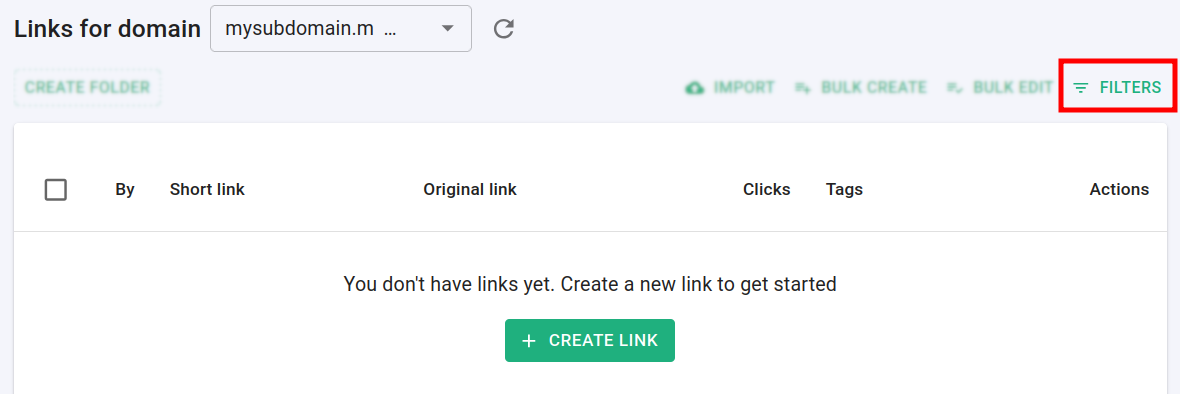
Navigate to the Branded links and click on Filters:
-
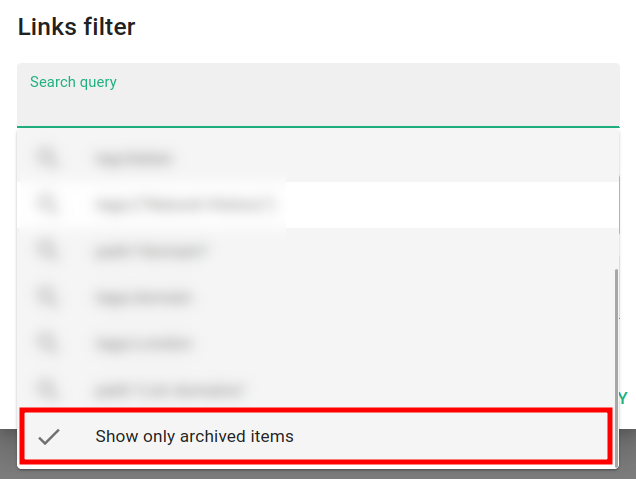
In the next screen click in the Search query field and then on the option Show only archived items:
-
Click on Apply:

The archived short links are displayed.
Note: The asterisk (*) sign which appears near the Filters button indicates that the filter is active. If you want to return to the regular view, click on the Short.io logo and refresh page.
* * *