How to filter short links (how to search for shortened URLs)
Short.io filters allow you to search for short links by tags, link titles, slugs, original URLs, Android/iOS URLs, expiration links, variation pages and more.
How to filter links
-
Sign in to your Short.io account.
-
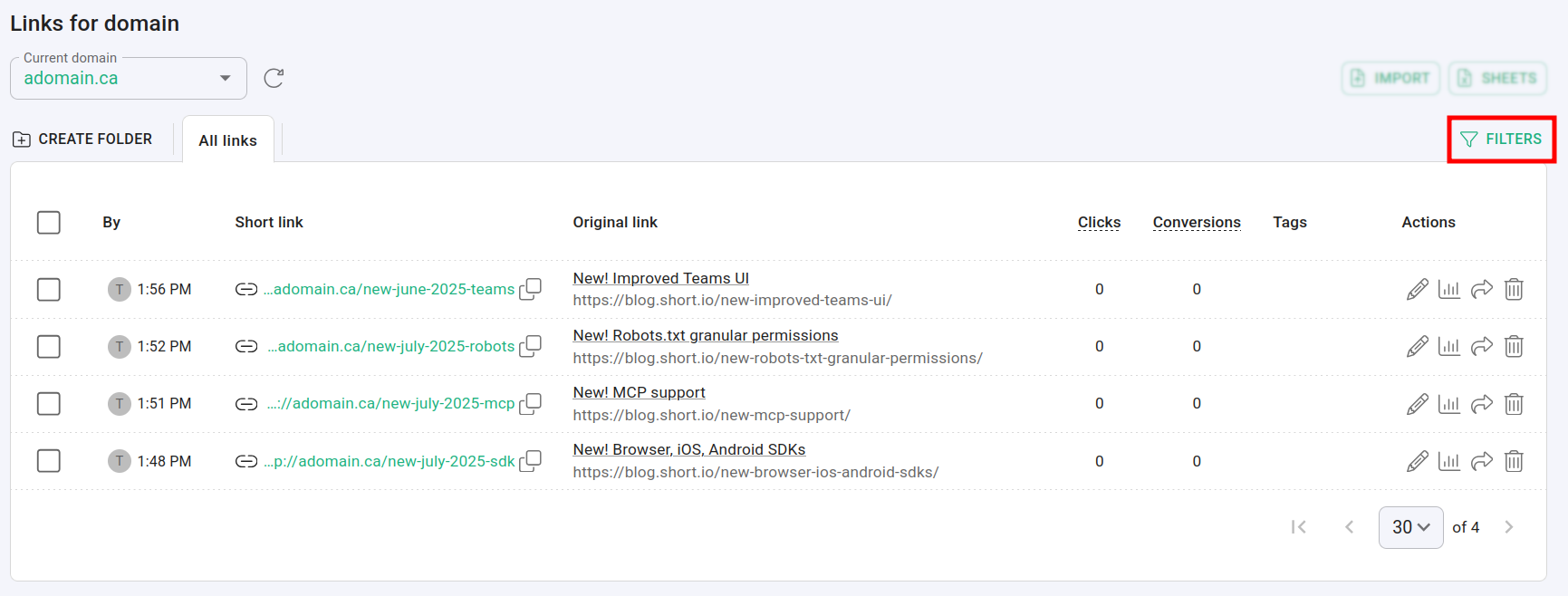
Navigate to the Branded links and click on Filters:
-
In the next screen you can filter and search for links using the following criteria:
-
Search query: an expression containing your specific search details, for example, path:"new-june-2025-teams" will return the short link with the exact phrase "new-june-2025-teams" as slug
-
Dates After and From: you can specify a time period when your links were added
-
Order by: you can sort the result links by Earliest first or Latest first
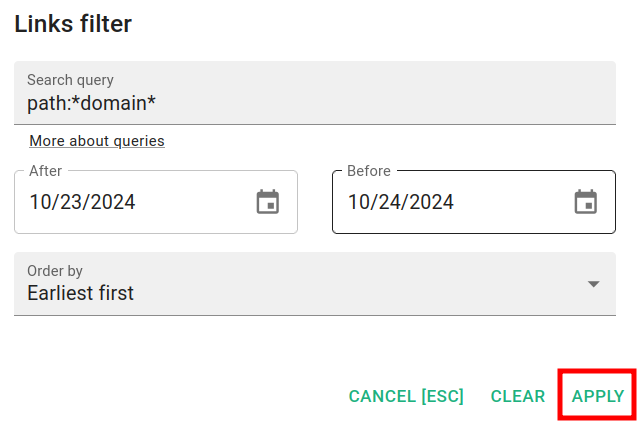
`Tip: You can remove the filtering criteria by clicking on Clear
and then Apply.`
For more information on filtering queries please review the following article.
-
-
Click on Apply.
The short links that match your criteria are displayed in the result list.