How to download a few short links
You can export a few short links from a given domain to a CSV document.
Note: The export feature is not enabled by default. You need to contact the Short.io support team with the request to activate it for you.
When the request is approved:
-
Sign in to your Short.io account.
-
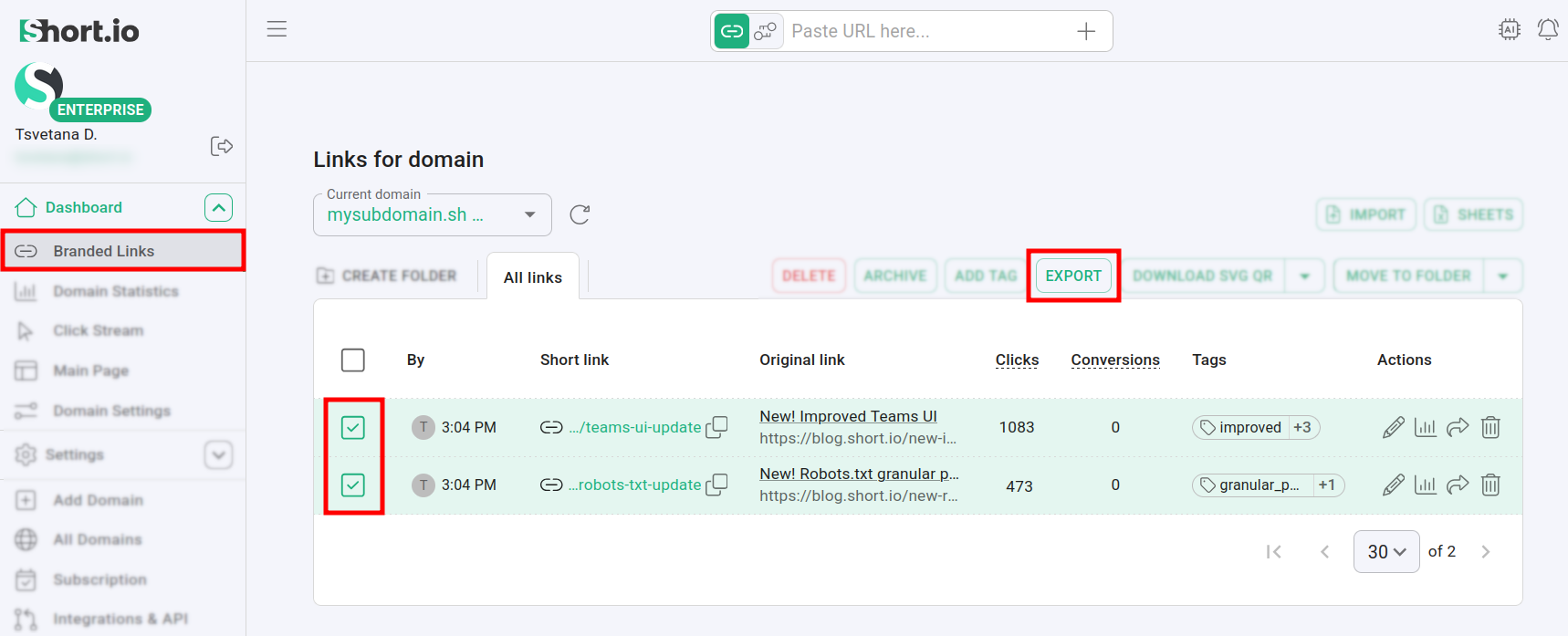
Navigate to the Branded links menu and select a few links:
-
Click on Export.
-
The Save as dialog appears with a prompt to specify name and location for the CSV file containing your links.
-
Once the download has finished, you may open the document to examine the exported data, which includes, but is not limited to (depending on your settings),
-
short URLs
-
short links titles
-
original URLs
-
number of clicks
-
tags, etc.
-
