How to export short links from Short.io
You can export short links from your Short.io account to a CSV document.
Note: The export feature is not enabled by default. You need to contact the Short.io support with the request to activate it for you.
To export short links
-
Sign in to your Short.io account.
-
Click on Domain settings. When export is enabled for a given domain, the

icon is displayed next to the domain name:

-
Click on it. The export starts.
-
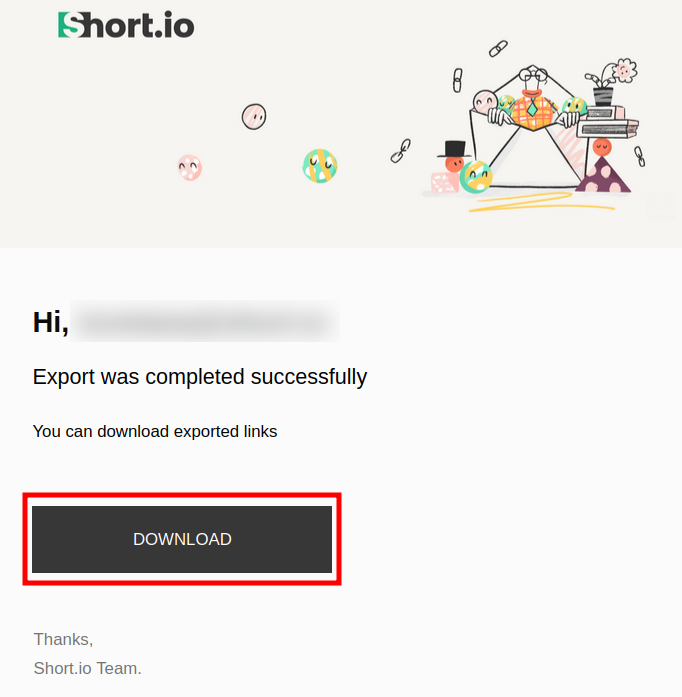
You will receive an email from the Short.io team which confirms the successful export. Click on Download to open the file with your links data:
-
The file contains the following information: ID strings, short URLs, original paths, original URLs, titles, clicks, created at (date), updated at (date), expires at (date), created by, tags:
