How to set expiration for all links in a folder
You can create temporary links by setting expiration time that applies to newly created links in a folder. After the specified number of days the links will be deleted.
To set expiration in a folder
-
Sign in to your Short.io account.
-
In the Dashboard navigate to the Branded links panel and click on
 to expand the view: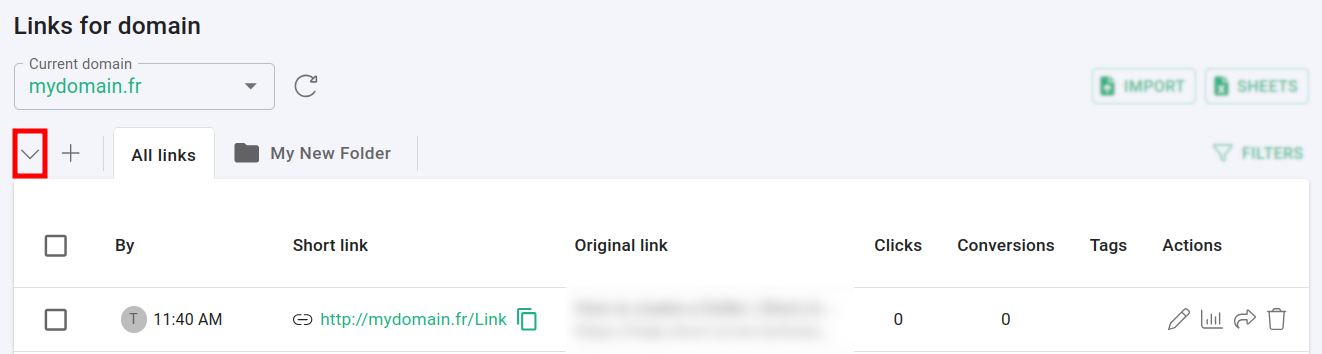
-
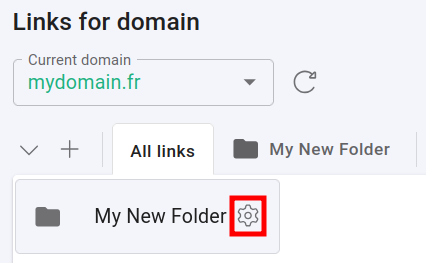
For the given folder click on
 :
:
-
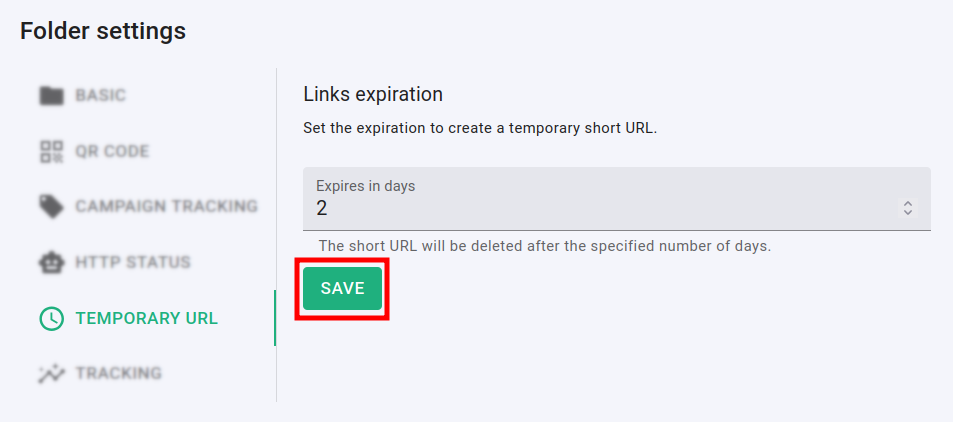
In the Temporary URL settings panel:
-
You can set expiration in number of days for all links in a folder
-
Click on Save to confirm the changes
-
Hereafter, newly created links within this folder will have the specified settings applied automatically.
Note: The above changes will not affect old links within the same folder.
* * *